ATOMLAB 960 MEDICAL SPECTROMETER ASSEMBLY AND STAND OPERATION 2-13
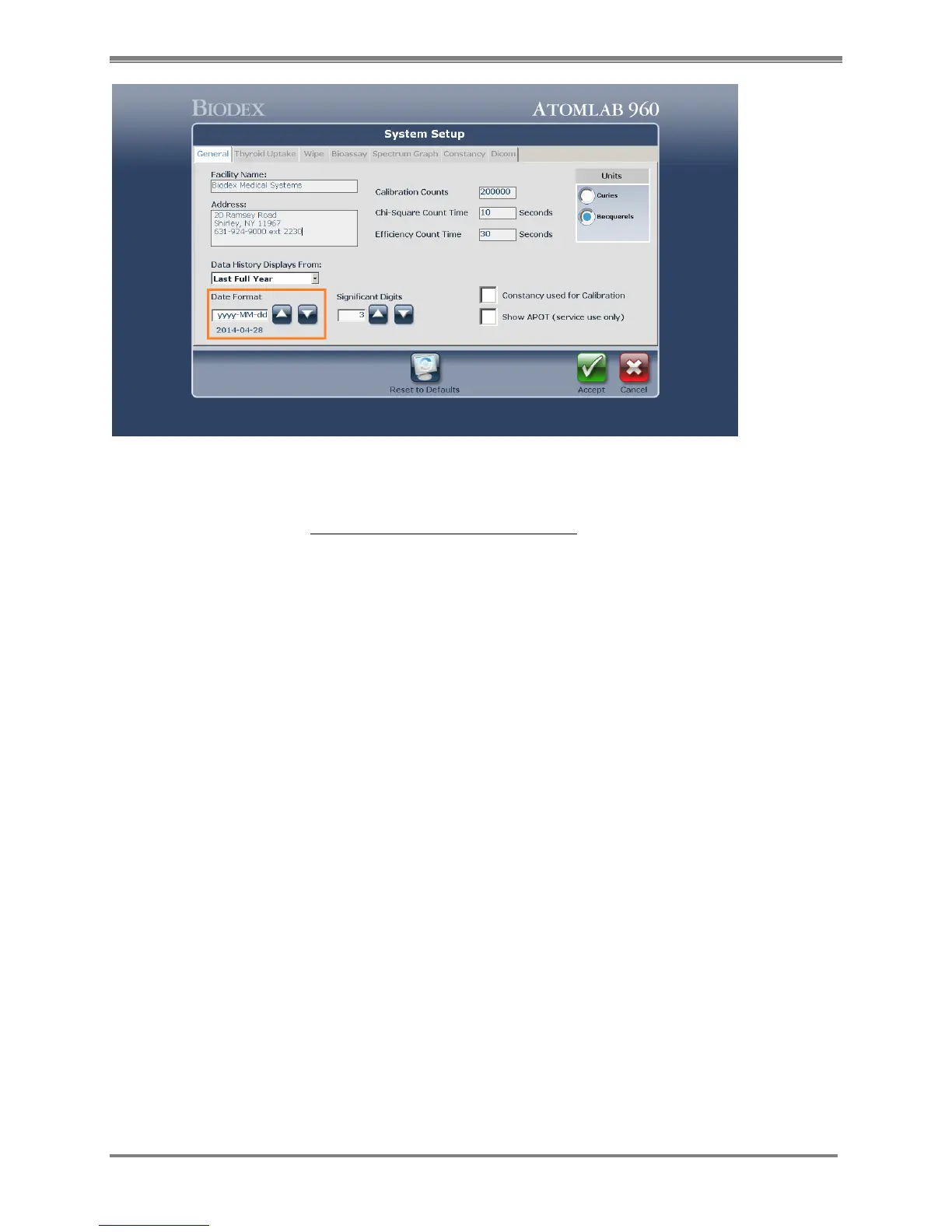
Figure 2.1 5 Atomlab 960 System Setup screen
4. Once the changes are finalized, select the <Accept> button. It will prompt with a
confirmation screen. Select <Accept> one more time.
5. Exit the software and restart the Atomlab 960 software. The system will be using the
recently configured Date/Time/Number format throughout the entire program.



 To Next Page