URSA Cine uses Bluetooth LE to communicate with devices for wireless control. Asthisisthe
same type of protocol used in portable devices, it only uses a minimal amount ofbattery power.
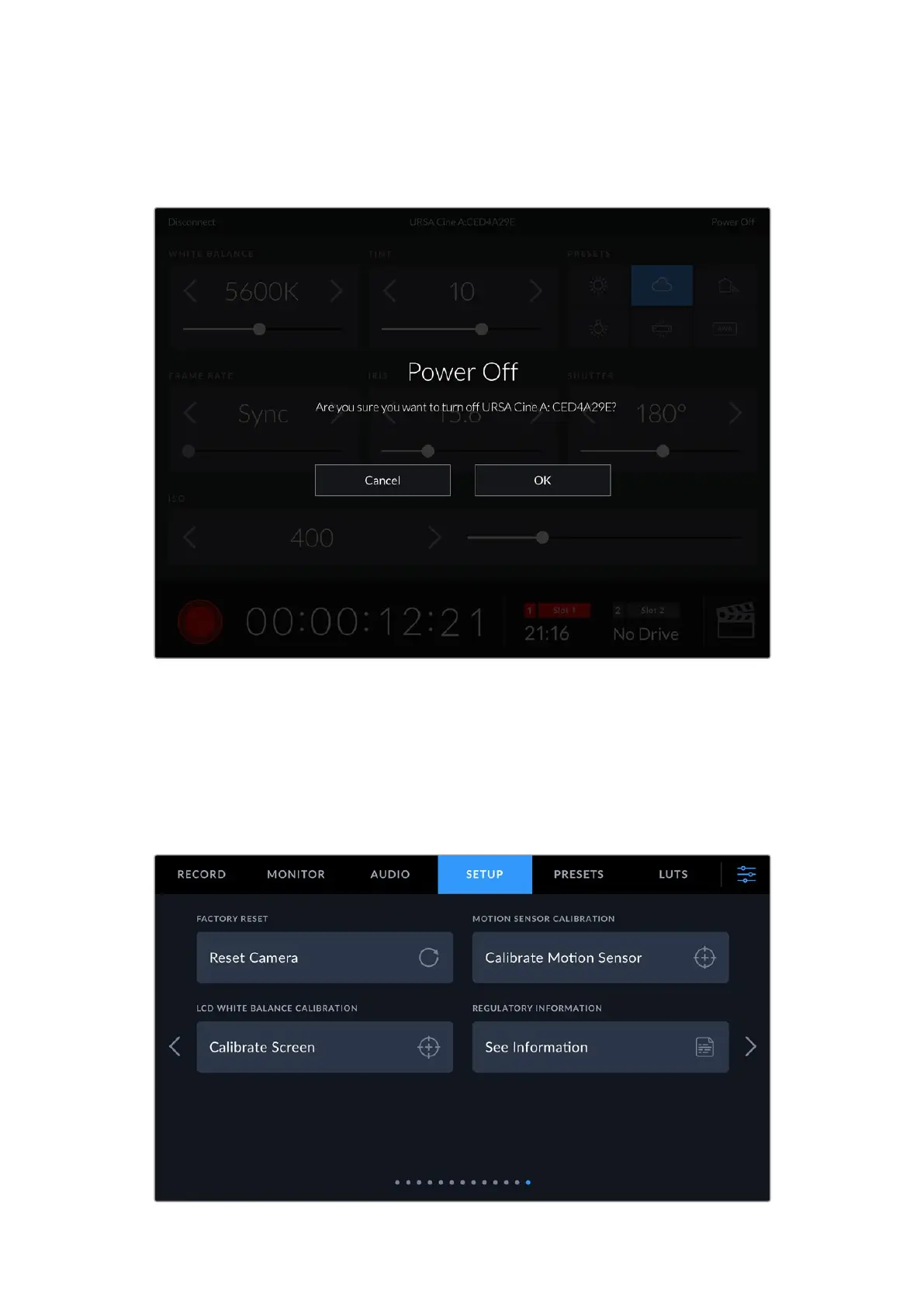
You can power off your URSA Cine by tapping ‘power off’ in the top right corner.
You will be prompted to confirm your selection before your camera is powered off
When Bluetooth is enabled and URSA Cine is powered off, the name of your camera will still
show up on the list of available devices in Blackmagic Camera Control. Since you have already
paired with your camera, you can now switch it on remotely by selecting your camera name and
tapping ‘connect’. Your camera will not show up in this list if Bluetooth is disabled.
Setup Settings Page 13
The thirteenth page of your URSA Cine’s ‘setup’ tab contains the following settings.
149Settings


 To Next Page
 Loading...