34 S850 Operation & Maintenance Manual
INSTRUMENT PANEL IDENTIFICATION (CONT’D)
Right Panel (Deluxe Instrumentation Panel) (Cont’d)
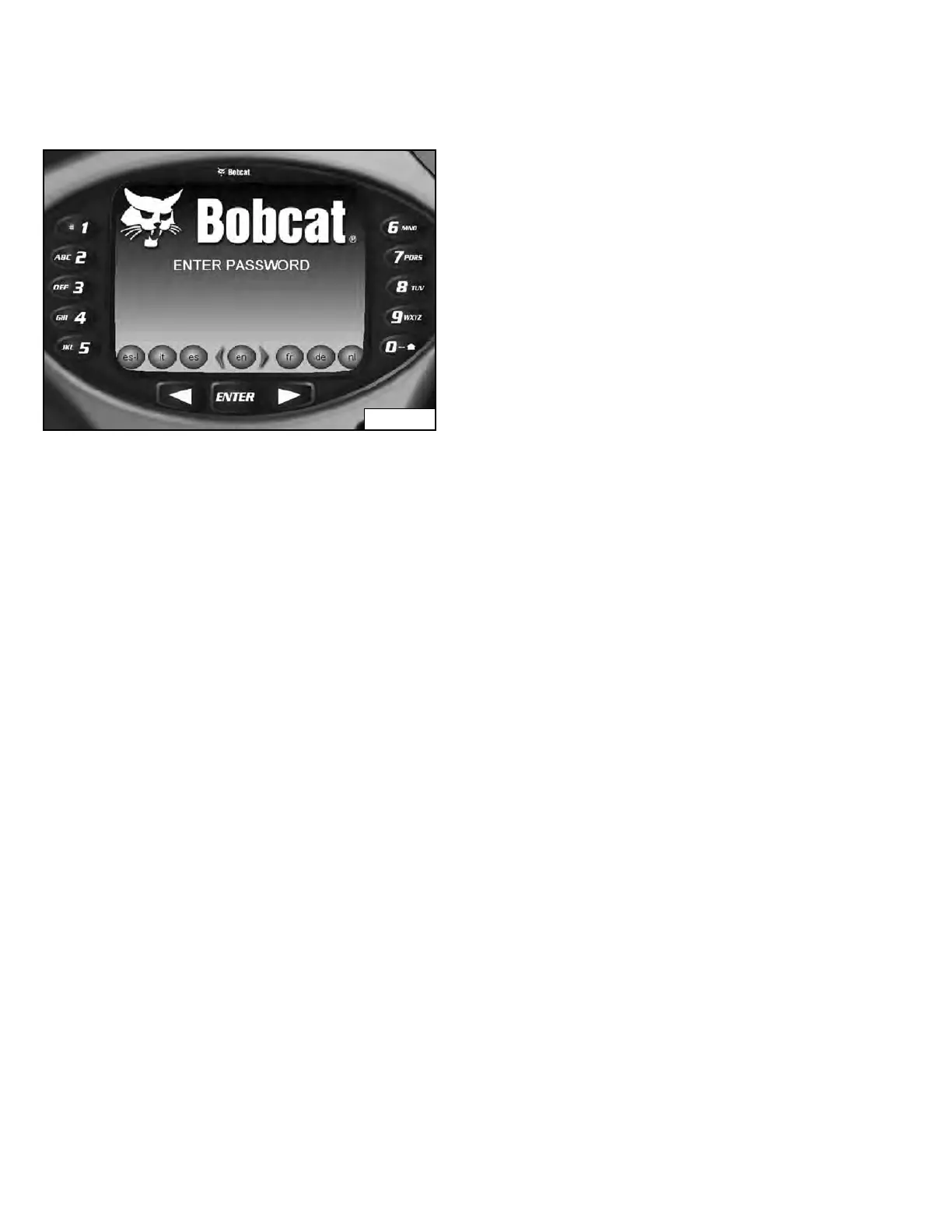
Figure 19
The first screen you will see on y
our new loader will be as
shown in [Figure 19].
When this screen is on the display you can enter the
pa
ssword and start the engine or change the default
language.
NOTE: Your new loader (with Deluxe Instrumentation
Pan
el) will have an Owner Password. Your
dealer will provide you with this password.
Change the password to one that you will
easily remember to prevent unauthorized use
of your loader. (See Changing The Owner
Password on Page 178.) Keep your password
in a safe place for future needs.
Change Language:
Press the left or right scroll button to cycle through the
languages
. The language that is stopped on will be the
default language used for the deluxe instrumentation
panel [Figure 19].
The language can be changed at any time. (See
CONTROL PANEL SETUP on Page 174.)
Enter The Password:
Use the numbers on the keypad to enter the password,
t
hen press the [ENTER] button. A symbol will appear on
the display screen for each number entered [Figure 19].
The left scroll button can be used to backspace if an
inco
rrect number is entered.
If the correct password is not entered, [
INVALID
PASSWORD TRY AGAIN] will appear on the display
screen and the password will have to be reentered.
See CONTROL PANEL SETUP for further description of
sc
reens to setup the system for your use. (See
CONTROL PANEL SETUP on Page 174.)
Dealer Copy -- Not for Resale



 To Next Page