Documents and Print Media
2-13
Loading Paper
4
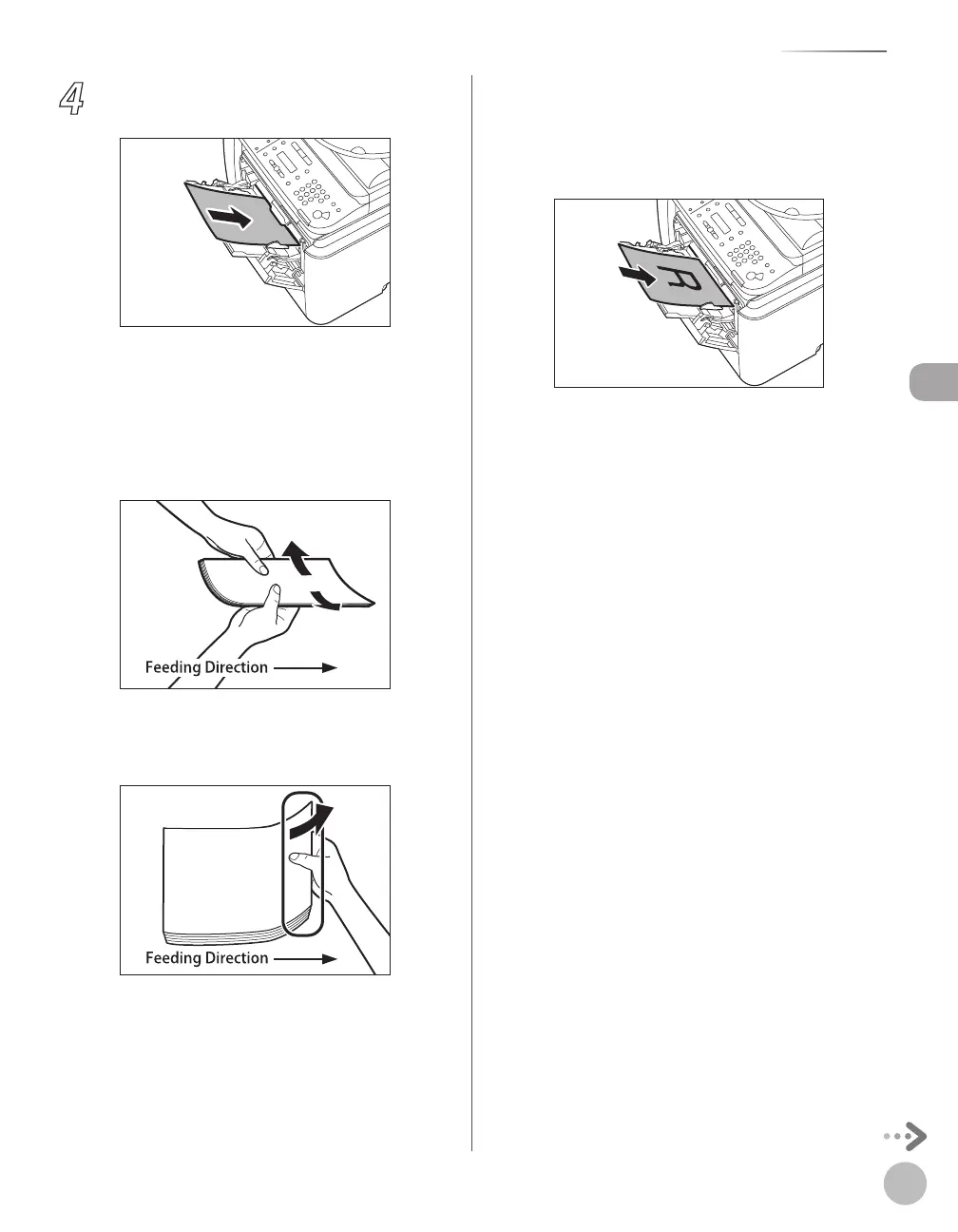
Load the paper into the multi-purpose
tray.
Insert the paper stack as far as it will go.
■Before inserting paper:
①When you use the multi-purpose tray to
make copies, straighten out curled paper
prior to use, as shown below. Curled paper
may cause a paper jam.
②If there is difficulty in straightening out
curled paper, curl the front edges of the
paper upward, as shown below.
■To print on the back side of preprinted
paper:
①Load the preprinted paper face up into the
multi-purpose tray, as shown in the
illustration below.
The display for specifying the paper size and
type appears if <MP TRAY STD SET> is set to
<OFF>. For details, see “Setting Paper Size and
Type,
” on p. 2-17.















 To Next Page