Documents and Print Media
2-14
Loading Paper
When loading paper into the multi-purpose
tray, align the paper stack neatly between the
slide guides. If the paper is not loaded correctly,
a paper jam may occur.
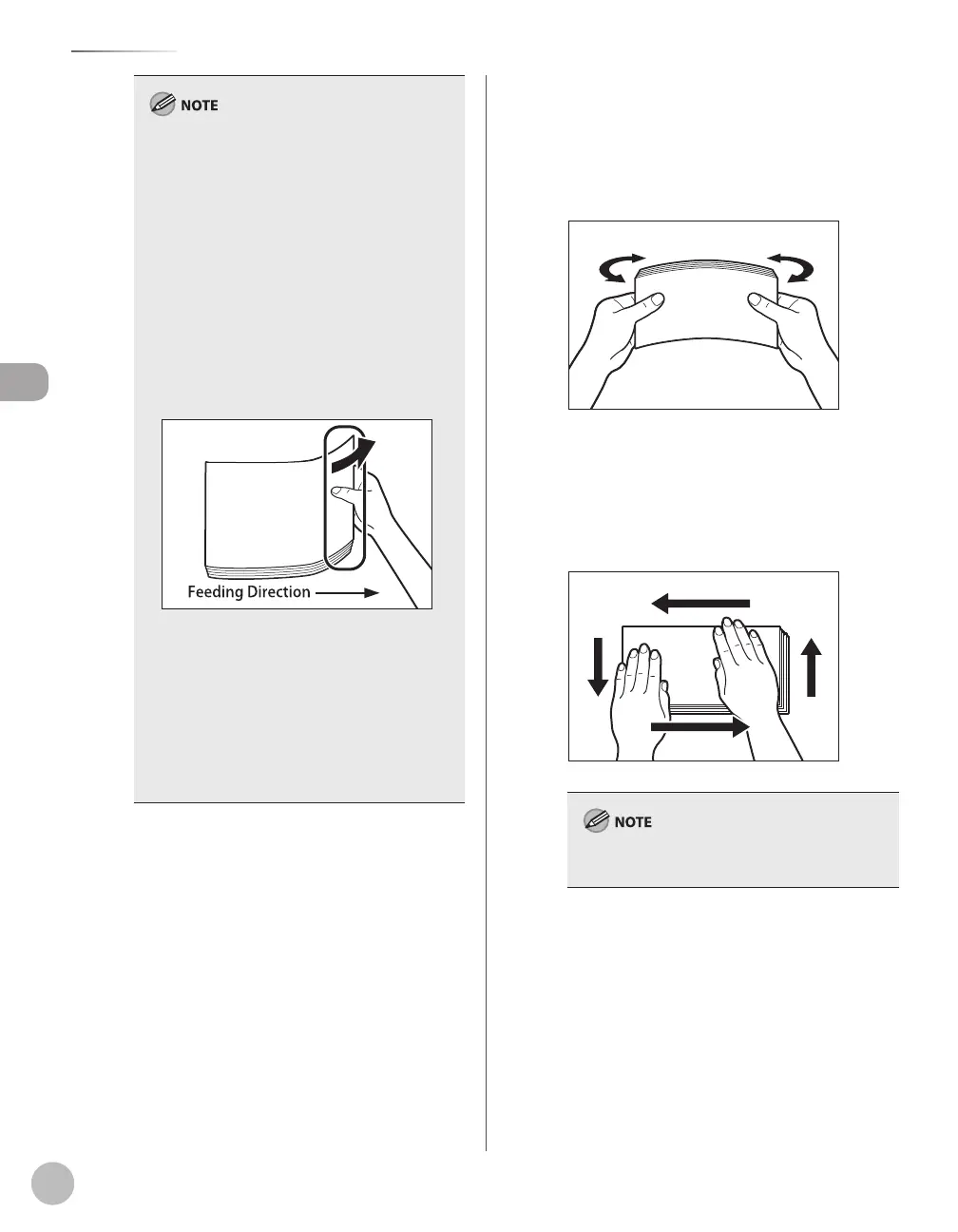
If you are printing on heavyweight paper or
envelopes using the multi-purpose tray, and
find that the paper or envelopes are not being
fed smoothly or evenly through the multi-
purpose tray, remove the paper or envelopes,
curl the feeding edges upward approximately
1/8” (3 mm), and then reload the paper or
envelopes. Curling the feeding edges enables
the rollers to grip the paper or envelopes as
they are fed into the machine from the multi-
purpose tray.
If there are instructions on the paper package
about which side of the paper to load, follow
those instructions.
When the paper is loaded into the multi-
purpose tray, the side facing down is the one
printed on.
If problems, such as poor print quality or paper
jams occur, try turning the paper stack over and
reload it.
–
–
–
–
–
■If you are loading envelopes into the multi-
purpose tray:
①Take five envelopes, loosen them as shown,
and then stack them together.
Repeat this step five times for each set of
five envelopes.
②Place the envelopes on a clean, level
surface, and press all the way around the
envelopes by hand, in the direction of the
arrows, to remove any curls. Repeat this
step five times for each set of five
envelopes.
Take particular care to spread the envelopes out in
the direction that they will be fed.















 To Next Page