4
FI002K0018v1530hUK – THS/21 Instruction manual for installation, use and maintenance
USE OF THE DEVICE
148 ORIGINAL INSTRUCTION
4.2 Controls
4.2.1 Control Panel
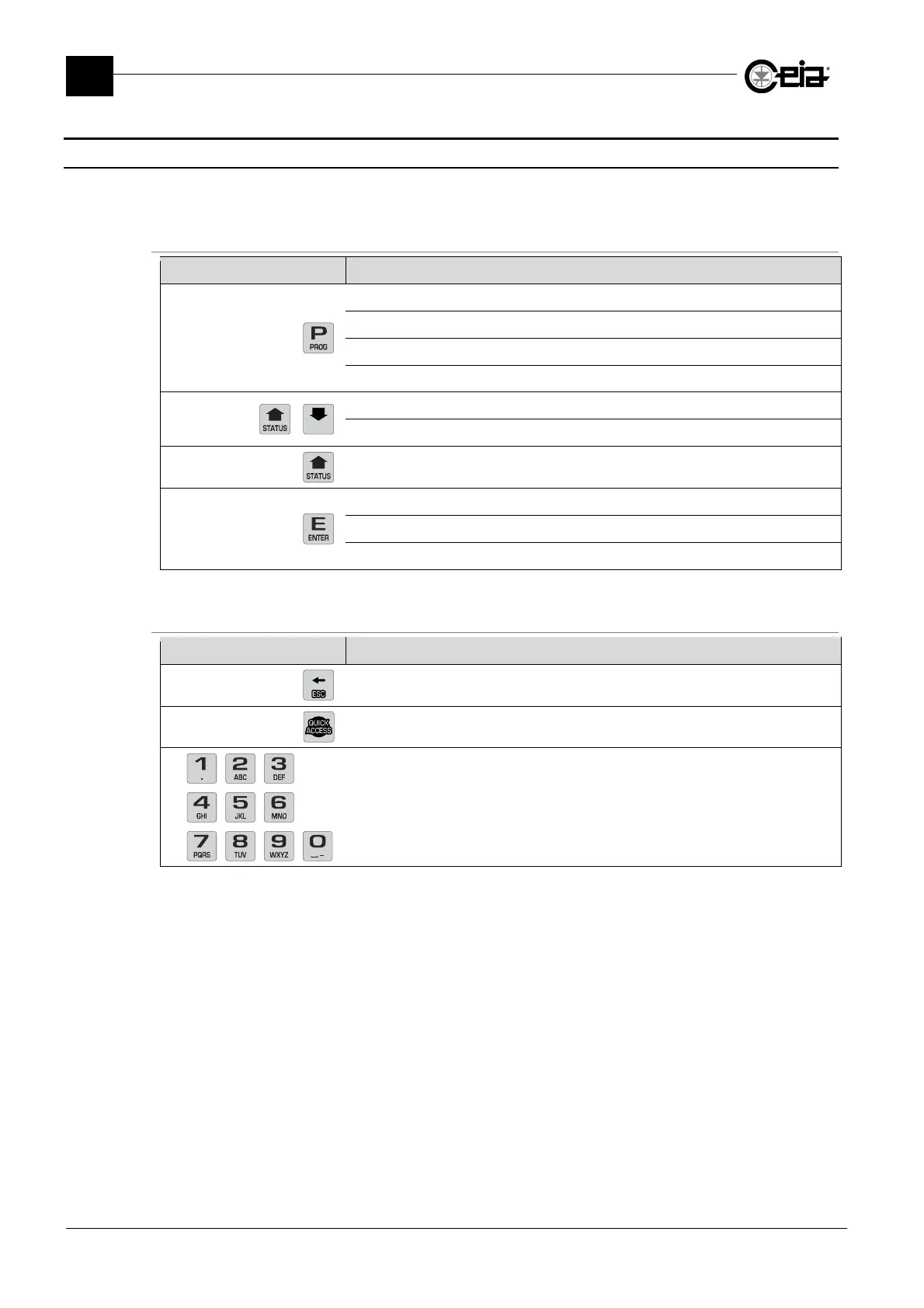
The control panel keyboard is used to control the Metal Detector and set the device parameters. The
control panel keys and their functions are shown below:
THS/xx21E and THS/xx21
Key Function
Access and exit the programming step
Return from the submenus to the previous menu
Exit from the Metal Detector Status display
Cancel the last character entered
Scroll through a list of instructions
Select the parameters to be changed
Metal Detector Status display
Select a submenu from the main menu
Confirm data entries
Reset Alarm and some kind of faults
1
1
Programmable. See the Programming Manual
Only on THS/xx21
Key Function
Cancel the last character entered
Quick access to preset functions, according to user permissions
Modification of the parameter values



 To Next Page