4
FI002K0018v1530hUK – THS/21 Instruction manual for installation, use and maintenance
USE OF THE DEVICE
162 ORIGINAL INSTRUCTION
4.8 Sensitivity check with reference sample
It is important to check at regular intervals that the Metal Detector is operating efficiently. This is done
by running a detection and ejection test using test reference samples.
- Depending on product characteristics and/or internal quality procedures, customers can use
samples they have defined themselves or request specific samples from CEIA.
- The tests can be carried out at any time deemed necessary (e.g. at the shift changeover)
and/or pre-programmed. If pre-programmed, the Metal Detector will automatically request the
test.
It is the Customer responsibilty to define the Users enabled to this function (predefined user: 000004).
For any information about programming the test type and eventually its periodic request and for the automatic test mode,
refers to the Programming Manual – Q.C.setup menu
4.8.1 Performing tests
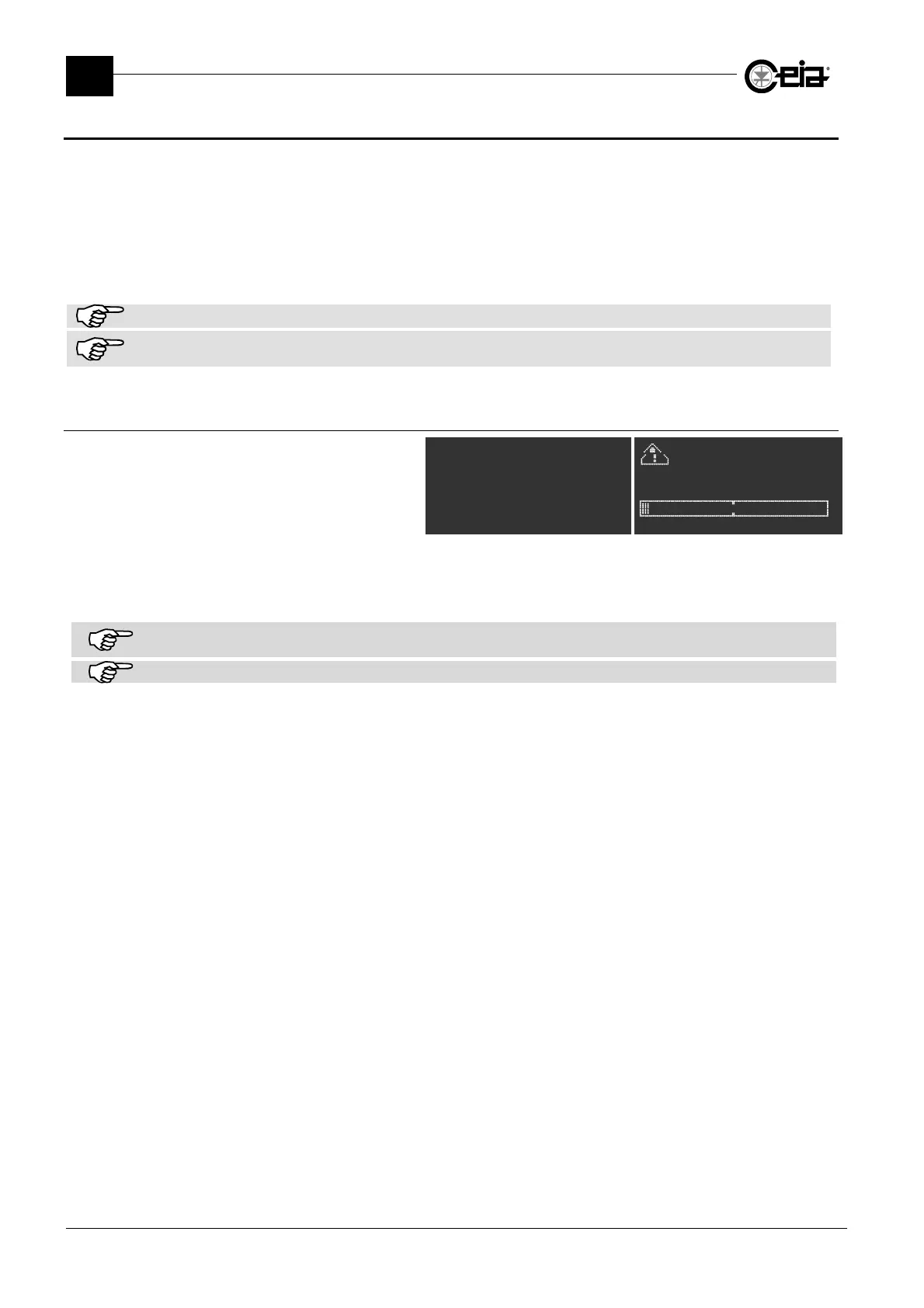
If the periodical test request has been
programmed, at regular intervals a
message requesting a test is
displayed. At the same time, when
available, the external blue lamp is
activated (BLUE LAMP output).
TEST
Prod. PROD01
^
** TEST **
Product:PROD01
Upon this request, access to Programming, under the MD test menu, and perform the test as
described in the following paragraph.
If the periodic test is started beyond the maximum allowed time, the TEST TIME OUT message is displayed and, according
to the Metal Detector configuration, a manual reset from a diagnosis status can be requested, before performing the test.
If the periodical test request has been programmed, on the Status screenshot it is possible to see the next Test time.



 To Next Page