4
FI002K0018v1530hUK – THS/21 Instruction manual for installation, use and maintenance
USE OF THE DEVICE
154 ORIGINAL INSTRUCTION
4.3.4.2 Display messages
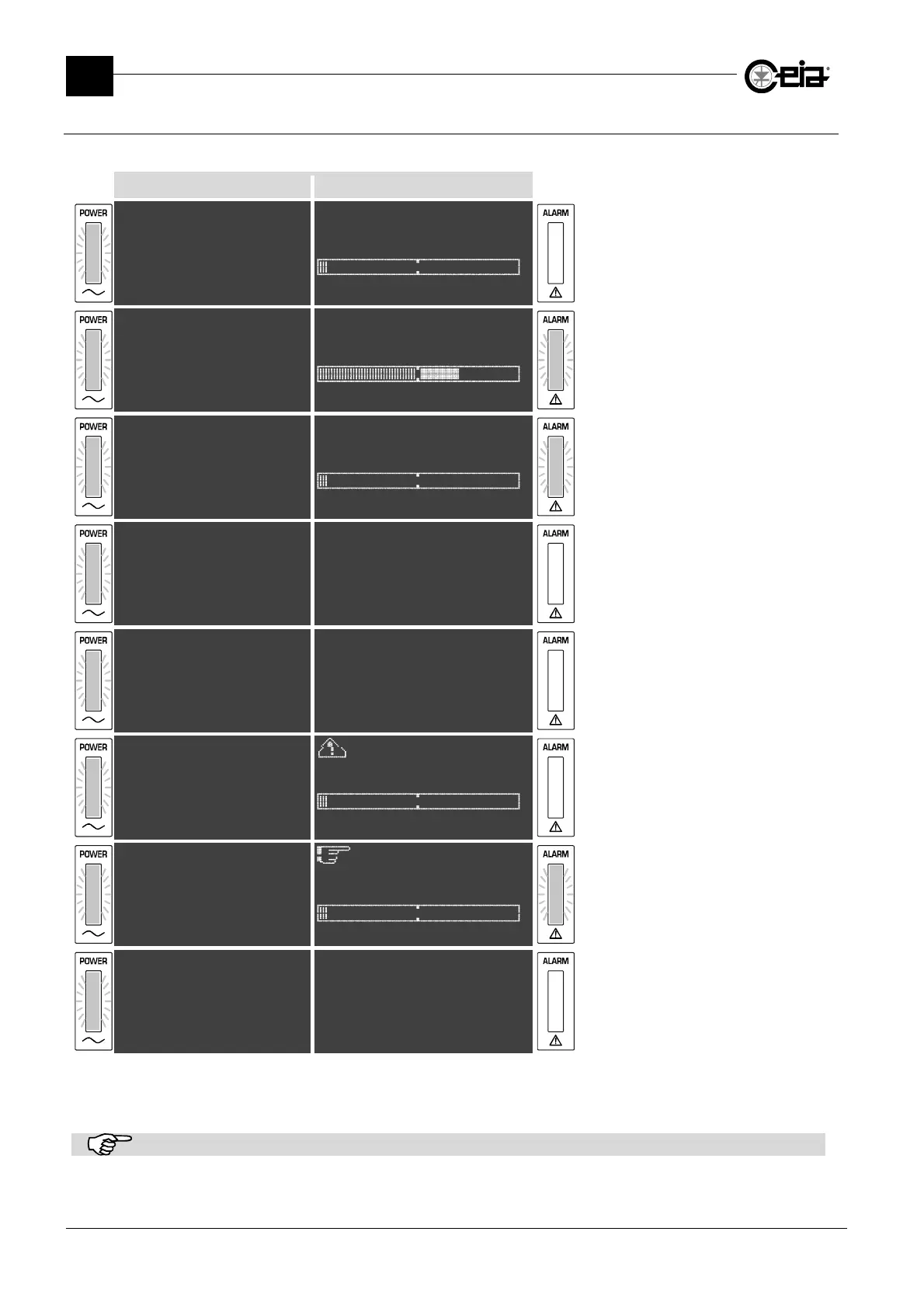
The Metal Detector display shows messages relating to its current mode of operation:
THS/xx21E THS/xx21
THS/xx21E V5.xxx
Prod. PROD01
^
/xx
ALM V5.xxx THS V5.xxx
Product:PROD01
The Metal Detector is in normal
operating mode.
THS/xx21E V5.xxx
Prod. PROD01
A: 4.0dB
^^^^^^^^^^***
/
ALM V5.xxx THS V5.xxx
A: 4.0dB
Product:PROD01
The Metal Detector is in normal
operating mode: it has just detected a
metal object and has activated
connected slave devices.
THS/xx21E V5.xxx
Prod. PROD01
^
/xx
ALM V5.xxx THS V5.xxx
Product:PROD01
In case of Ejection Mode with manual
ejection, the Metal Detector requests a
manual reset after a metal alarm.
Password
#_____
Password
#_____
Programming access step. The Metal
Detector requests a password.
Reset @
Products
Autolearn
Detection
ese
~~~~~~~~~~~~~~~@
Products
Autolearn
Detection
Ejection
The Metal Detector has been set to
programming mode: accessible
parameters can be modified.
TEST
Prod. PROD01
^
Product:PROD01
The Metal Detector requests a functional
test (see paragraph 4.8).
RESET EMERGENCY
(press R button)
^^
(press R button)
Product:PROD01
The Metal Detector requires an
intervention.
====== STATUS ======
Sensitivity 265
TX program 0
Band HIGH
\
Sensitivity 265
Detection mode 4
FE diameter 0.80
NFE diameter 1.00
SS diameter 1.20
Prd.alarms 10
{|| & Scroll down ||}
Press the STATUS key from the normal
screen, to obtain a list of information
about device status. Use the arrow keys
to scroll through the list. Press P to
return to the standard screen.
The Status screen gives some general informations about the System (i.e. date and time, serial number, installed firmware
versions, etc..) and related to the current configuration (i.e. Sensitivity, detection mode or band, counters status, next test time,
etc..). On 21 series models, it shows also the CEIA test samples estimated according to che current configuration.
The screens shown here are purely indicative.



 To Next Page