Air conditioning system
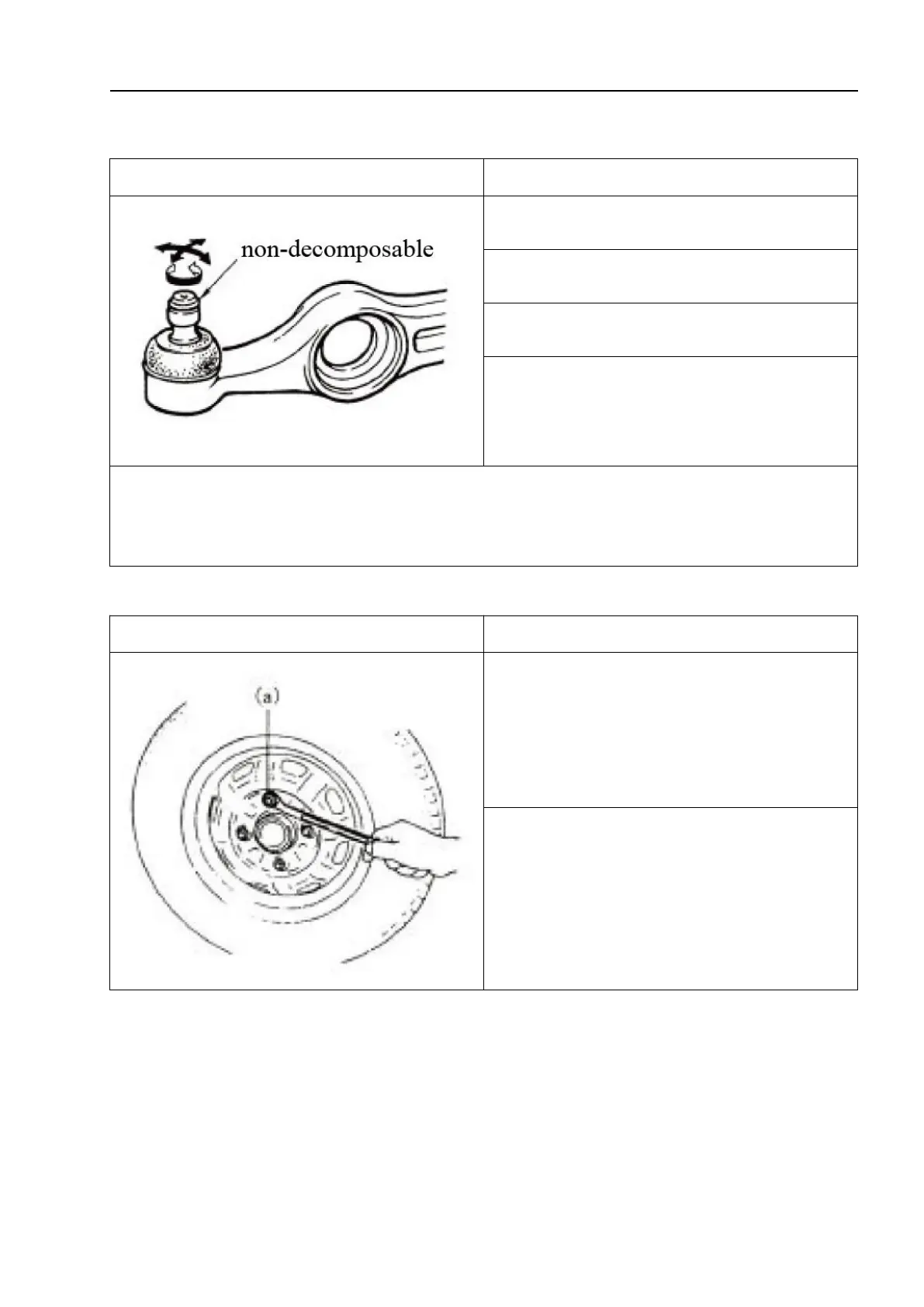
Front cantilever joint
1. Check for flexible rotation.
2. Check whether the ball pin is damaged.
3. Check whether the dust cover is damaged.
4. Check the clearance in the ball joint. If any
abnormality is found, replace the parts with new
ones.
△!
Caution
The front cantilever and joints are not detachable. If one of them is damaged, the
front cantilever assembly must be replaced.
Wheel nut and bearing
1. Check each wheel for dents, deformation,
and cracks. Severely damaged wheel discs
should be replaced.
2. Check whether the wheel nuts are tight
and tighten them to the specified torque as
necessary.
Tightening torque: (a):85N·m(8.5kg·m,
61.5ft-lbs)


 To Next Page