Braking system
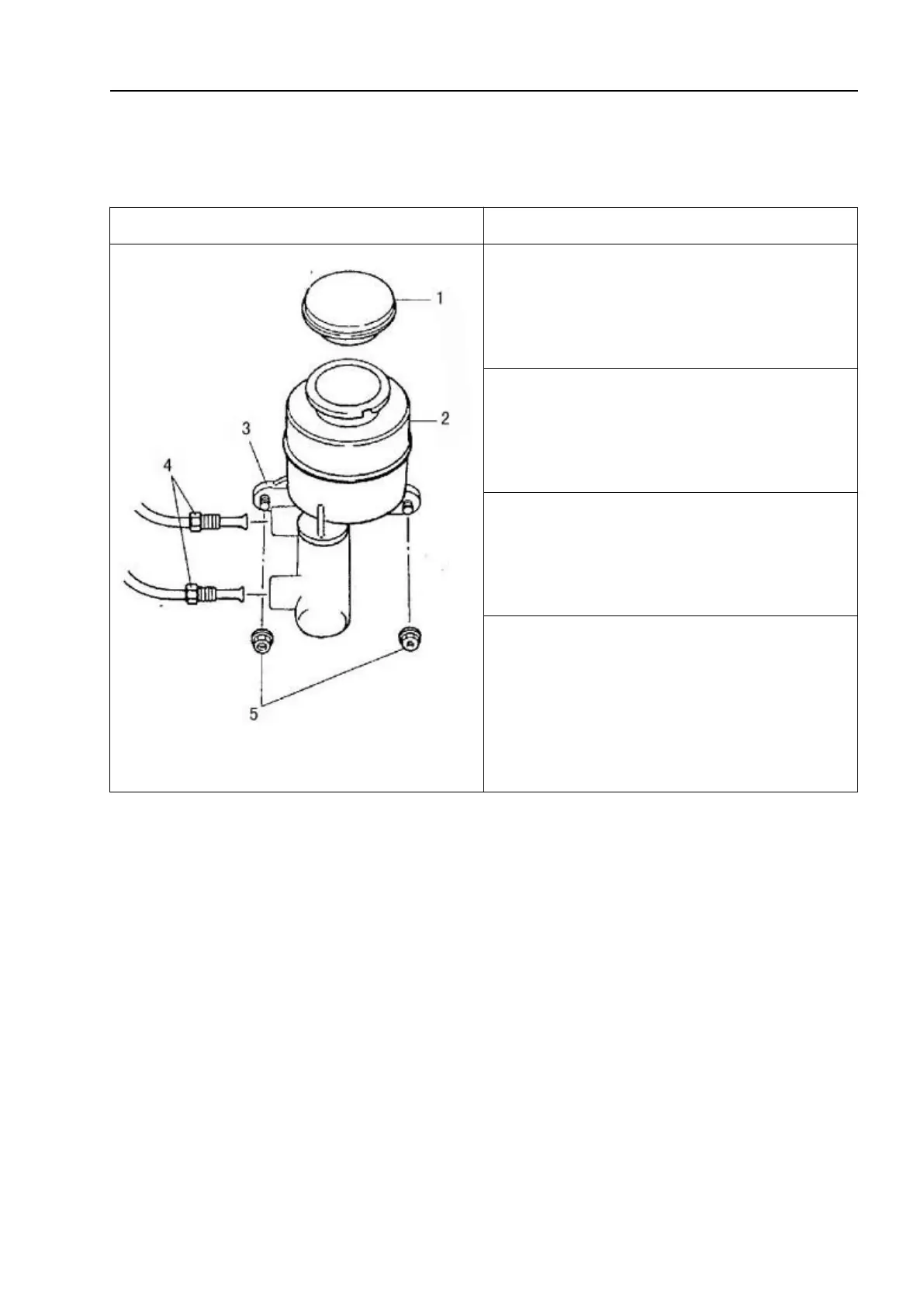
9.4.14 Brake fluid reservoir assembly
Removal
1 - Reservoir cover; 2 - Reservoir; 3-Brake
master cylinder; 4-Nut; 5-Connecting nut
1. Disconnect the negative and positive
wires of the low voltage battery and remove
the battery.
2. Disconnect the reservoir wiring
connector.
3. Clean the area around the reservoir cap
and use a fluid aspirator or similar device to
suck out the brake fluid.
4. Disconnect the brake conduit on the
brake master cylinder.
△!
Caution
Do not allow brake fluid to come into contact with the paint surface.



 To Next Page