Power drive
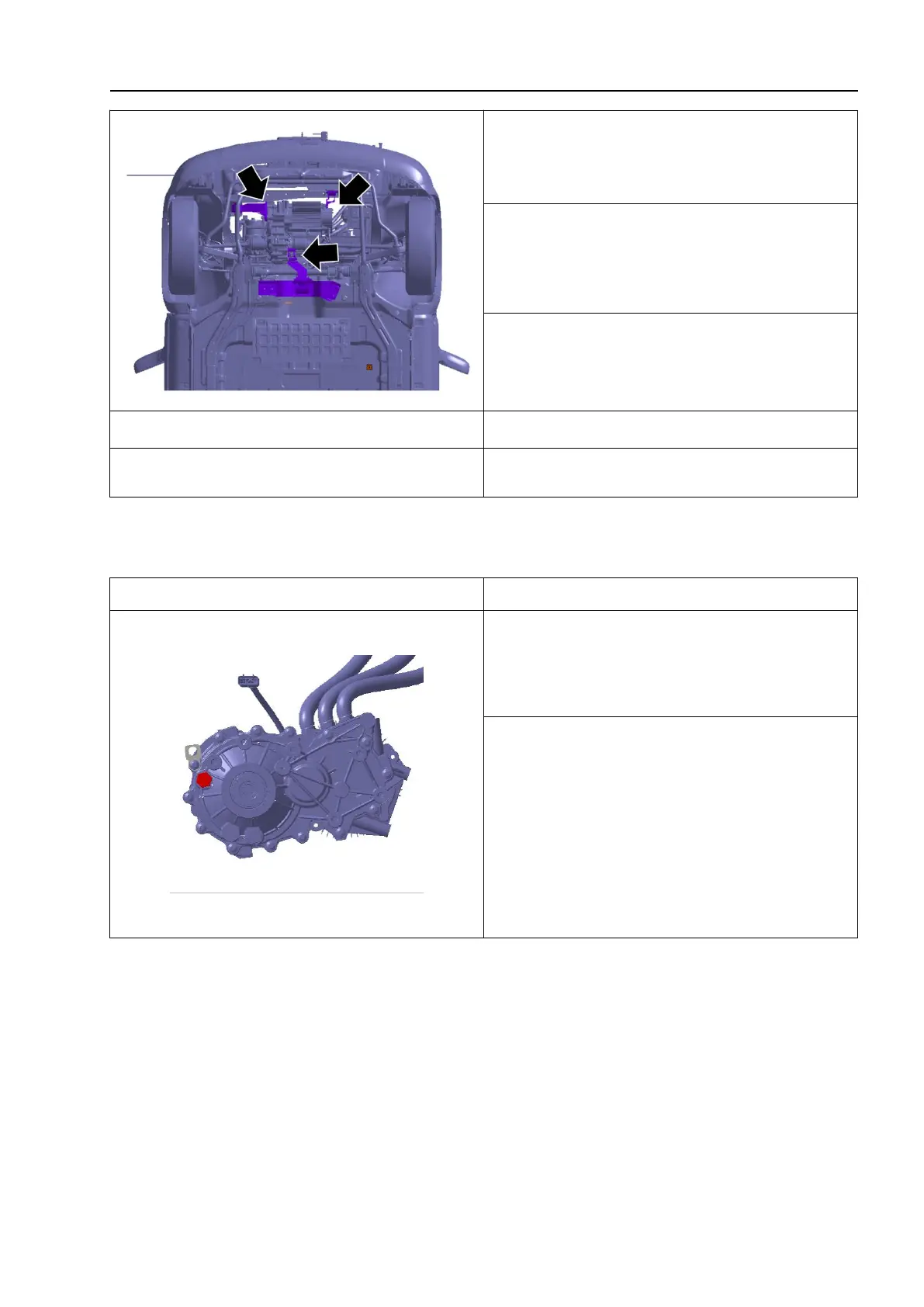
11. Place the lifting platform truck;
12. Remove the front suspension, rear
suspension, and right suspension
components;
13. Slowly lower the lifting platform truck
and remove the motor reducer assembly.
1.
The installation sequence is the reverse
of the removal sequence.
6.3.3 Motor reducer oil
Detection of the motor reducer oil
2. Unscrew the filler plug and sealing
gasket. If any oil flows out, it indicates that
the oil level is normal (otherwise, it
indicates that the oil quantity is
insufficient. After refilling the oil, repeat the
above steps until the oil flows smoothly out
of the filler plug).



 To Next Page