Steering system
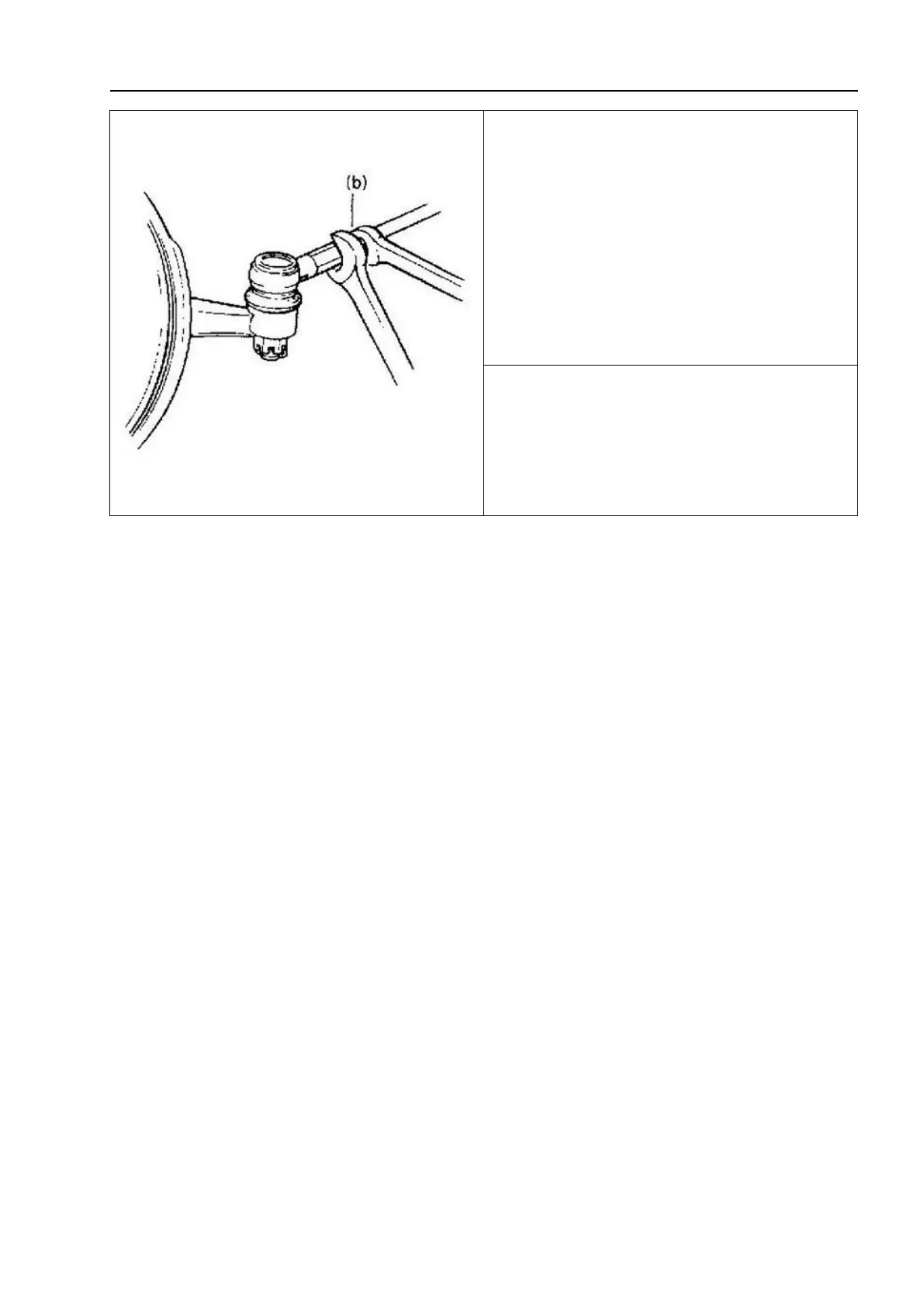
4. Check and adjust the front wheel toe-in,
confirm that the front wheel toe-in is
appropriate, and then tighten the lock nut of
the steering tie rod joint to the specified
torque.
Tightening torque: (b):45N·m(4.5kg·m,
32.5ft-lbs)
10.3 Steering column
10.3.1 Overview
In addition to the steering function, this dual tube type steering column has the
following three important functions:
1. During a front end collision, the steering column absorbs energy and is compressed.
2. The key switch and lock can be easily installed on the steering column.
3. A steering column with mounting pins allows the key switch and steering operation
to be locked to prevent theft of the vehicle.
To ensure that the steering column has an energy absorbing function, it is important to
use specially designed screws, bolts, and nuts and tighten them to the specified torque.
When removing the steering column assembly from a vehicle, special care must be
taken to hold it with your hands. Slamming the end of the steering shaft, tilting or dropping
the assembly will cut the plastic pins that maintain the length and position of the steering
column.



 To Next Page