Power drive
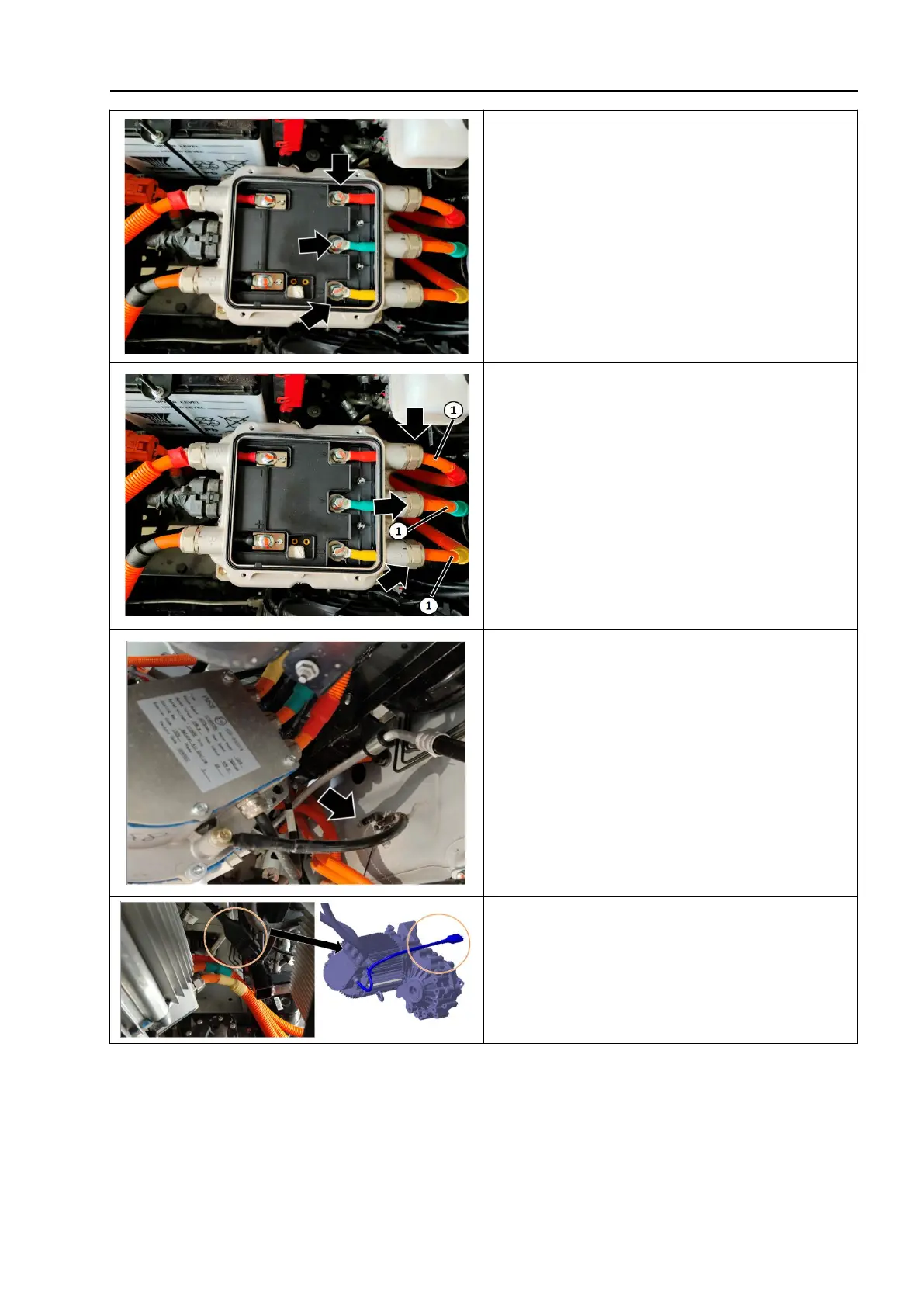
7. Unscrew the fixing bolt connecting the
UVW harness to the inside of the motor
control unit- as shown by the arrow -;
8. Unscrew the fixing nuts on the positive
and negative wire harnesses of the MCU
and the outer side of the motor control unit
- as shown by the arrow -, disconnect the
positive and negative wire harnesses of the
MCU - 1 - and remove them;
9. Unscrew the fixing bolts of the
grounding wire of the motor reducer
assembly;
10. Disconnect the low voltage connection
plug of the motor reducer assembly;



 To Next Page