Braking system
Disassembly
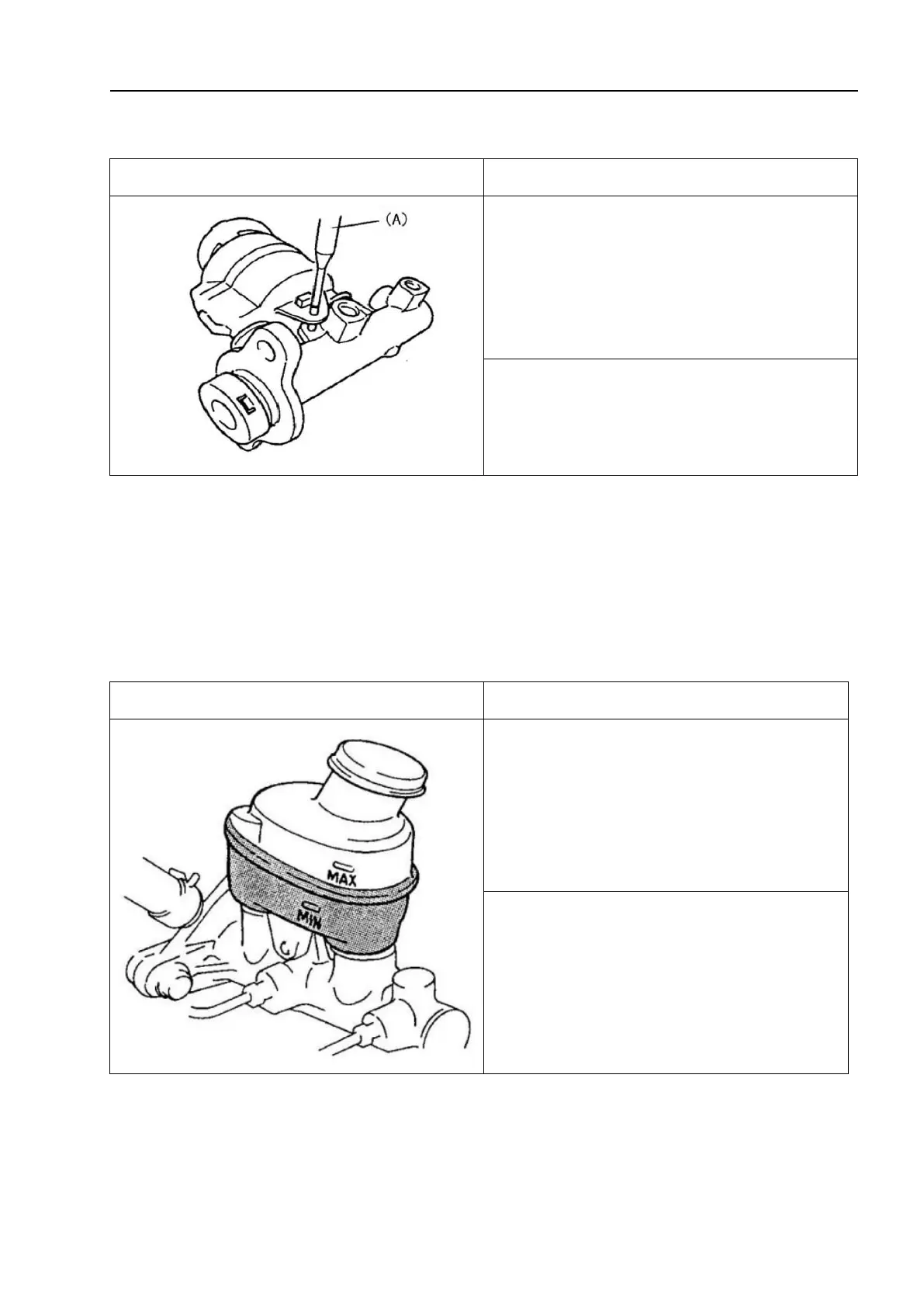
1. Use the special tool to remove the pins
that secure the brake master cylinder block
and reservoir.
Special tool: (A):09922-89810
2. Remove the reservoir and the 2 ring
carriers
△!
Caution
Do not use any mineral oils such as kerosene or gasoline when cleaning and
assembling components. Mineral oil can cause expansion and deformation of the rubber
components of the hydraulic braking system, and brake fluid mixed with water can reduce
the boiling point. Cover all brake fluid containers tightly to prevent contamination.
Installation
1. Install in the reverse order of removal.
2. Fill the reservoir with the brake fluid
that meets the specifications indicated by
the embossed letter on the reservoir cap or
provided in the user manual to the
maximum scale of the reservoir.



 To Next Page