Manual Operation
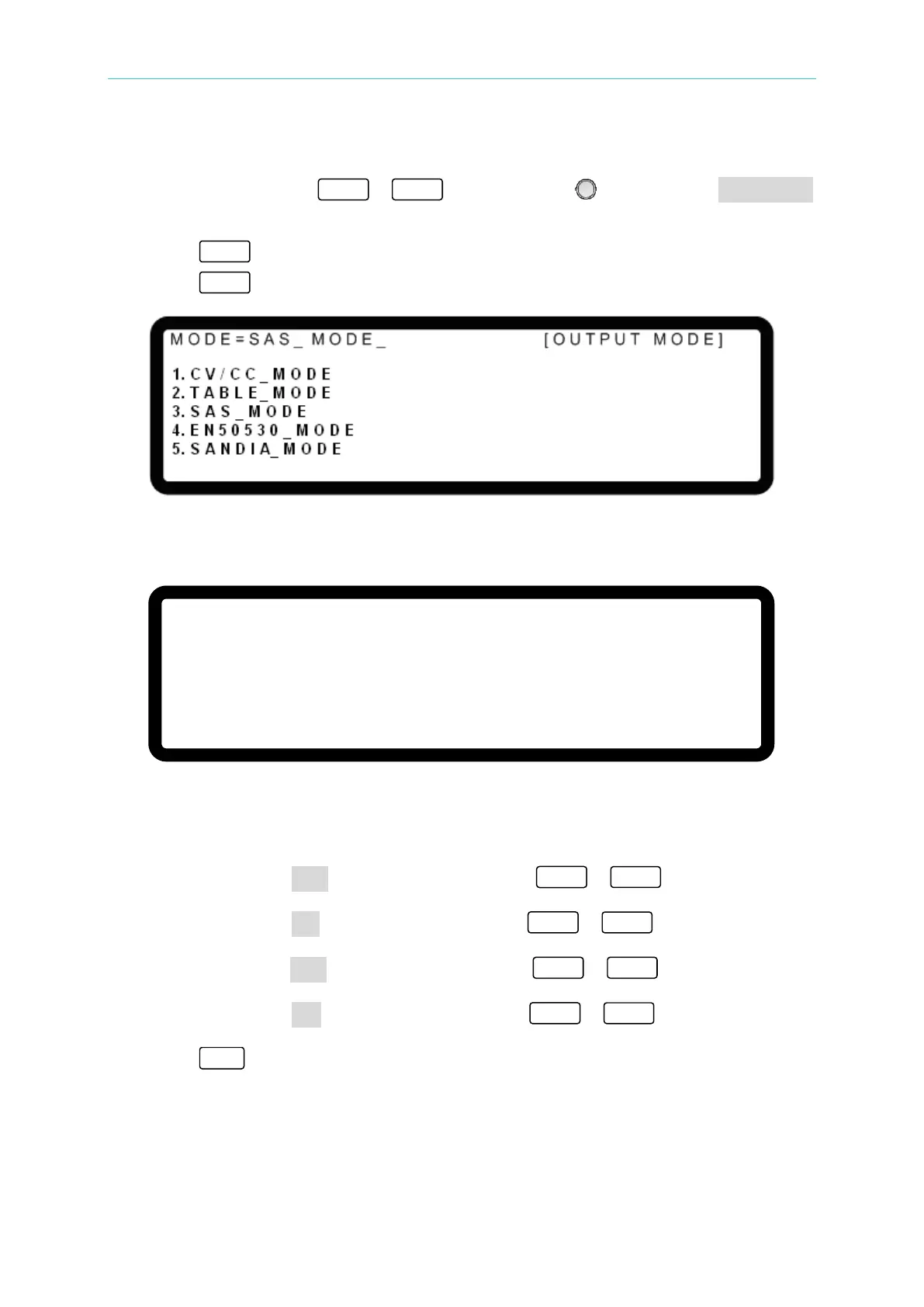
Procedure for selecting the SAS MODE:
1. Use the numeric keys - or the “Rotary” ( ) knob to select SAS_MODE
as shown in Figure 3-161.
2. Press “ ” to confirm.
3. Press “ ” to return to the MAIN PAGE.
Figure 3-161
Figure 3-162 shows the screen in the SAS MODE.
[ S A S M O D E
]
V O C
=
1 0 0
.
0 0 V
I S C
=
1 0
.
0 0
A
V M P
= 6 0
. 0 0 V
I M P
=
6
. 0 0
A
_
Figure 3-162
Procedure for setting the SAS MODE parameters:
1. Move the cursor to VOC and use the numeric keys -
to set the open
voltage.
2. Move the cursor to ISC and use the numeric keys -
to set the short
circuit current.
3. Move the cursor to VMP and use the numeric keys -
to set the maximum
power voltage.
4. Move the cursor to IMP and use the numeric keys -
to set the maximum
power current.
5. Press “
” to display the confirmation screen shown in Figure 3-163.








 To Next Page