Automatic change with tool holders
If the tool is not inserted directly into the collet but into its own tool holder, the length measurement
after each change can be dispensed with, as with manual replacement with tool holder. This results
in the advantage of shorter cycle times in mass production but is also the most expensive system.
As with automatic direct change, several magazine types are possible again. A length measuring
probe is not absolutely necessary. If the tool lengths are measured by hand and entered in the tool
list, no probe or G79 macro is required.
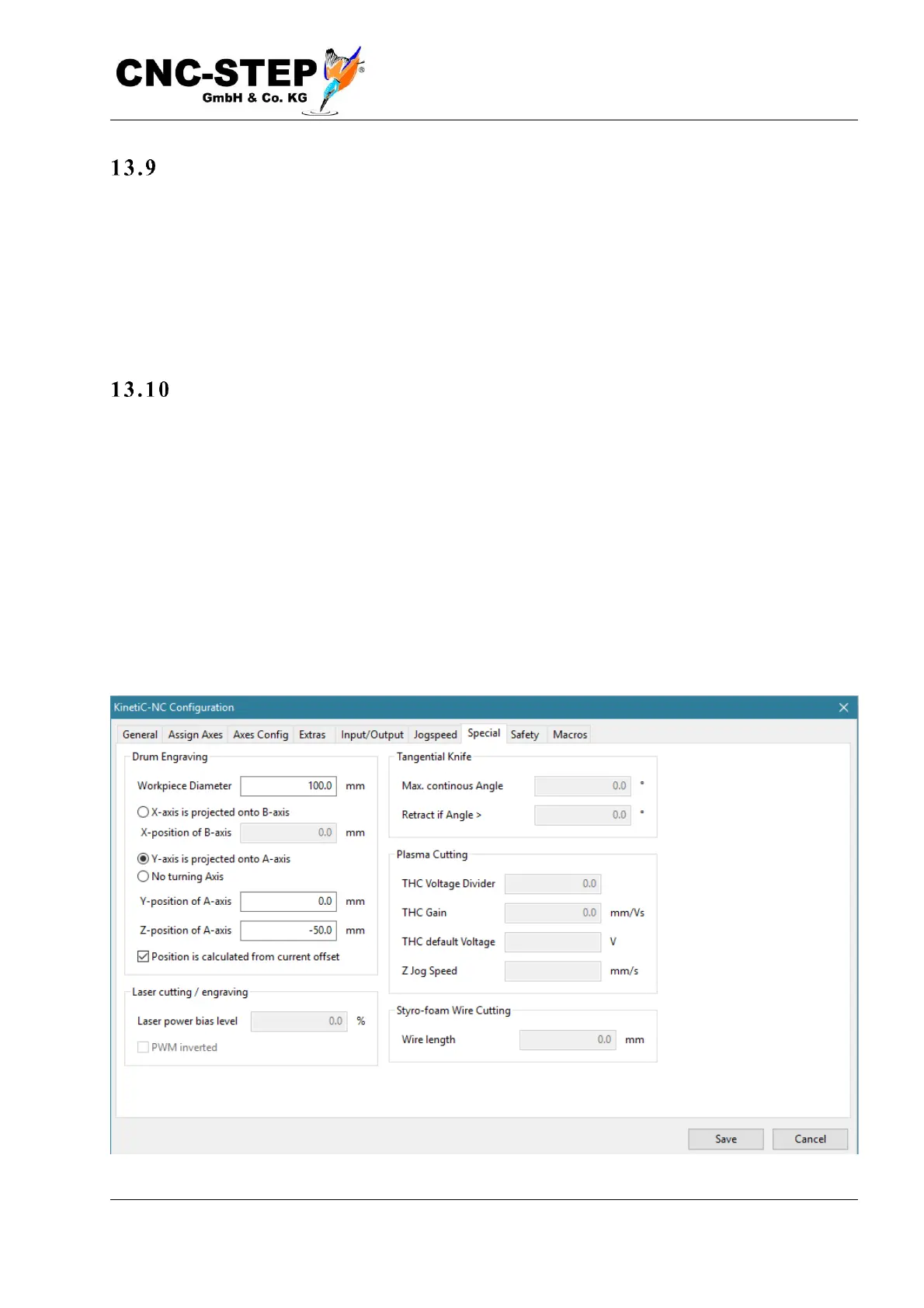
Rotary axis and cylindrical engraving
With the normal, three-axis machining (X, Y, Z), the workpiece can only be machined from one
side - vertically from the top. If you also want to machine the reverse side, you will need to turn the
workpiece over after the first pass and start a second pass. With a rotation axis (available as an
accessory), you can rotate a workpiece at any angle and work from all sides around the
circumference.
In the following description, it is assumed that the rotation axis is already connected to the
controller, and the parameters (resolution, speed, etc.) in the machine parameters are set correctly.
The necessary steps for the installation can be found in the separate documentation for the rotary
axis.



 To Next Page