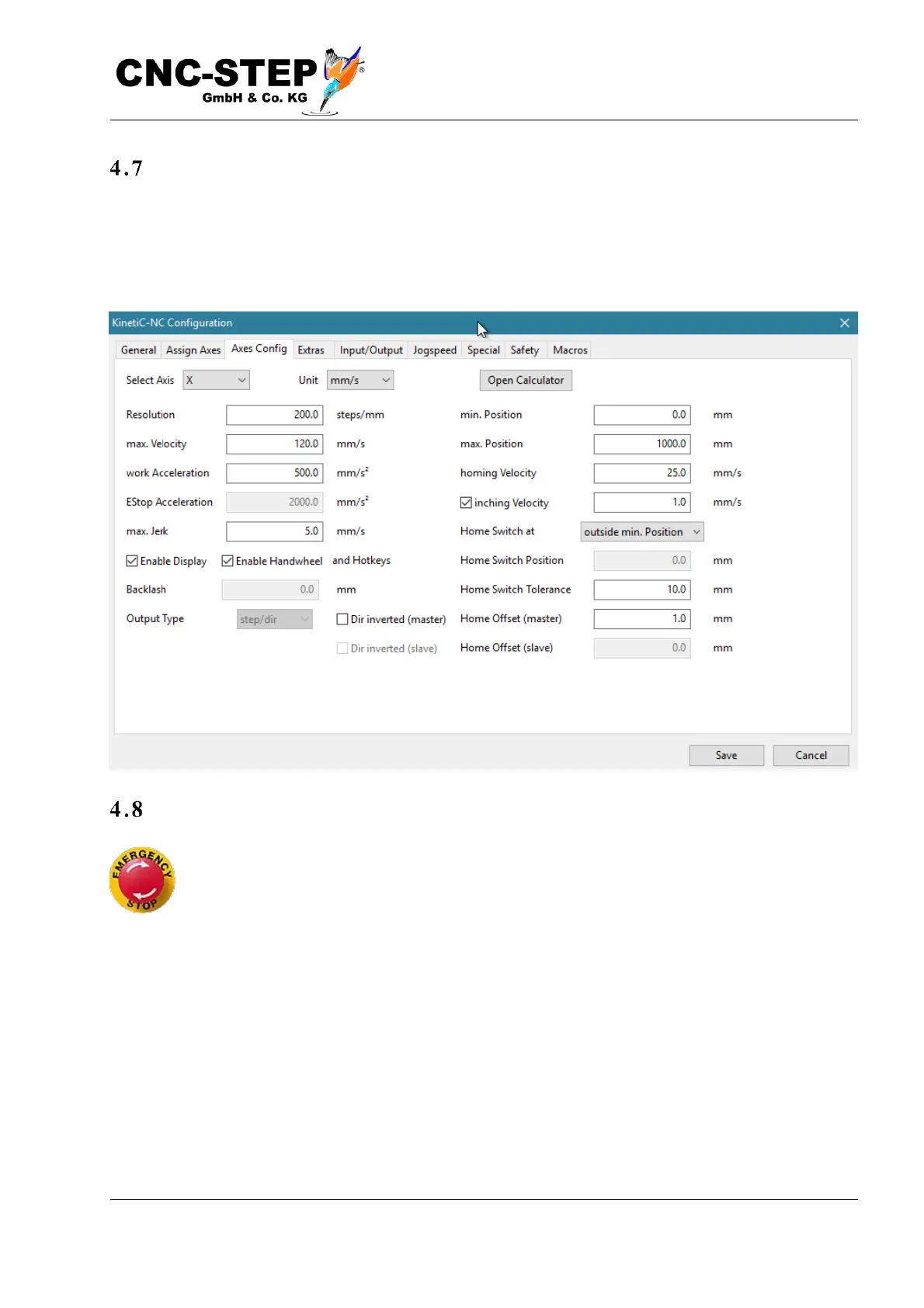
Individual adaptation
If your machine does not meet the standard parameters, you must now enter the parameters
manually. If you have not received information from the manufacturer of the machine, contact
support or (only if you are really comfortable with it) follow the instructions in the Controller
Reference Manual.
Function control
In the main window, switch to the "Diagnostics" page. First, you should test the function
of the emergency stop button. When the switch is pressed, the symbol with the red / yellow
button labelled "Emergency Stop" must appear on the right in the "Status" field. After
unlocking the switch, it must disappear and an "OK" symbol will appear. If your machine
has security doors or a high frequency spindle with a frequency converter, other symbols may appear
depending on their condition.



 To Next Page