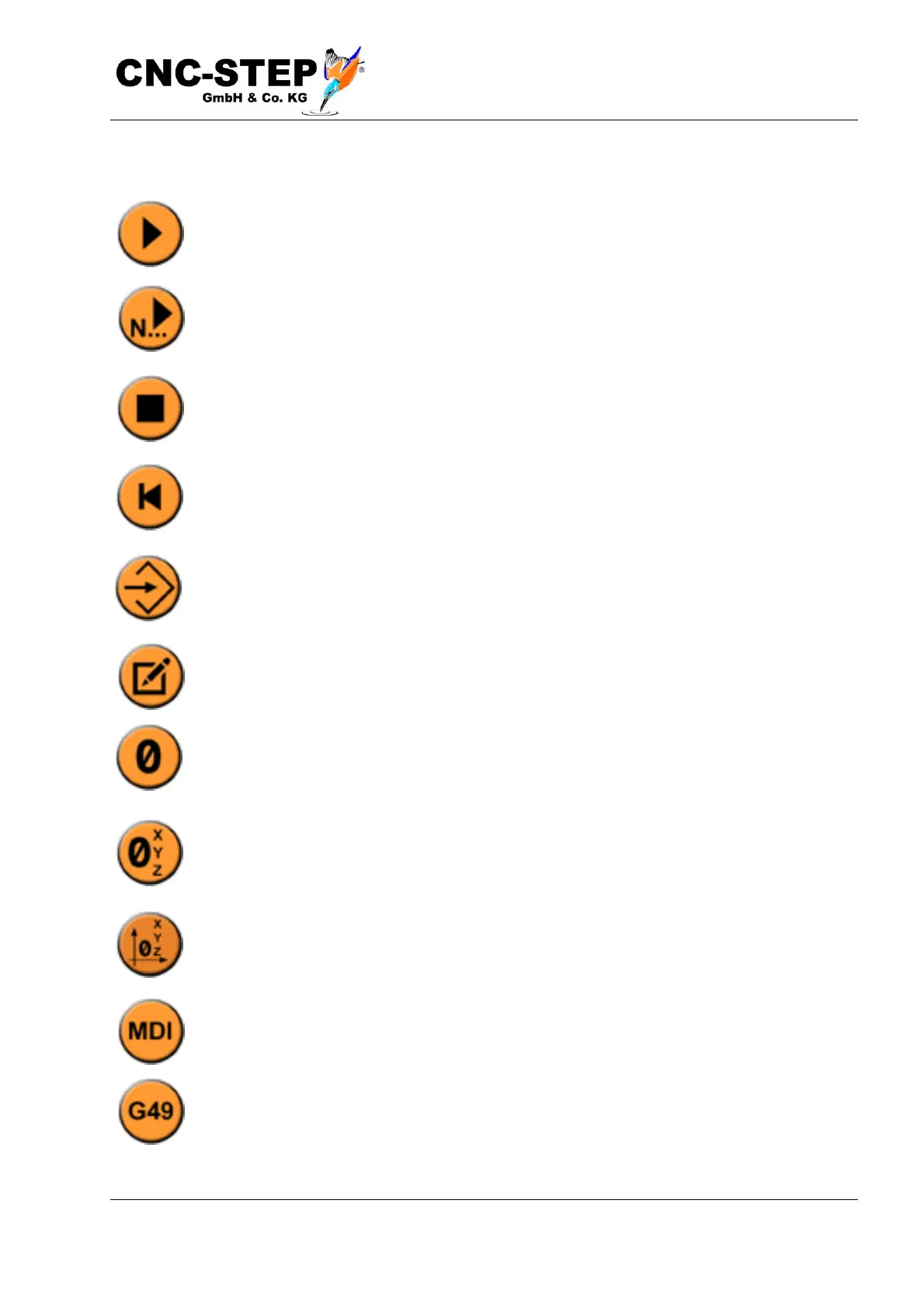
7.1.4.1 The symbo l s in d eta i l
Program start, this will start the currently loaded program.
Program start from currently selected line. This can be used to resume a program, which
previously was e.g. was cancelled.
Stop the program. This will stop the currently running program.
Rewind the program. With this button you are right back at the beginning of the first
line of the program.
Load program. This button is identical to Menu-> File-> Open NC File
Edit program. This button opens an editor in which the current NC program can be
edited.
Sets the coordinate to the right to zero (0). The coordinate refers to the selected, current
offset (G53-G59)
Sets all coordinates to zero (0). The coordinates refer to the selected, current offset
(G53-G59)
Carries out a homing run with all axes.
Opens the MDI input line. This allows individual G commands to be executed, e.g.
G0X100 to move the X-axis to position 100.
Activates or deactivates the tool length compensation G49.



 To Next Page