Restore a backup
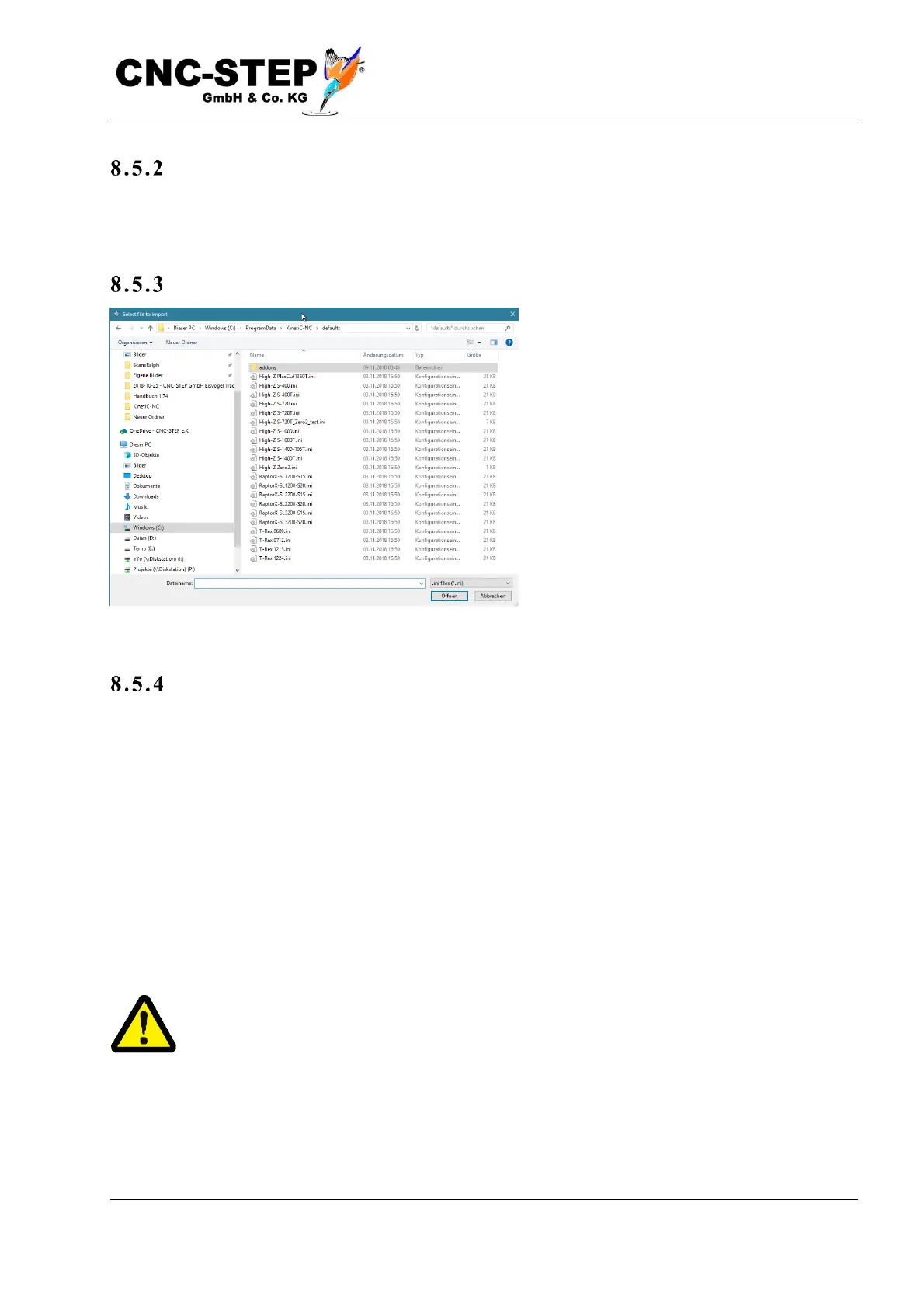
The "Restore" button takes you to the directory of the backup copies in order to restore previously
made backups.
Re f urb is h me nt
If you want to rebuild a machine, or if you
want to use a fresh kit from the
manufacturer, go to "Standard parameters"
and select your machine. With "Standard
parameters" you get to the directory of the
predefined parameter sets. Attention,
importing one of these files overwrites all
settings made with the default values. Only
do this if you want to "reset" to the factory
settings and, if necessary, make a backup
beforehand (see below).
In s tall options
If you want to reinstall an option, insert the media with the options file that you have received to the
product and open the file.
If you want to install an option that is part of the standard scope of the software, open the "Default
Parameters".
The subdirectory "Addons" within the standard parameters contains parameter sets for extensions
and additional options, such as tangential knife cutting. The parameters in "Addons" are subsets of
the machine parameters and overwrite only the relevant parameters. All the rest stay on the old
values.
If you only want to load certain parts of a configuration without overwriting existing settings, just
select the desired options and then press "Open".
Attention! Before importing parameter files, make sure that they are suitable for your
machine type. Incorrect machine parameters, for example, can cause drives to drive
faster than expected and cause collisions. Therefore, carry out a test drive at low speed
after every change of the machine parameters.



 To Next Page