The coordinates display
Common to all four sides is the coordinate display (white numbers on a blue background, top
right) and the text window in the bottom right for the messages.
On the main page („Program“) is the graphic display on the top left, where after the start first the
company logo appears. After loading the program, the tool path is displayed here. Underneath is the
window for the program text, which is empty after the program starts.
Load file
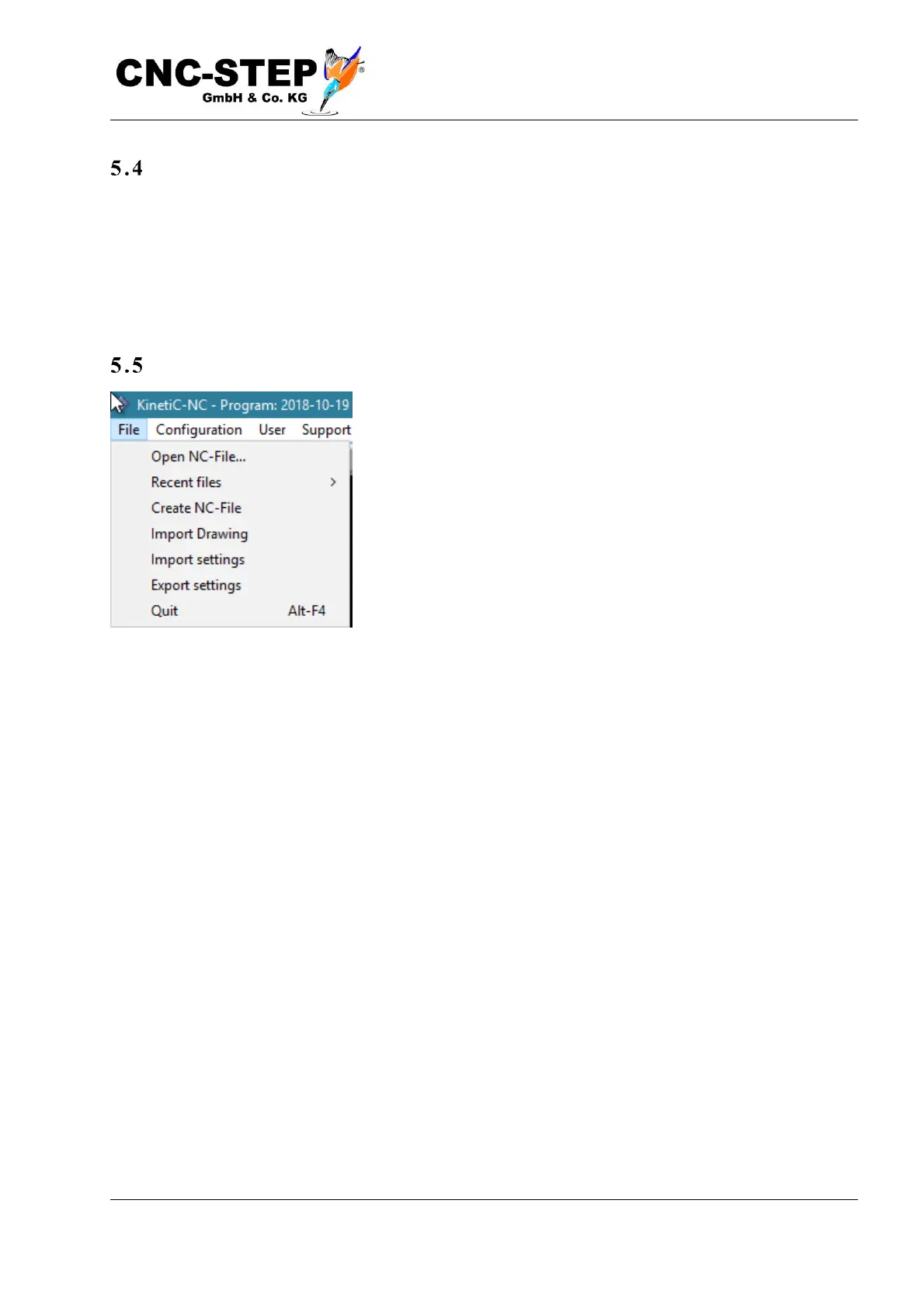
At the top of the title bar is the menu bar.
Select „File->Open NC file“, to open the file dialog. Select the sample file "Sample.din" or another
G-code file of your choice. Depending on the Windows version, you will find the example files in
the folder "My Documents\KinetiC-NC" or "Libraries\Documents\KinetiC-NC".
If you have ever opened a file, you can open it again from the list of recently used files.



 To Next Page