Create backup
After you have set all parameters, it is advisable to make a backup of the settings. In the
event that data loss occurs due to damage to the PC, or you make erroneous changes, the
original parameters can then be easily recovered, and you do not have to redo all settings.
Details can be found in the chapter "The File Menu".
Installation of additional options
If, in addition to the basic equipment, you have purchased additional options for your
machine, it may be that the machine parameters deviate from the standard settings and
must be supplemented. Please refer to the instructions in the option to see if this is
required.
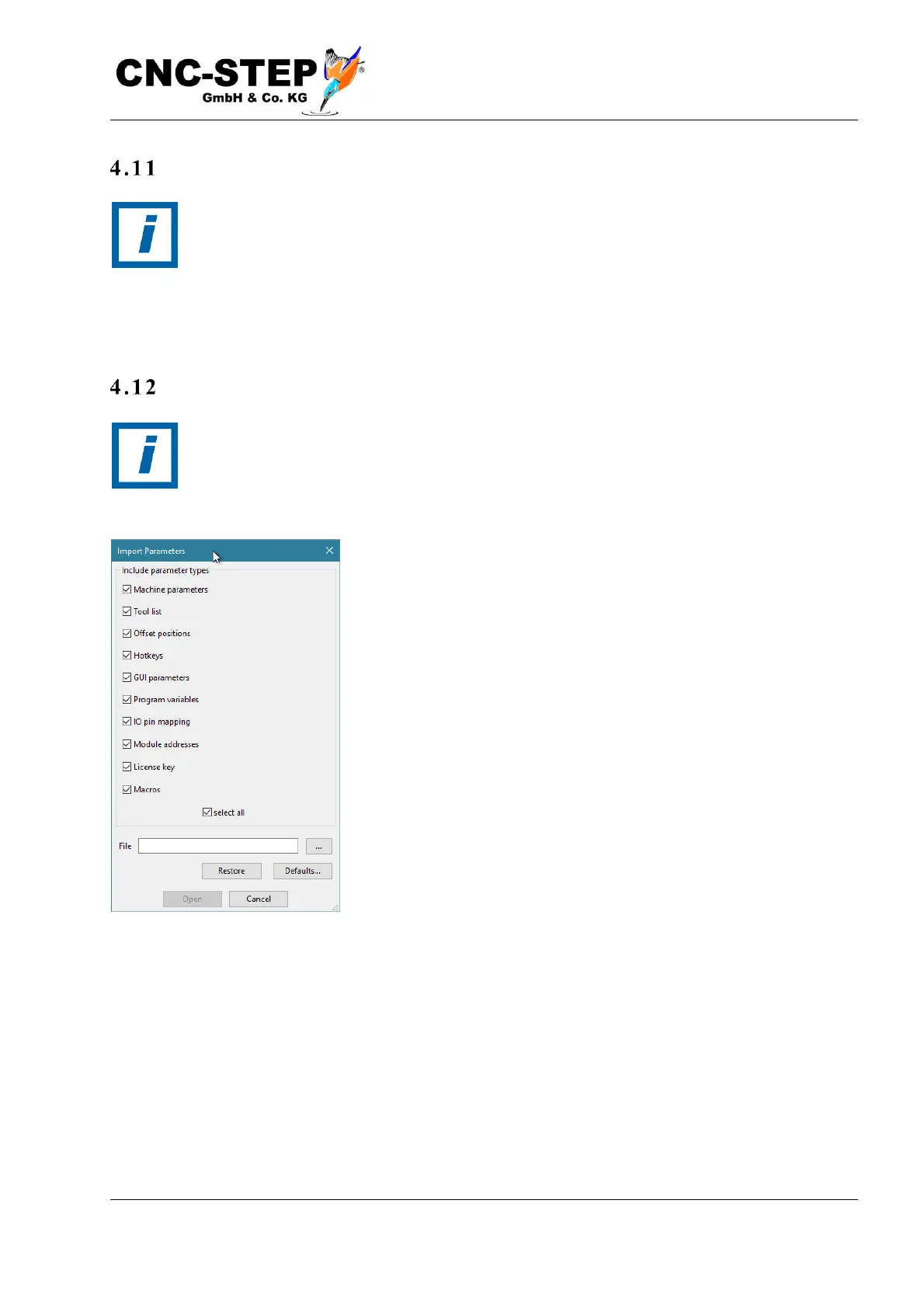
In this case, a file is attached, or a link specified where you can
download the file. You can import this file by selecting "Import
settings" in the File menu.
If you click on the button with the three dots to the right of the file
name, you can select the file.



 To Next Page