EasyManua.ls Logo

CNC-Step KinetiC-NC - Distribution of the Screen

CNC-Step KinetiC-NC
127 pages
Print Icon
To Next Page IconTo Next Page
To Previous Page IconTo Previous Page
Loading...
KinetiC-NC
User Manual
CNC-STEP GmbH & Co. KG Siemensstrasse 13-15 ▪ 47608 Geldern ▪ Germany
Page 37
Support: +49 (0)2831/91021-50
10.11.2018
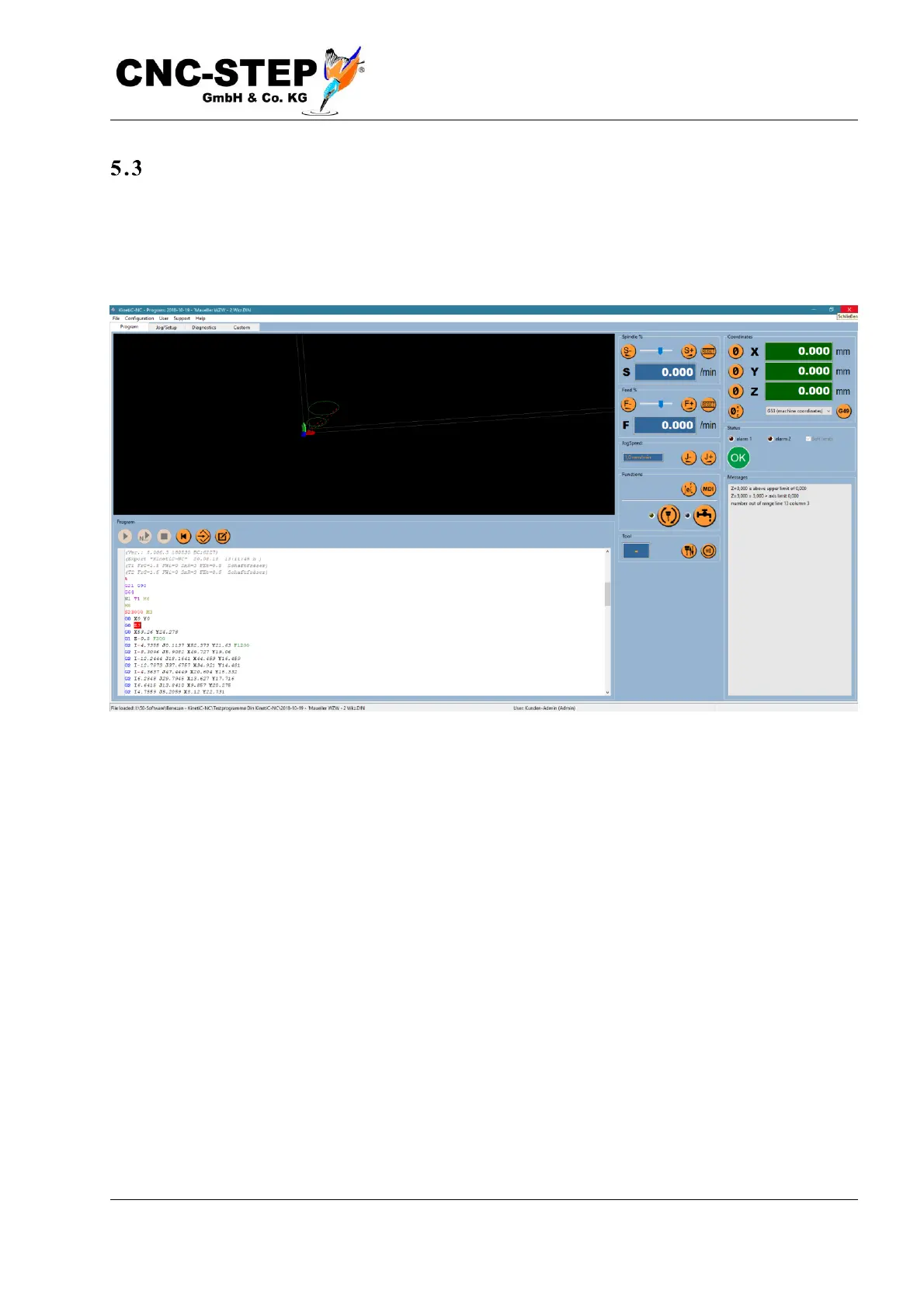
Distribution of the screen
To keep the screen as clear as possible, the main window is divided into four pages. The tabs at the
top of the title and menu bar (Program, Setup, Diagnostics and Special) allow you to switch
between the pages. The exact meaning of all individual elements is explained in detail in the chapter
"The user interface".


Table of Contents

Related product manuals