Cre ate i ndi vidua l co nfig u rati ons
With the button "Create icon" you can create a link of the current machine parameters on the
desktop. To do this, enter the desired name of your configuration on the left next to it.
Clicking on the icon starts the software with this configuration. This is useful if you have multiple
machine configurations and you want to select one at the start of the software. The software then
starts directly with these settings without you having to select "import settings".
Exit
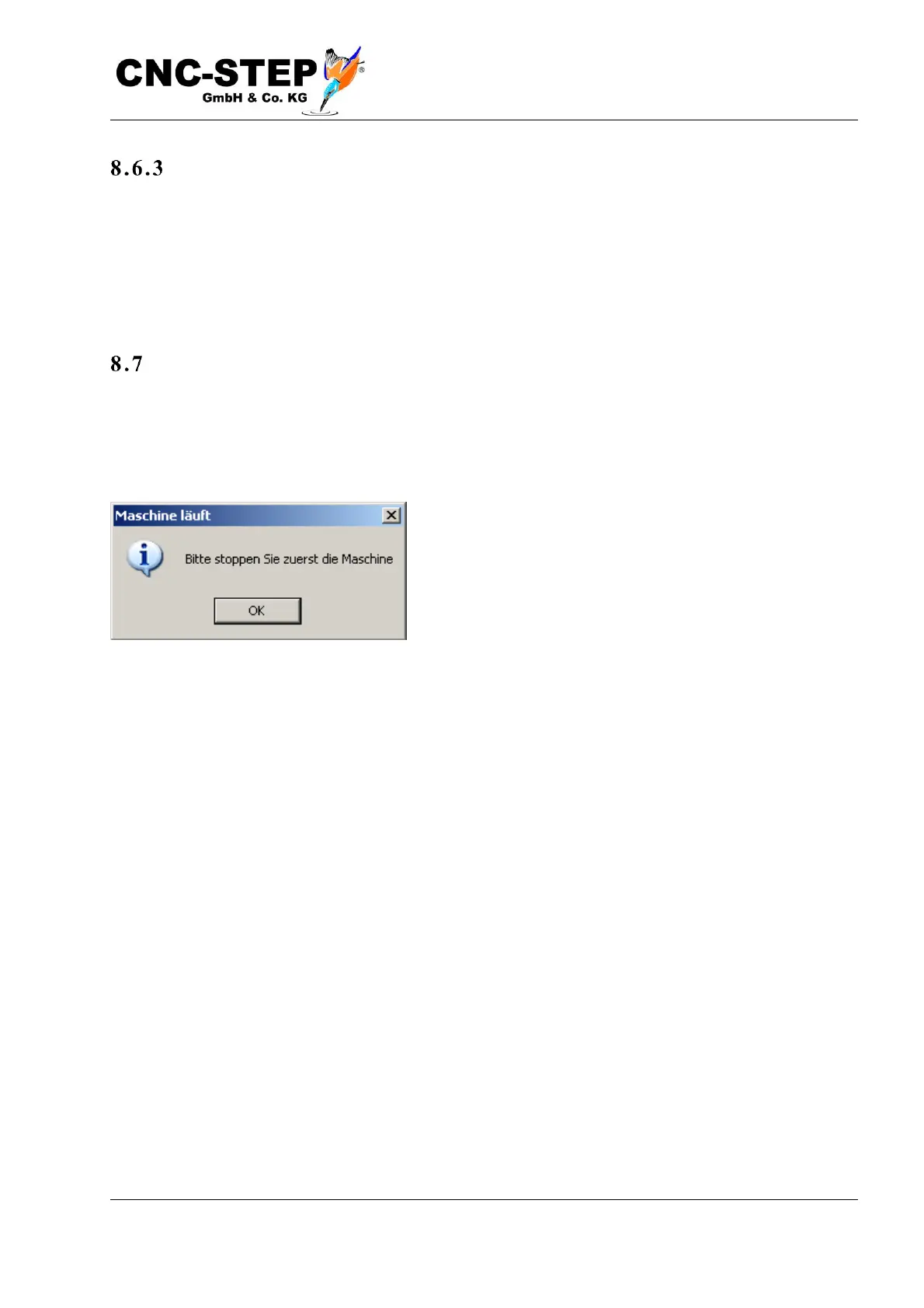
This menu item terminates the program, which of course is only allowed when the machine is
stopped, when no NC program is currently running. Otherwise, you will be asked to stop the
running program first with "Stop program". The Close Window button on the top right has the same
effect.



 To Next Page