10 The user-menu
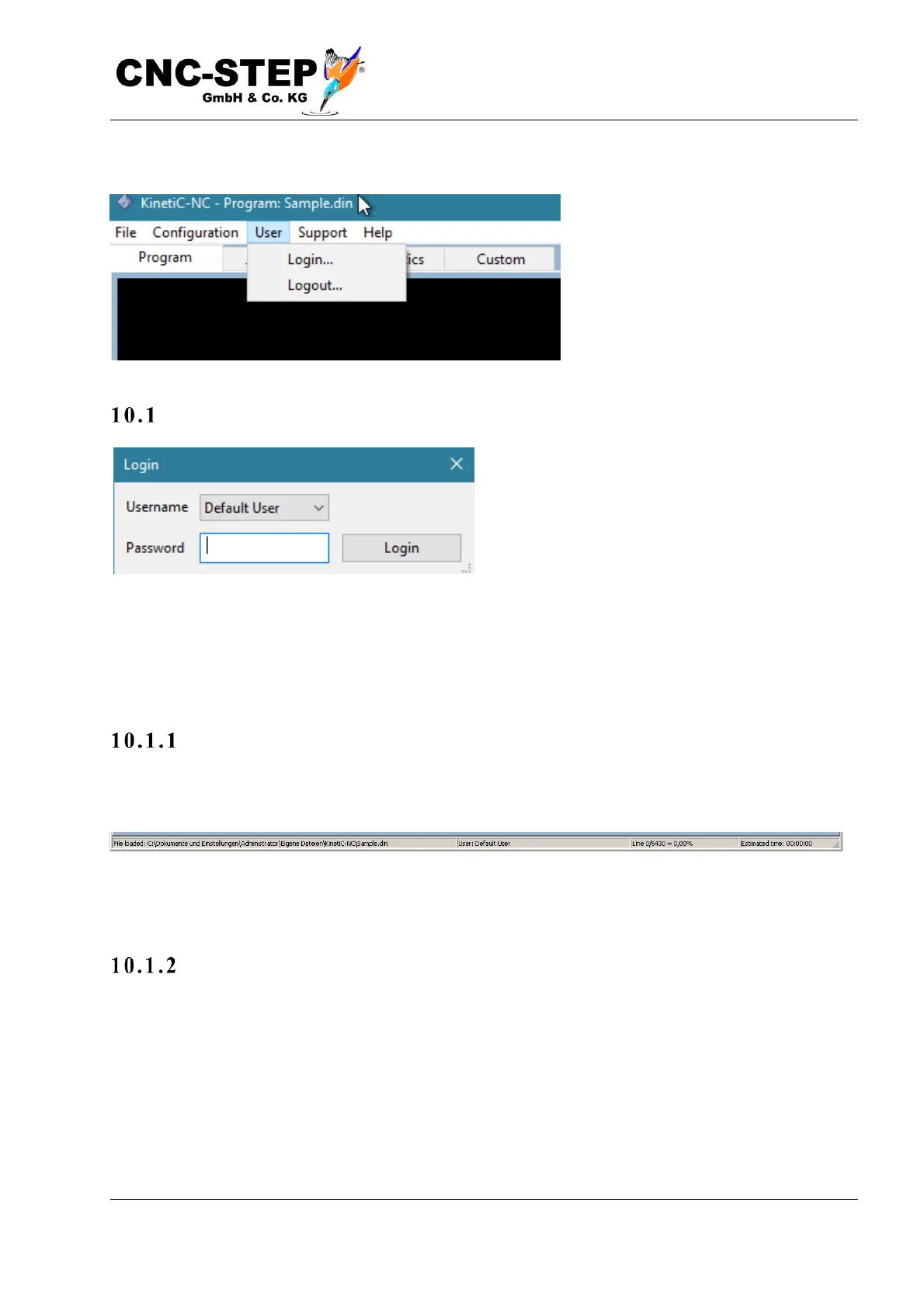
Login...
A small dialog opens in which the desired user
can be selected. In the Password field, the
corresponding password is entered and
confirmed with "Enter".
By default, the default user has not assigned a password, so just confirm with "Enter" to close the
dialog and log in.
To be able to change machine parameters, you have to log in as "Customer Admin", which has the
default password of "1234".
Au tomati c log i n
If the user has not assigned a password, the next time the program is started, it is automatically
logged back in without opening this dialog
The currently logged in user is displayed in the status bar at the bottom of the main window, for
example: "User: Default User" or "User Logged Out".
No a c cess ?
So if you do not have access to certain menu items, make sure you are currently logged in with
which user. Users can be assigned passwords to protect the machine from unauthorized
manipulation (see Chapter user administration).



 To Next Page