The generated code is partially optimized. This means, G commands and F commands are issued
only when the command changes. Coordinates are only output if they differ from the current
position. For better readability, however, the commands and parameters are separated by spaces.
Save t he file
The converted file is saved with the extension .nc in the same folder from which the .dxf file was
opened. It is therefore important to ensure that the program KinetiC-NC also has write access to the
disk from which the dxf file was opened (for example, not from a DC / DVD).
S pec i al f eatures w hen i mpo r ting fro m DXF fi l e s.
Polylines are usually marked as closed or not. Unfortunately, this does not always work. Therefore,
the import will see if the first point matches the last one. If that is the case, the line will always be
marked as closed, even if it is open in the DXF file. If the file was saved as a closed line, but the
endpoints do not match, the line will be closed.
N ote for exper ien c ed us ers
Double elements:
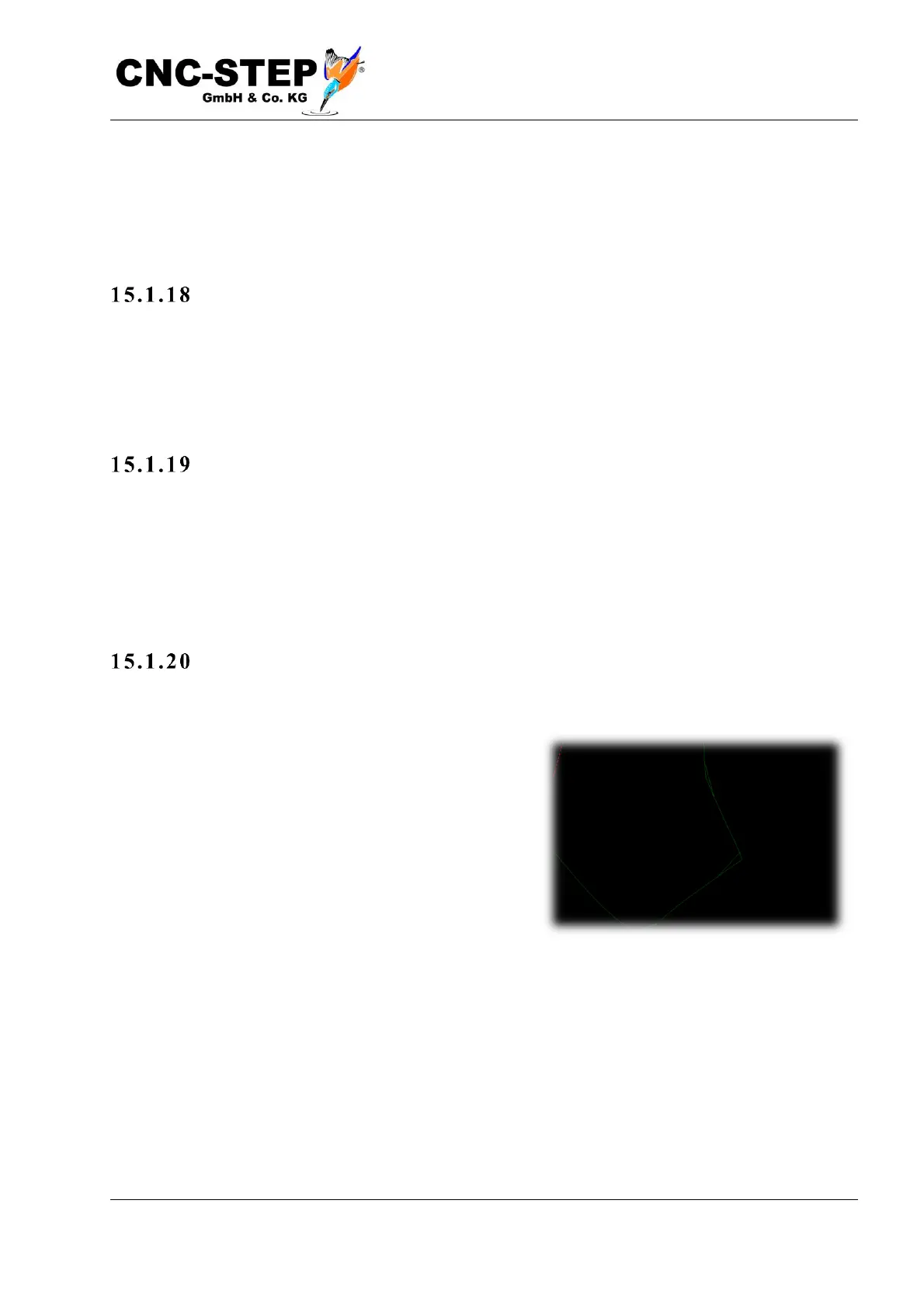
Unfortunately, many programs export DXF files very
inaccurate. This includes, for example, Corel-Draw.
This often happens because the lines in the drawing
program have a certain thickness. Then the program
will export each line page, creating double lines. But as
this is often done in a very inconsistent and inaccurate
way, very peculiar segments emerge. These are never
100% identically congruent, but always differ slightly.
The import filter does not want to decide here which
segment was exported "better" or "worse". Also, it makes no sense to delete the really congruent
elements and leave only the rest.



 To Next Page