Chan g e pow er sett ing s
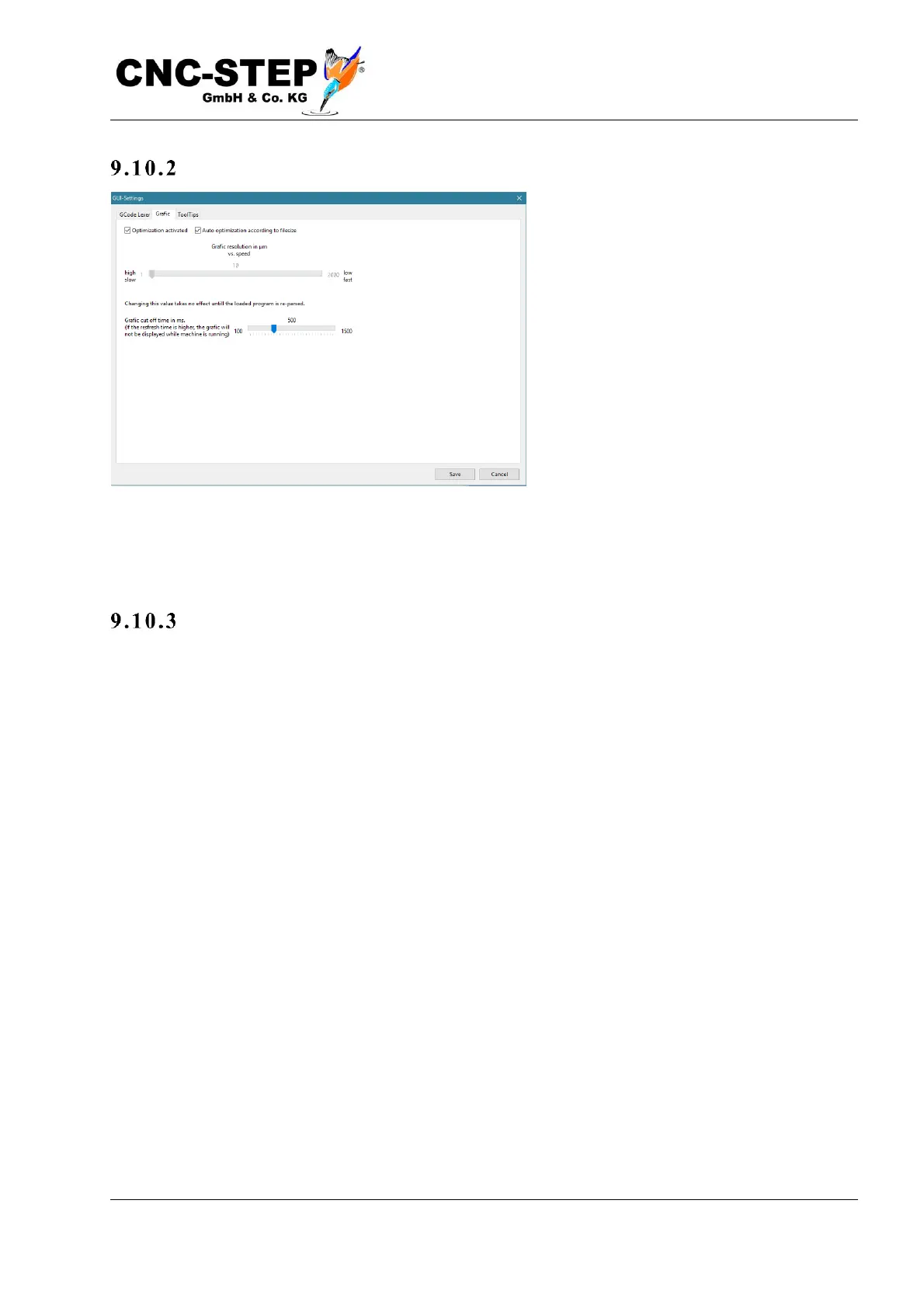
On the “Graphics” page the performance
of the graphic display can be changed.
For very large programs with several
million line segments (depending on the
performance of the PC and the graphics
card from about 30MB file length) can
lead to performance degradation. This is
noticeable by the fact that loading takes a
long time, and moving or rotating the 3D
display is jerky and delayed.
The response time of the other screen elements such as the coordinate display can be delayed. By
reducing the pixels and the data volume, this can be optimized. When the optimization is active,
very short lines of the tool path are summarized in the graphic display.
Accur acy v s. resol u tion
This has no effect on the accuracy of the actual tool path of the machine, but causes only a barely
noticeable, coarser representation on the screen. The limit for summarizing lines can be either via
the upper slider or automatically. The lower slider determines the maximum screen build time. If
the update time for the graphic is longer, it will be switched off completely while the machine is
running to avoid long reaction times.



 To Next Page