Installation main program KinetiC-NC
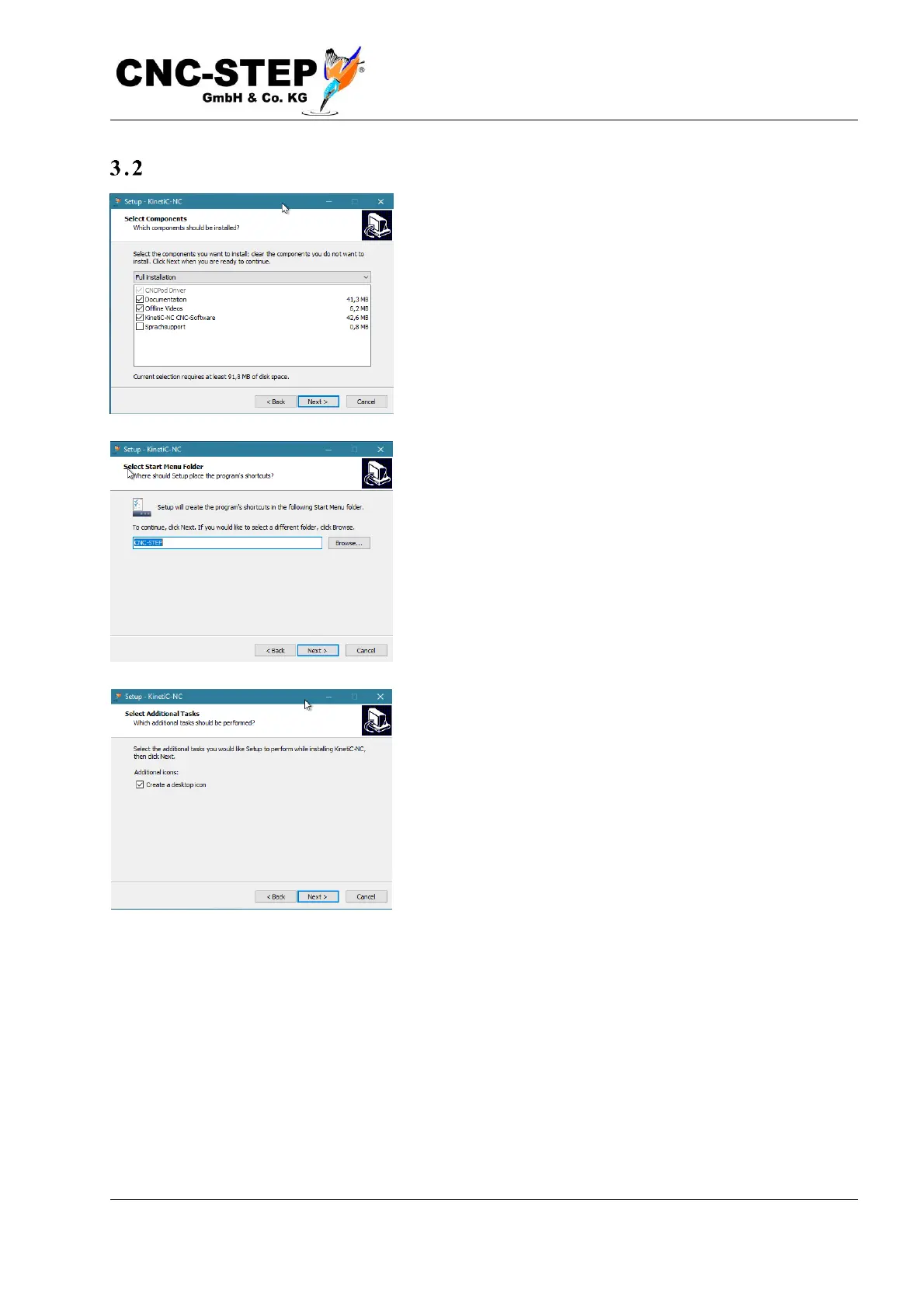
In the following dialog you can select the type of
installation. It is recommended not to change the settings.
However, if you would like to contribute to the further
development of the program and speak a native language
that is not yet supported, you may also like to install the
language support. This allows you to create your own
translations of the software and share it with other users.
The KinetiC-NC software is installed in the suggested
folder.
If you would like to rename the entry, you can do so now.
By ticking the box, you can install an icon on the desktop to
quickly start the software.
The installer is now fully configured, and you are ready to
install the software.



 To Next Page