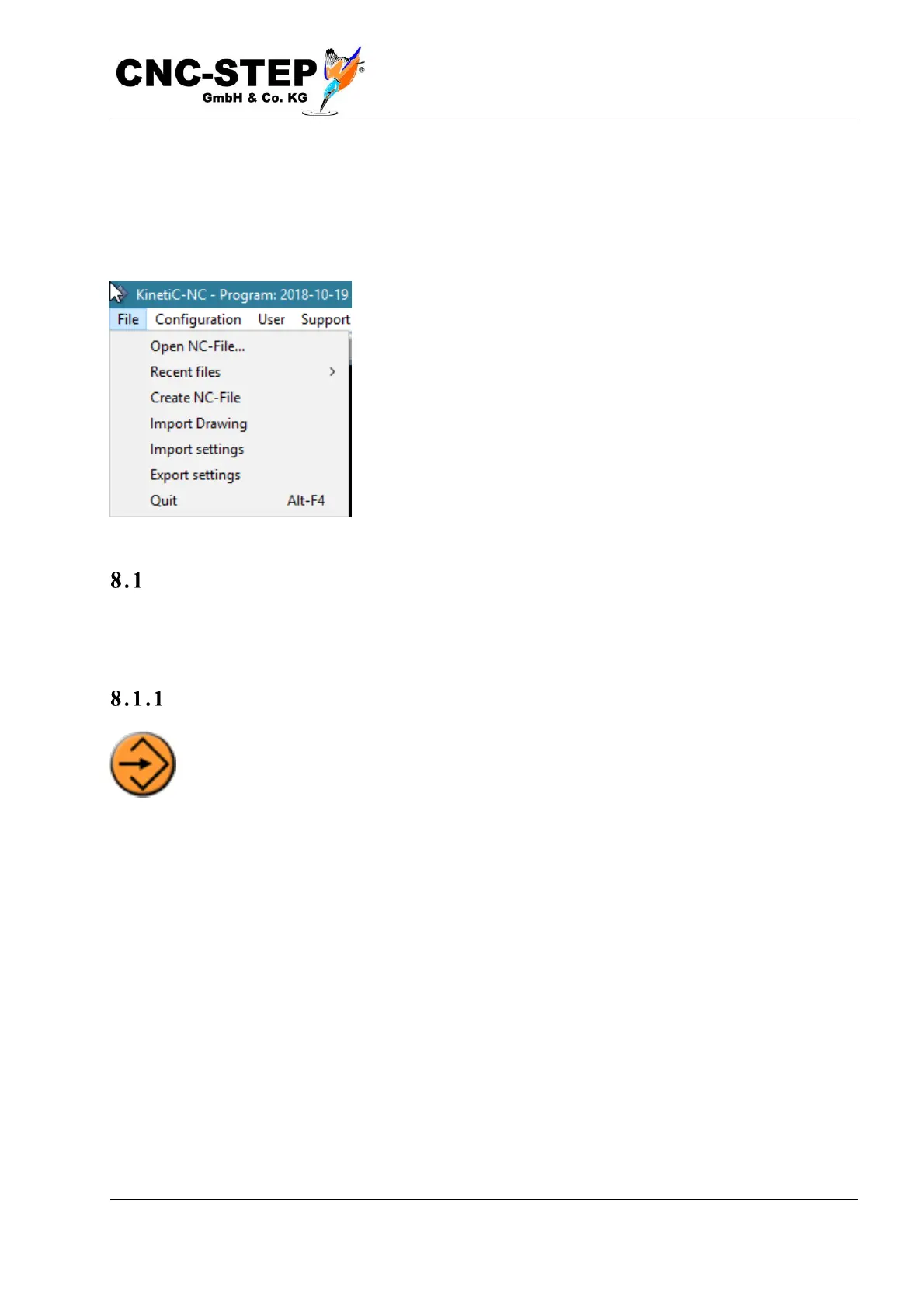
8 The file menu
The following chapter explains the individual elements of the menu.
The main menu is divided into the following individual areas:
Opening NC-file
This opens a file selection dialog for loading an NC program. Alternatively, this can also be done
with the "Load Program" button, which is located under the graphics window on the program page.
Fi l e ex tens i ons
The file must contain G code according to DIN / ISO and usually has one of the endings
".din", ".iso", ".nc", ".tap", ".txt". G code contains the coordinates of the actual tool path
and additional commands, such as tool spindle and coolant. Drawings created with a
CAD program, on the other hand, contain only contours or areas or volumes of the workpieces and
no information about the tool path. 3D drawings must first be edited with a CAM program to create
the tool path. 2D drawings can be loaded with the Import Drawing function with certain
restrictions.



 To Next Page