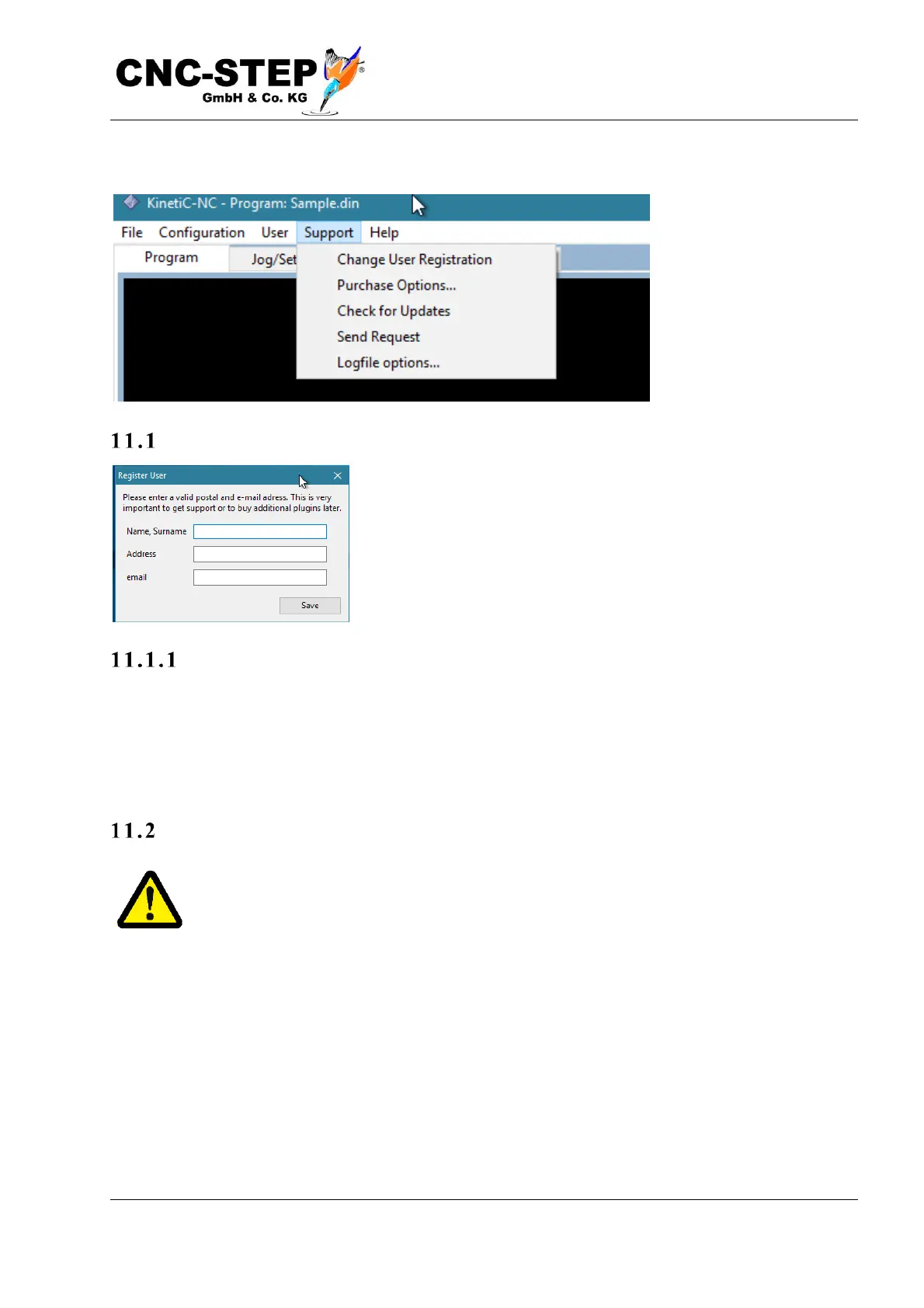
11 The Support-Menu
User Registration data
With this menu item you can open a dialog that allows you to
register the software for a specific user name. Entering a license
code is not required for the basic version (Economy) of the
software.
Why a reg i str a tio n?
Registration may be useful if you want to use the "Send support request“ feature. Entering your
name and an email address is required in this case to assign the request and to contact you if
necessary. Of course, this is only at your request. We do not share your information with third
parties or use them for unsolicited advertising
Updates
Attention! Unlike Internet browsers and anti-virus software, where it is always
advisable to work with the latest version for security reasons, we strongly recommend
that you do an update only when absolutely necessary, for example because an urgent
problem has been resolved or you cannot do without a new feature. Be sure to make a backup of
your settings before updating. After the update, perform a functional check before working on
expensive workpieces to avoid any surprises due to changed behavior.



 To Next Page