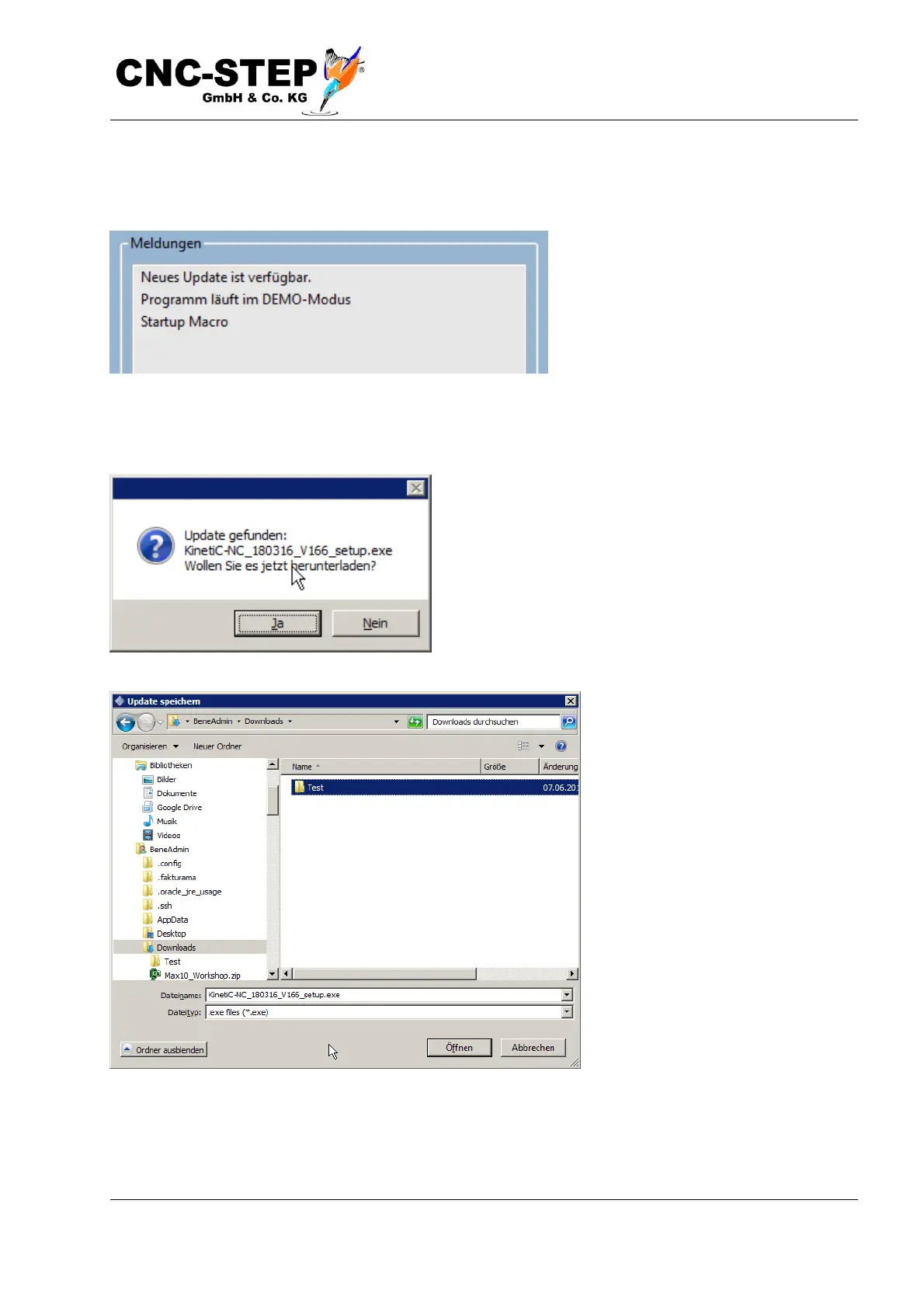
Assuming that the computer has an active internet connection, you will be informed about the
availability of a new version of the program in the "Messages" window at the start of the program.
Before you start an update, it is always recommended to backup your settings. This is described in
the chapter "create backup".
The update process is started via the menu item
"Search updates"
A hint box opens, which version was found and if you
want to download it now:
To save the update, choose a location on your
computer that you can easily find. Ideal is, for
example, the desktop, or the download directory.



 To Next Page