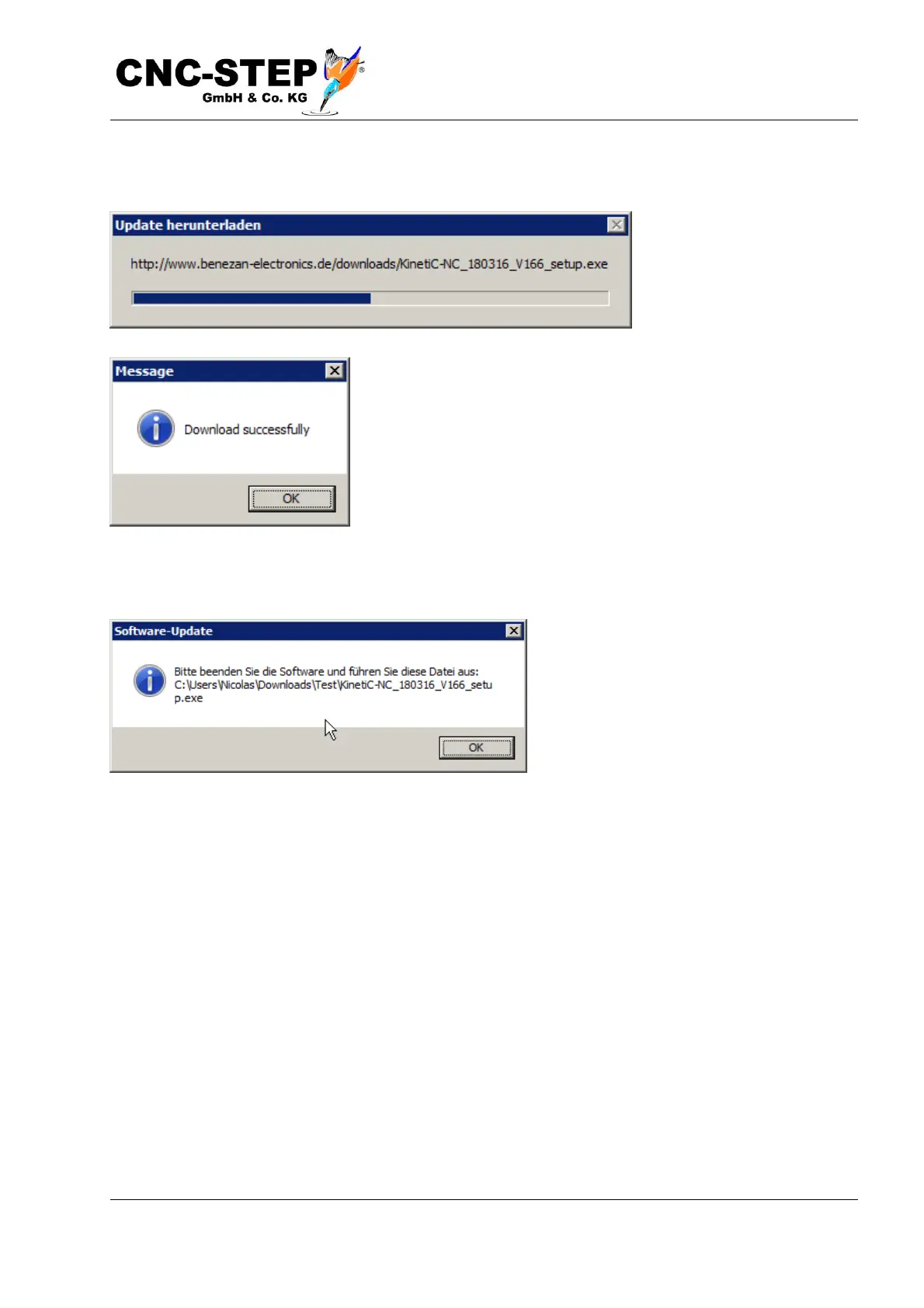
If you confirm the entry with Save, the Progress dialog opens and displays the progress of the
download.
If the download was successful, you will be notified. If the
download was unsuccessful, just start over again.
After the download, a note dialog opens with the exact path where the installation file was saved.
Now stop the program and install the update by starting (in this example) the
"C:\Users\Nicolas\Downloads\Test\KinetiC-NC_180316_V166_setup.exe". Follow the instructions
to the Install the Software and follow the "Install Update" section. Do not forget the functional test!



 To Next Page