Import drawing
2D drawings that are in DXF or HPGL format can be imported using this function, that is means
they are converted to a G-code file. This is useful for operations that do not require a CAM
function, where the cutting width (cutter diameter) need not be considered, such as when engraving
scripts where the lines of the drawing correspond to the web of the tool center. For all other
machining operations, where the tool path has to be offset by the tool radius, as well as for the 3D
machining, an external CAM program is necessary.
De tail e d de scri pti o n of t he i mpo r t fi l ter
Since the Importfilters sometimes offer quite extensive functions, they are dedicated to a separate
chapter at the end of the manual. For example, it describes an HPGL-Importfilter and a DXF-
Importfilter that are included in the standard version of this software.
Import settings
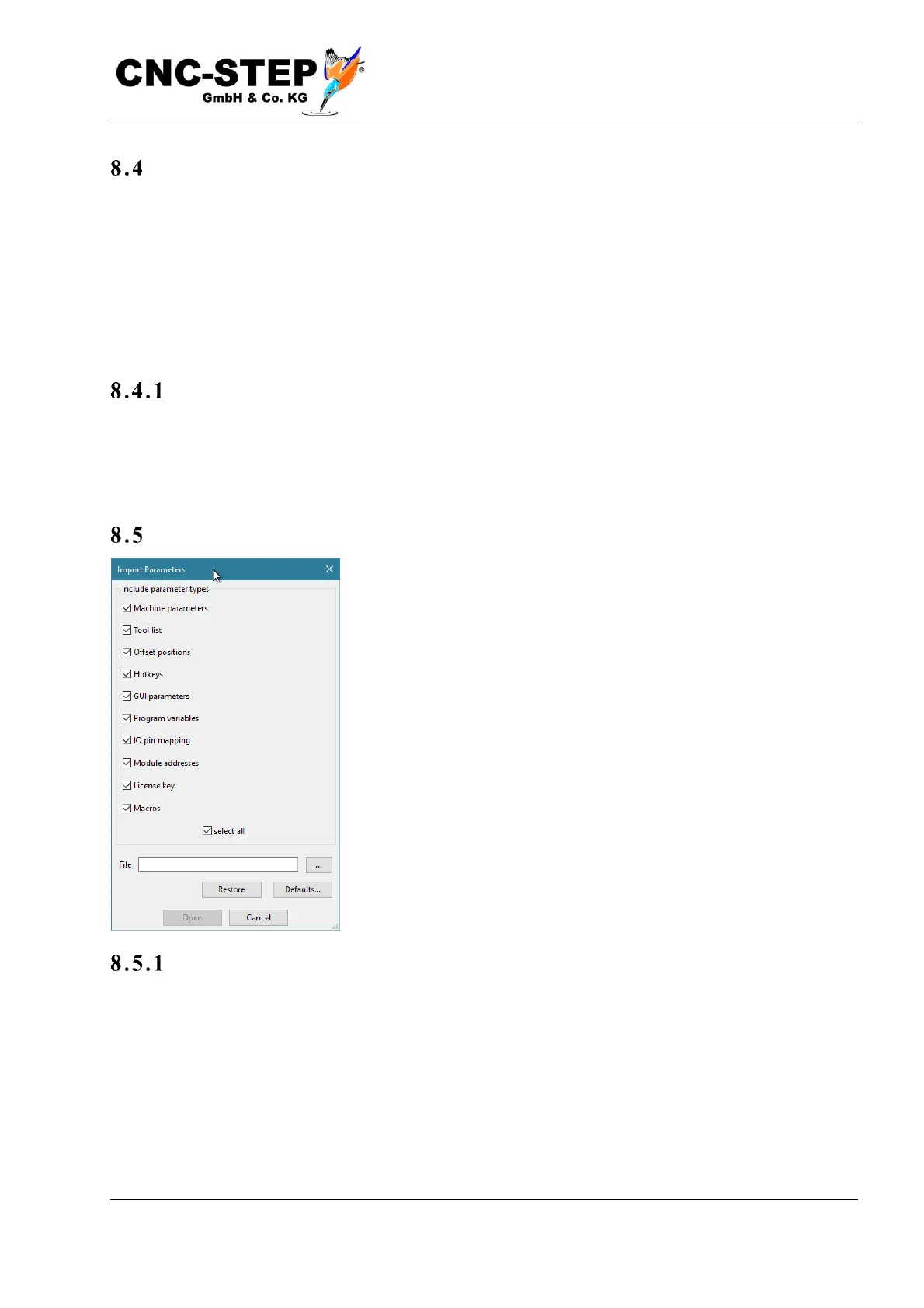
With this function you can load the complete machine parameters
and all settings of the software or parts thereof from an external
file. This can happen for several purposes:
• You want to undo changes and import a previously made
backup.
• You want to install an additional feature or an update or an
extension.
• You want to switch to another machine or another type of
processing.
• You want to adopt settings from another, identical machine.
Pa r tia l i mpo rt
The control software not only supports complete parameter sets, but also subsets thereof. For
example, if you buy a rotary axis retrospectively for a 3-axis milling machine, the seller can supply
a parameter file that only contains the parameters relevant for the rotary axis, ie resolution, speed
and travels of the fourth axis.
If you import this file, only these parameters will be changed. All previously made, other settings
are retained.



 To Next Page