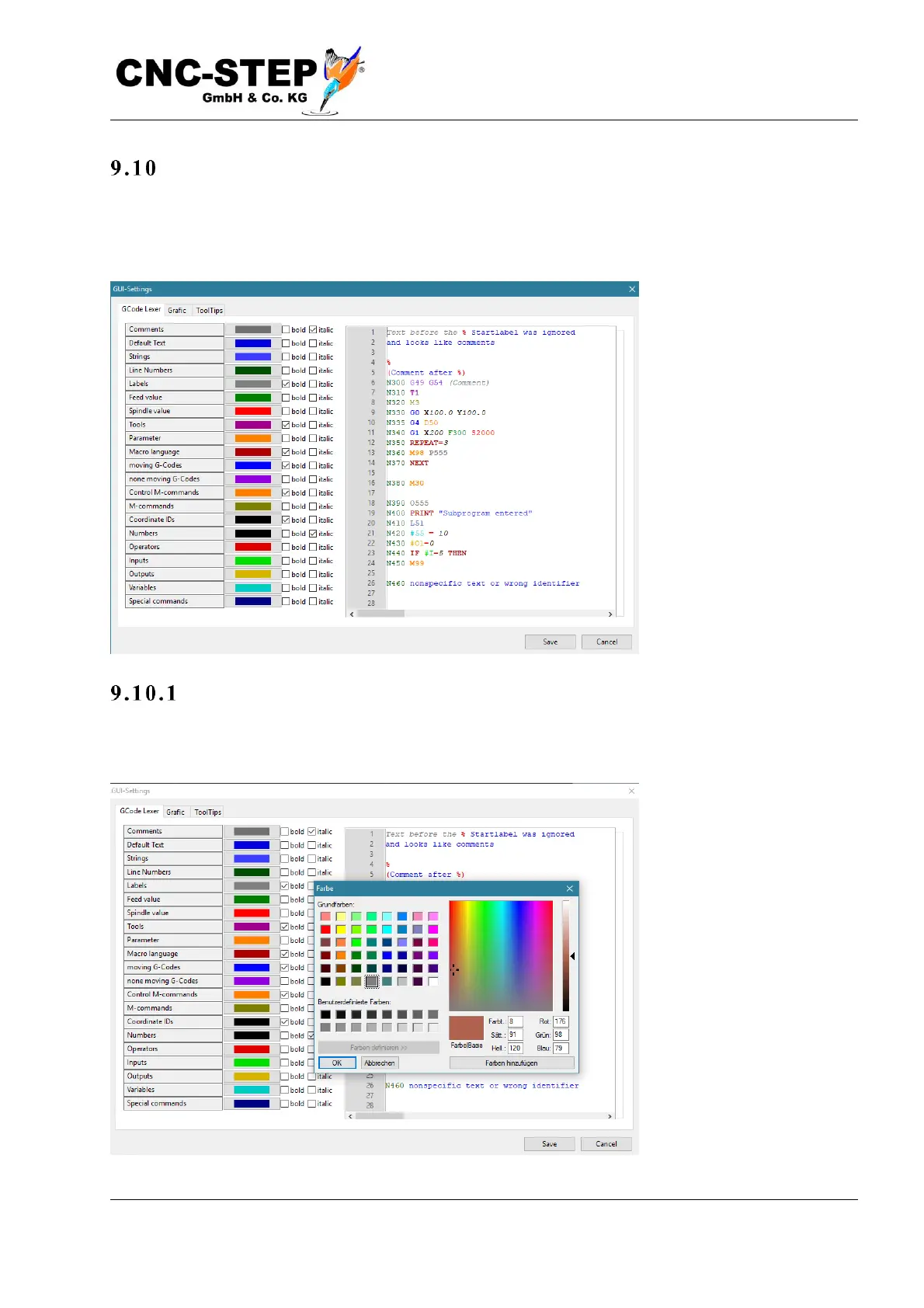
GUI-Settings
These settings affect the graphical user interface (GUI), i.e. the display of the text in the program
window and the tool path in the graphics window is influenced. This opens a dialog box with two
pages: GCode-Lexer and Graphics.
Chan g e G -co d e re pre s ent atio n
The G-Code Lexer page allows you to change the color and font attributes for all the text elements
of the syntax highlighting.



 To Next Page