Errors
The program will now be displayed on the main page ("Program") in the text window at the bottom
left. In the graphics window on the top left, the tool path appears, if it fits into the editing room. If
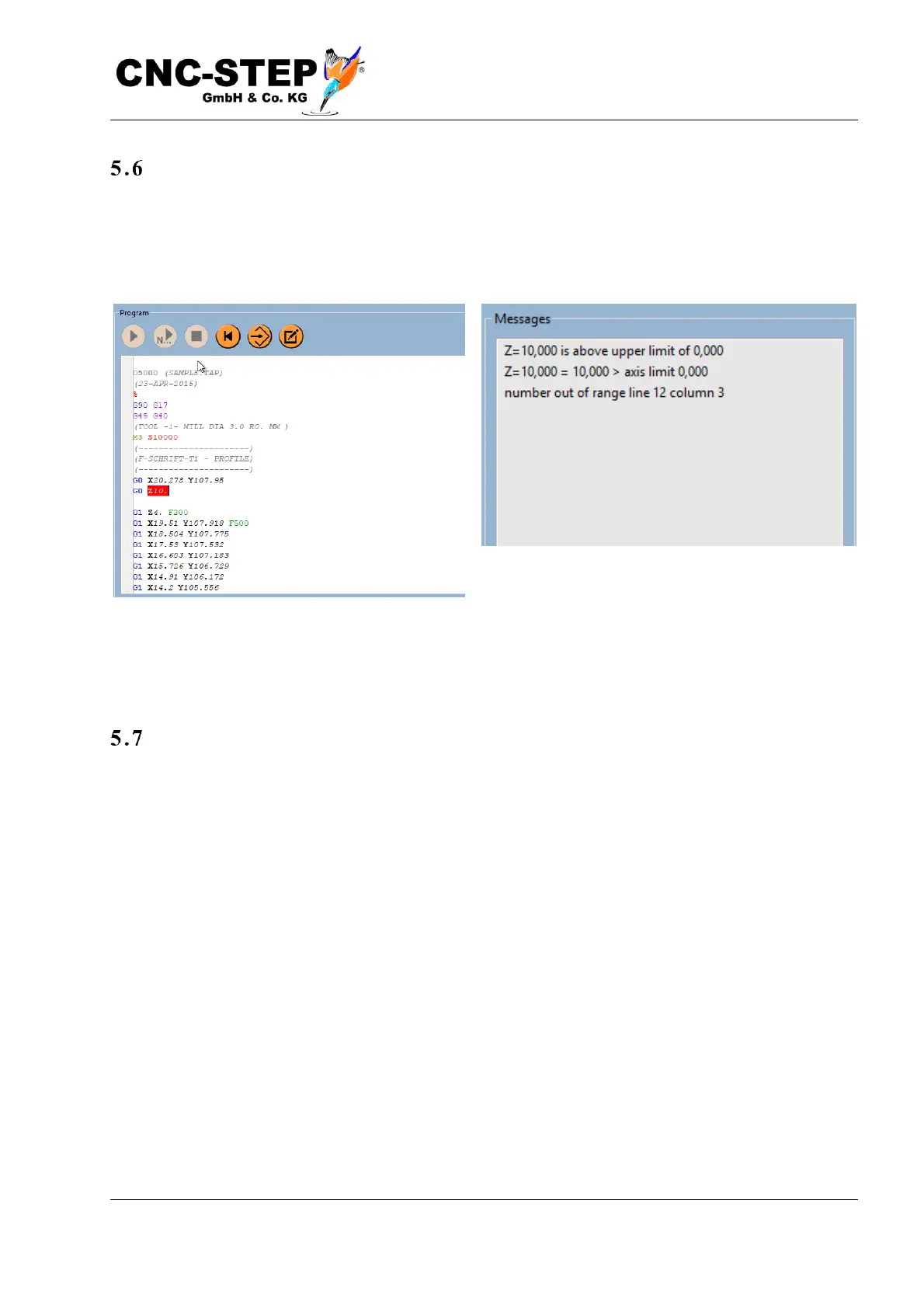
not, or if other errors have been detected, an error message appears in the message window at the
bottom right.
For example, it may indicate that "number out of range ..." is displayed because the zero point is not
yet in the correct location and parts of the tool path are outside of the processing space. It is
important to recognize this already before the machine would hit a stop during machining.
The 3D display
Above the NC program, the working area of the machine is displayed.



 To Next Page