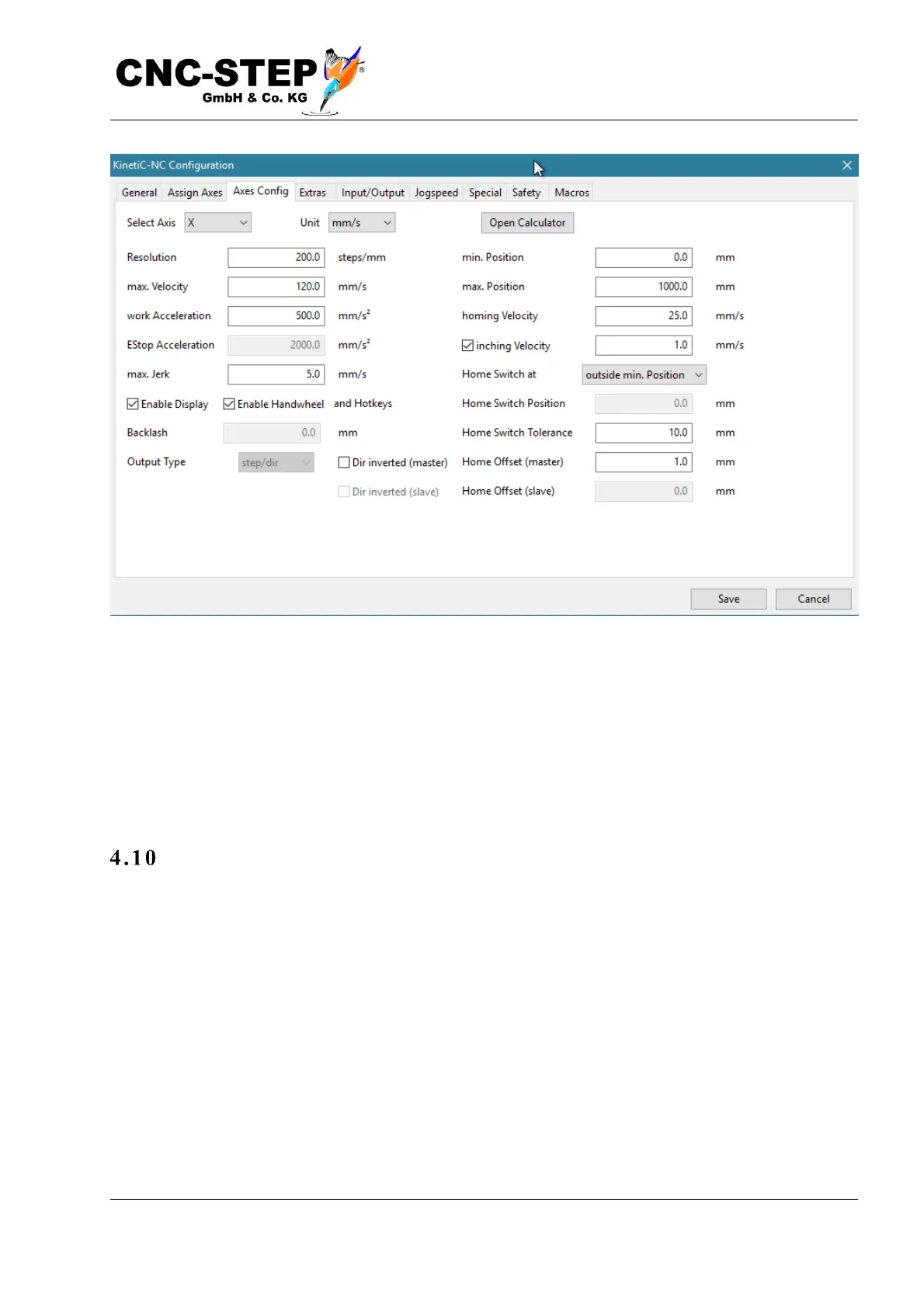
If a drive moves in the wrong direction, this can be corrected with "Inverted direction" in the axis
parameters.
If the reference switches are working and the directions of all drives are correct, you can start a
homing run with the "All Ref" button on the diagnostics page. If you have to cancel the homing
because there is still something wrong, you can either do this by pressing the button again or
pressing the ESC key.
Test outputs
Finally, you can test the function of the spindle and coolant outlets (or dust extraction). To do this,
click on the corresponding boxes in the "Outputs" field on the diagnostics page, e.g. "Spindle
forward" or "coolant".



 To Next Page