Re l eas e of t he func tio ns
If certain functions are inaccessible (grayed out) after starting the software, there may be
two causes:
• The emergency stop of the machine is activated. This can be recognized by the symbol
"Emergency Stop". No programs or movements can then be started, and no outputs can be
switched on. If your machine has security doors or alarm signals from external devices, this
may also lock machine functions. This is indicated by a different symbol instead of
"Emergency Stop". Only with "OK" all functions are enabled.
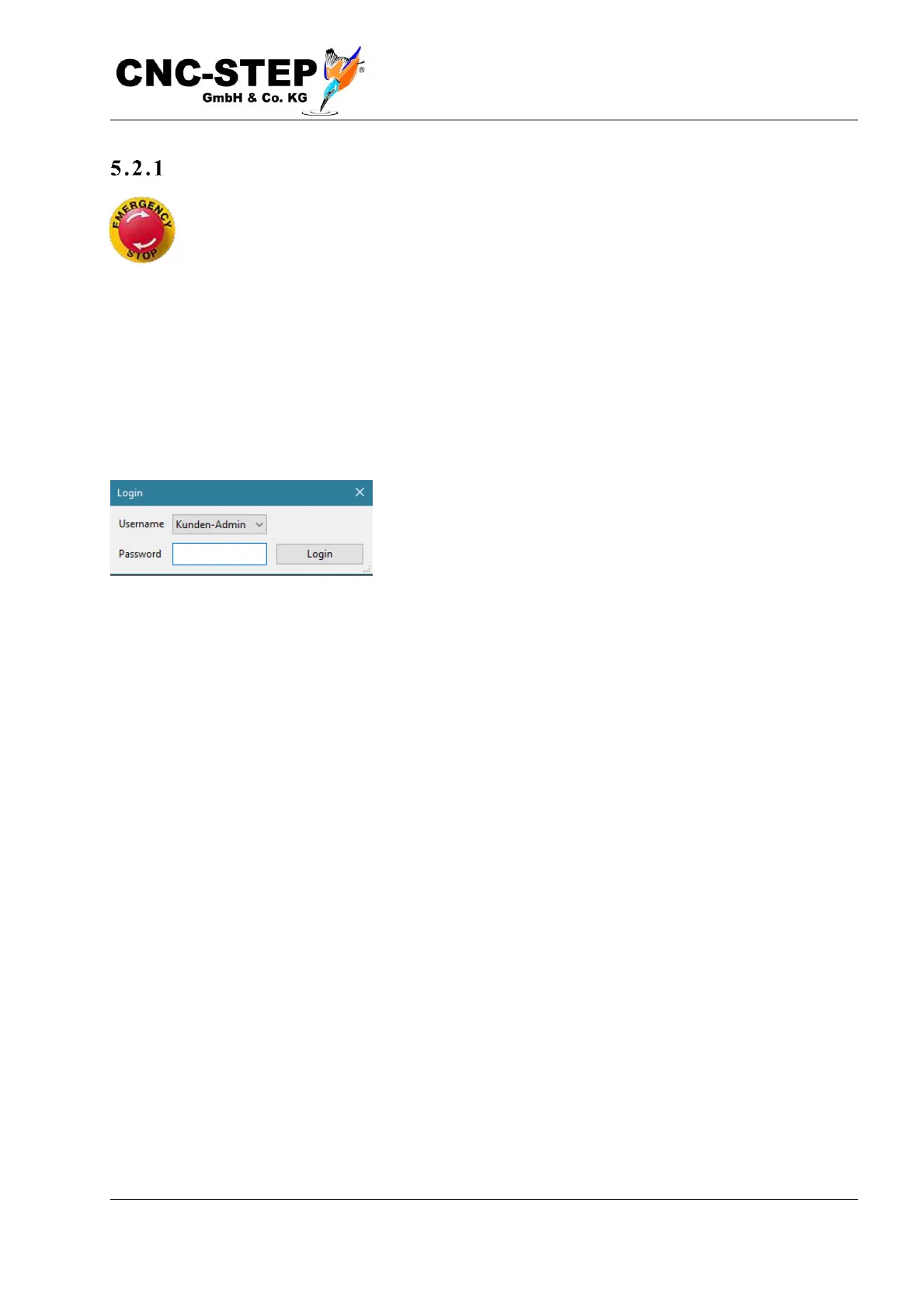
• No user is logged in or the current user is not authorized for certain functions.
If "User logged out" is displayed in the status bar, or if you need
to access functions that require special authorization, you must
log in as the user. To do this, select in menu-> user-> login.
Access to the machine parameters (Configuration - Machine menu) is e.g. only allowed to the
administrator. You can log in as Administrator by selecting "Kunden-Admin". In the delivery state
the password is "1234". The default user does not require a password.



 To Next Page