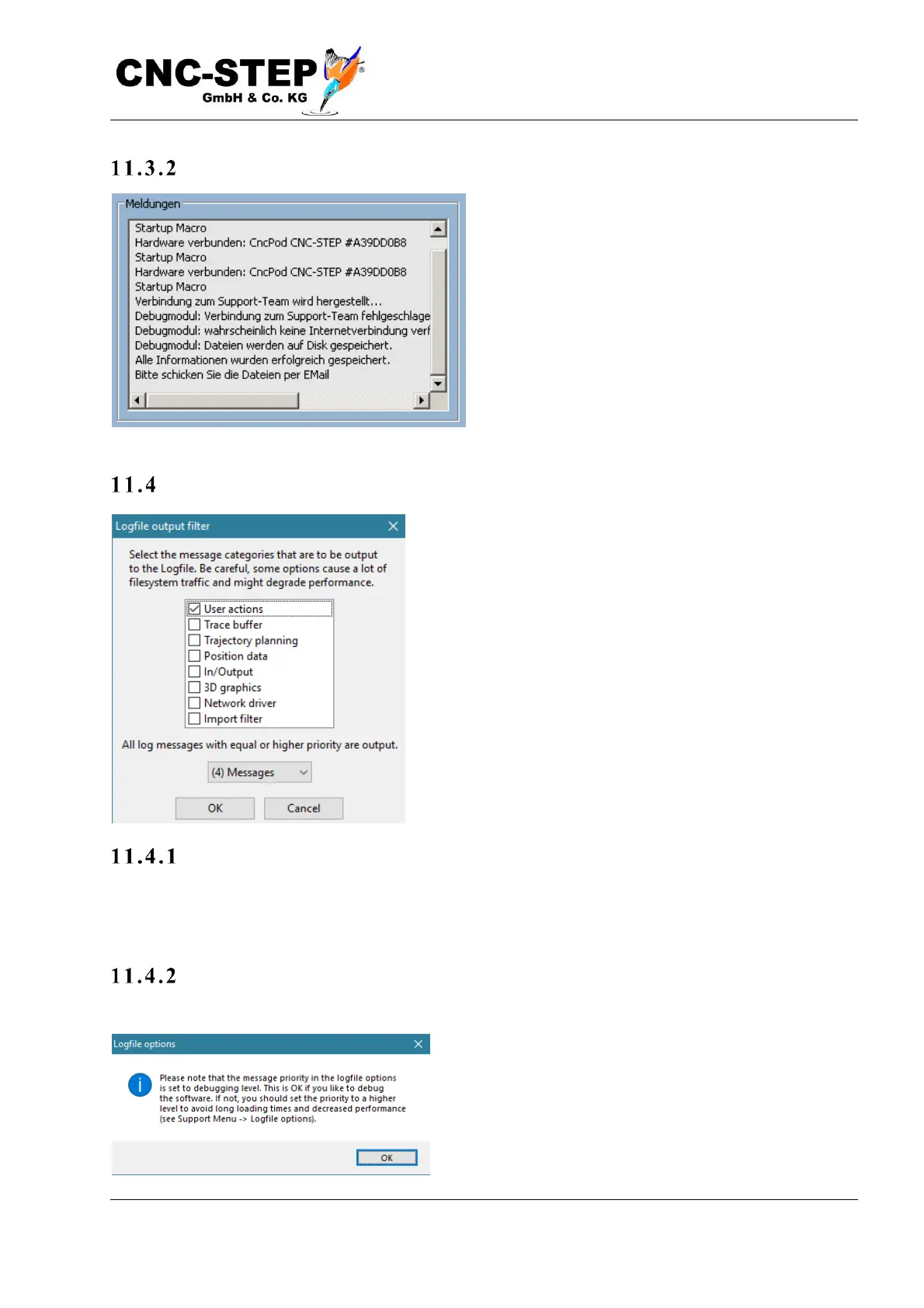
Check if ever y thi ng h as b e en s ent
After successful transfer of the data or storage on
a data carrier, you will be informed about this in
the message window.
Logfile Options
This feature allows you to determine what actions are
logged in the log file and how detailed this information is.
The more actions or message categories are selected, and
the smaller the priority is set, the more data is written to
the log file. In normal operation, the log file is not needed,
and only a few categories and a high priority should be
selected in order not to generate an unnecessarily high
volume of data, which could possibly have a negative
impact on system performance.
Suppo rt
But the log file can become important when it comes to finding the root cause of problems.
Therefore, you may be asked by support to enable certain log options if you report issues.
Impo r tant : Re set the l og optio ns
If, after submitting the log files to the support and fixing the problem, you reset the log files.



 To Next Page