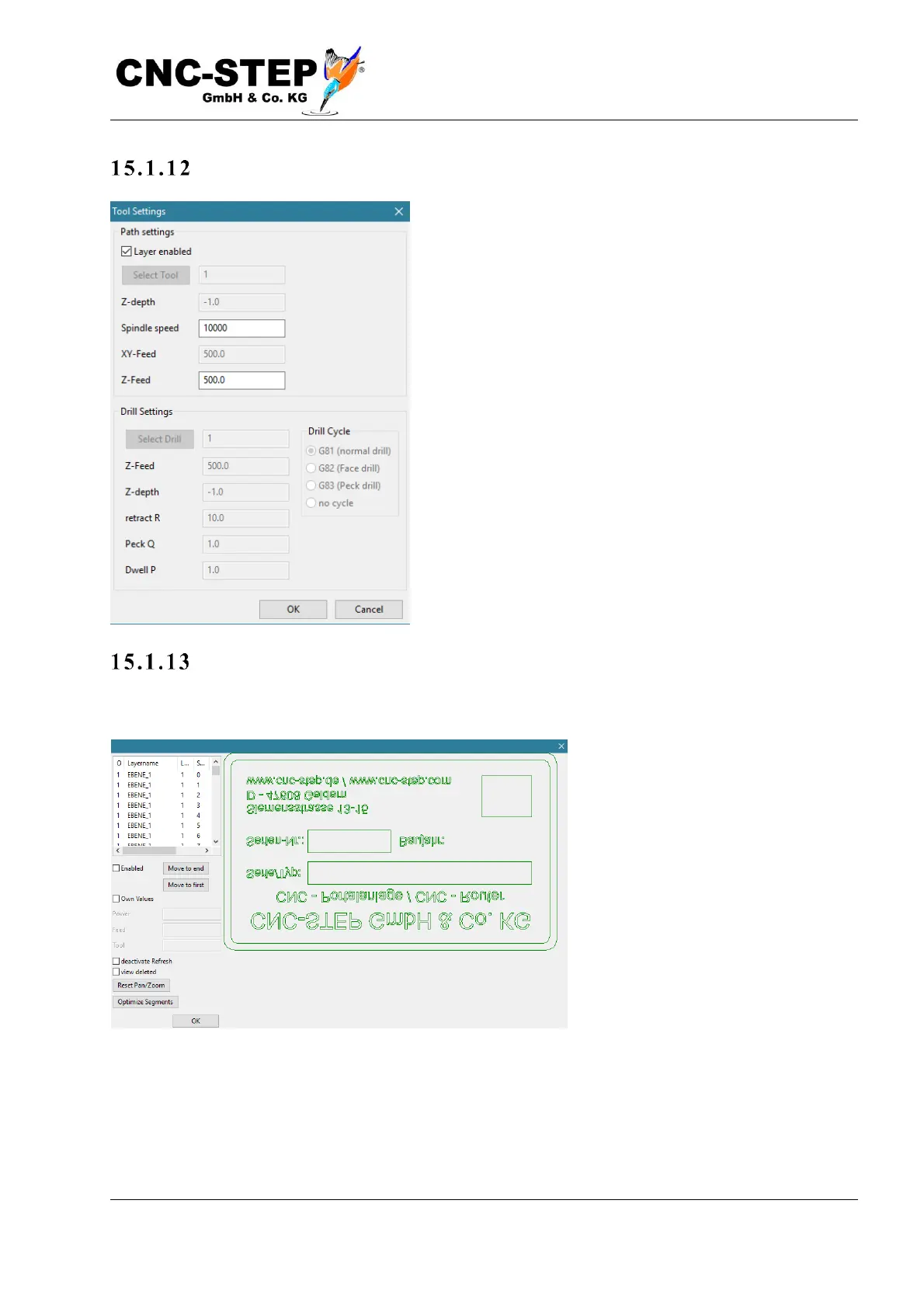
Laye r-De tai l s (L ayer Lis t ):
By right-clicking with the mouse on a layer in the layer
list, the global settings are assigned, or you can display
and modify the set values. Thus, individual values for
feed, Z depth, tool or drilling can be set for each layer.
The description of the individual values is identical to the
global values described above.
A dva n c ed E dit i ng / Pa t h De tail s :
Clicking on the "Path Details" button opens the following window:
Segment selection
In the upper left corner is a list of all segments that contain this file. Clicking on one of these
segments turns this "light green". At the same time, the fields below this list become active. By un-
checking "Active" you can exclude the selected segment from the export.



 To Next Page