S tart pro gram at any poin t
Retaining a program at any point carries a certain amount of risk depending on the type of
workpiece, the tool and the machining strategy. In extreme cases, such as a T-slot cutter, which is
located in the middle of the material, no resuming at this point is possible at all, without damaging
workpiece or tool. Since the controller cannot automatically detect such hazards, the responsibility
lies with the operator in such cases. If in doubt, calculate that the tool travels diagonally to the next
machining point with all axes at the same time, in other words under certain circumstances it may
be that there is still raw material on the way there. If you cannot be sure that a collision will not
occur, then rewind until you reach a non-hazardous location, such as a safe Z-height outside of the
material.
For short programs that only run for a few minutes, and if the part is not too valuable, it may not be
worth continuing, and it is better to run the program completely from scratch, instead of risking
another tool break.
A d diti o nal tip
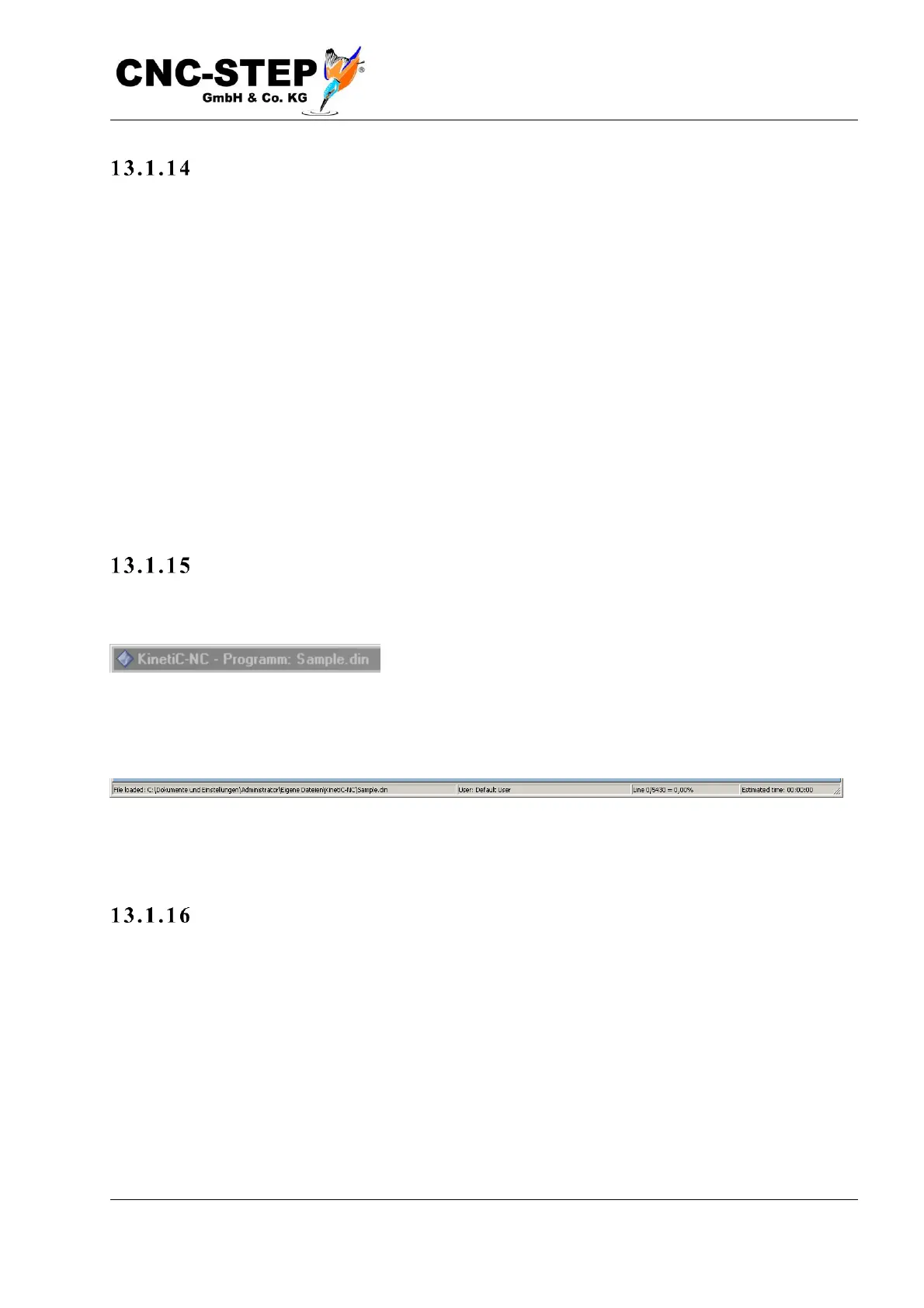
The title bar at the top of the main window displays the name of the currently loaded program.
The status bar at the bottom left shows the complete pathname of the loaded program. To the right,
the line number is displayed, how far the processing has progressed
If you cancel a program, and If you want to continue the next day, make a note of this line number
to find the right place to continue later.
Execu tio n ti me
At the far right, the preview displays the estimated execution time after loading the program, and
the elapsed time during execution.



 To Next Page