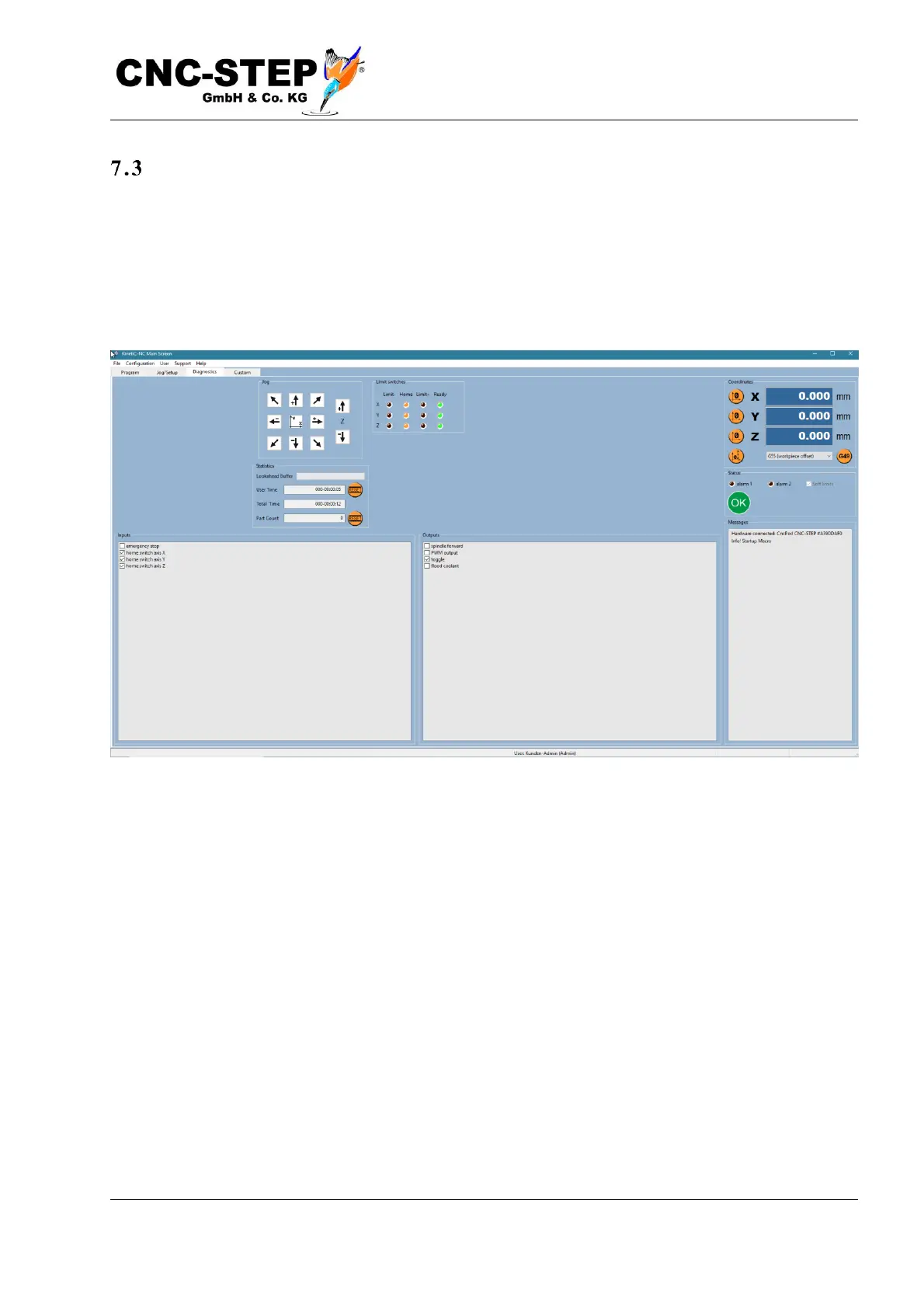
The diagnostic screen
In addition to the known coordinate display and the message window, the status of the inputs and
outputs are displayed on this page. The states of the reference and (if present) limit switches are
visible as signal lamps at the top center. To the left of the coordinate display are buttons for
triggering a reference run. Either the selected axis or all axes one after the other move slowly to
their reference switch to find the position of the zero point.



 To Next Page