7 The user interface
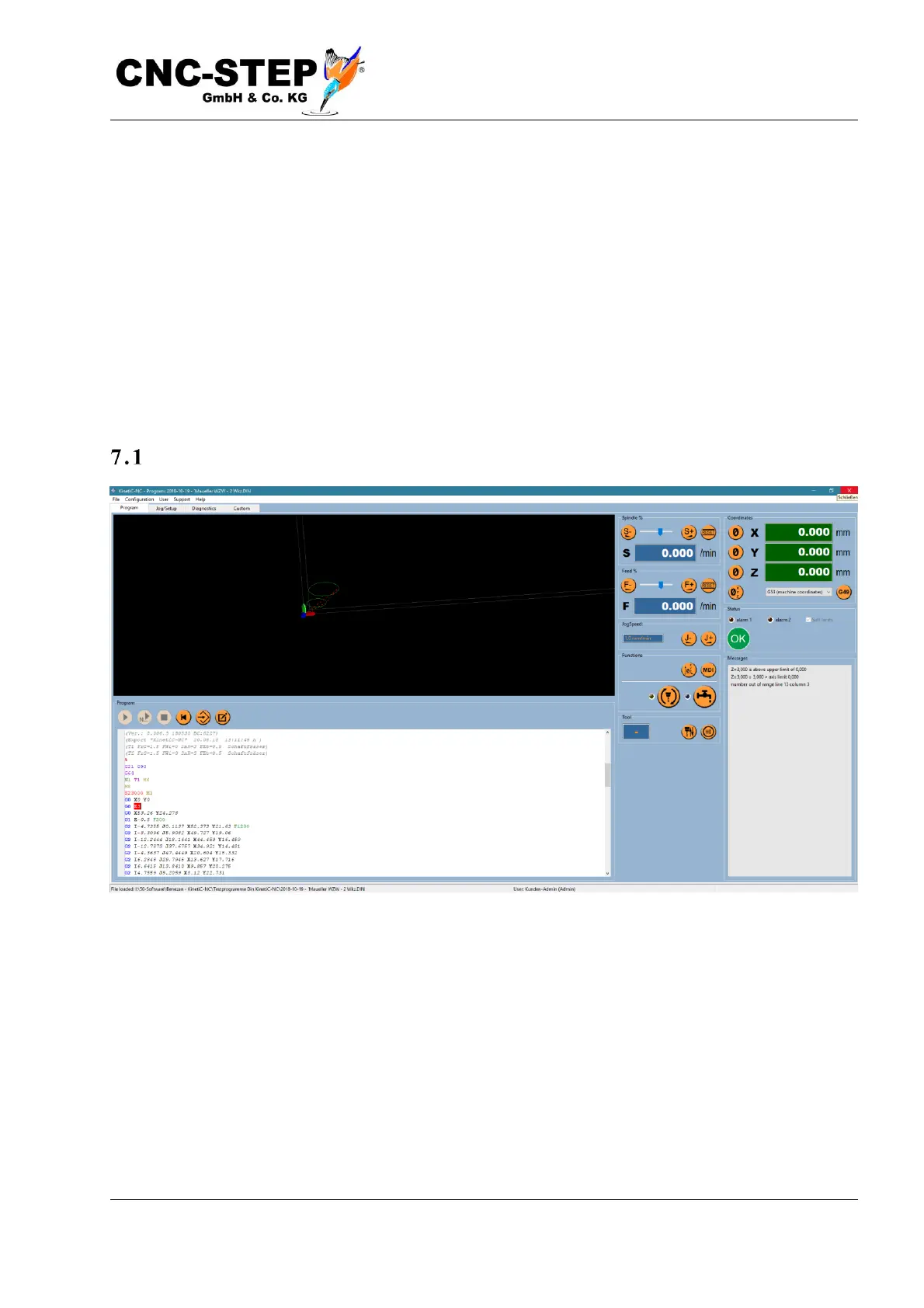
The user interface is divided into 4 clear screen areas and the menu at the top of the screen.
Simple it safer
The design of these areas was deliberately chosen to be simple and to handle all functions while
working on the machine.
A consciously overcrowded and artistically playful surface has been deliberately omitted in order to
offer the user a clear, clean structure in order to exclude the risk of operating errors due to
confusion.
The program screen
On the first page is the graphic display of the tool path, the text display of the NC program and the
most important control elements to start and control the program sequence.



 To Next Page