6 The operation
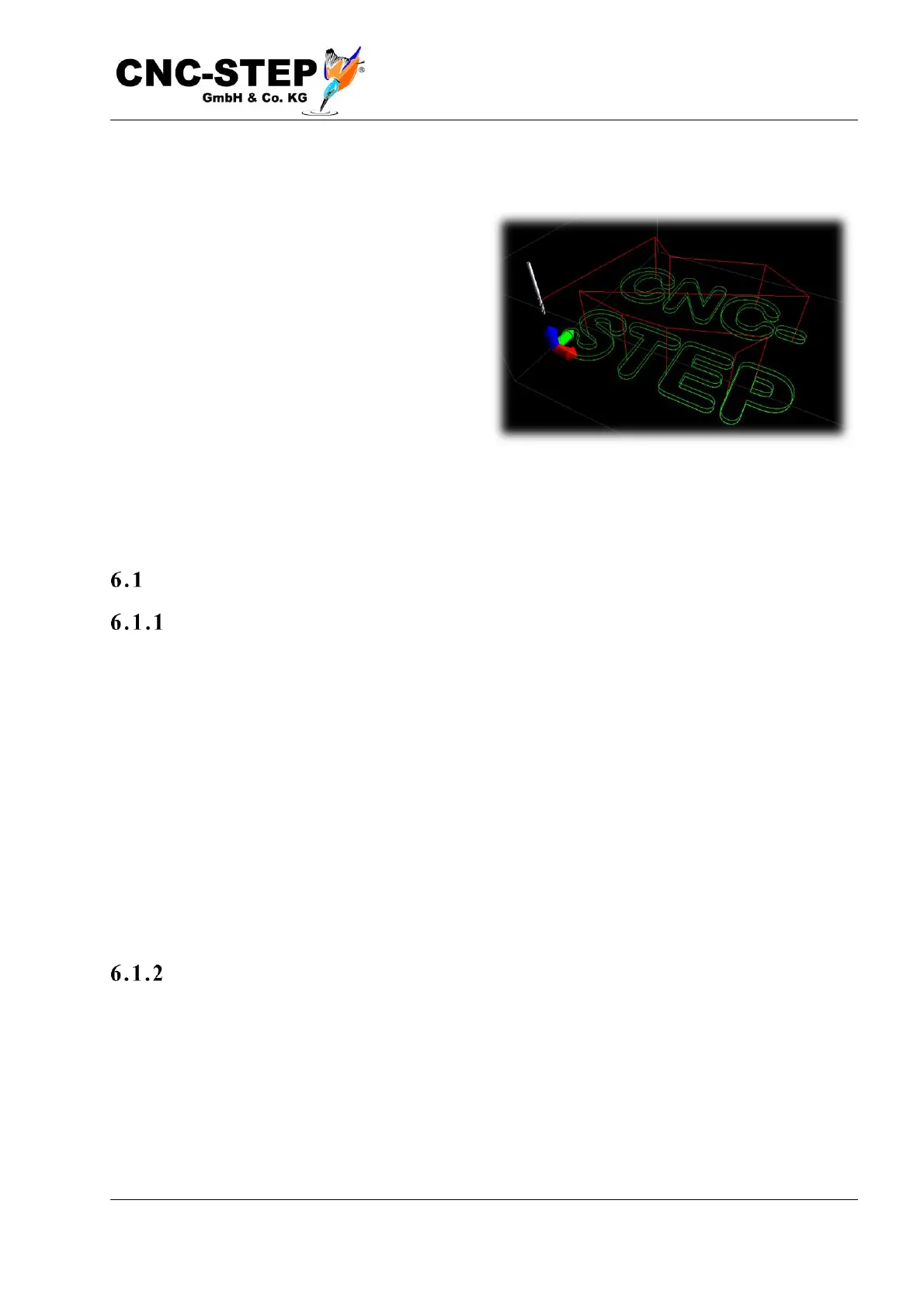
By dragging the mouse pointer while holding
down the left key in the graphics window, you
can move the tool path.
While keeping the right mouse button pressed,
they spin the path in the room, which means
they change the viewing angle to the 3D display.
Turn the mouse wheel to zoom in or zoom out.
By double-clicking on the left mouse button,
you can switch between the following display
modes:
• Zoom on the whole machine. The center of rotation is at the center of the machine
• Zoom on the workpiece, the center of rotation is in the middle of the workpiece.
Set zero point
Where to put the z e ro po int
Before a program can be started, it is necessary to tell the control software where the workpiece is
located on the machine. This is done by setting the zero point. Where the zero point is on the
workpiece depends on the drawing. The "Sample.din" file contains the zero point in the lower left
corner and at the level of the drawing. For round or symmetrical parts, it may also be that the zero
point is in the center. In the Z direction, the zero point is usually placed on the upper edge of the
workpiece so that positive Z values are above the material, the negative ones indicate the
penetration depth into the material. For some applications, it may also be useful to place the zero
point on the bottom of the material, for example, to make the programs and settings regardless of
the material thickness.
The following description assumes that the zero point in the drawing is on top of the material. The
topic will be discussed in more detail later. This example is only about basic understanding.
The sta rt u p
Switch to the "Setup" page, where the buttons with the arrows are located.
Clamp a workpiece to practice on the machine's working surface, such as a wooden plate. Briefly
press the arrow pointing to the right.



 To Next Page