Ad d new too l s
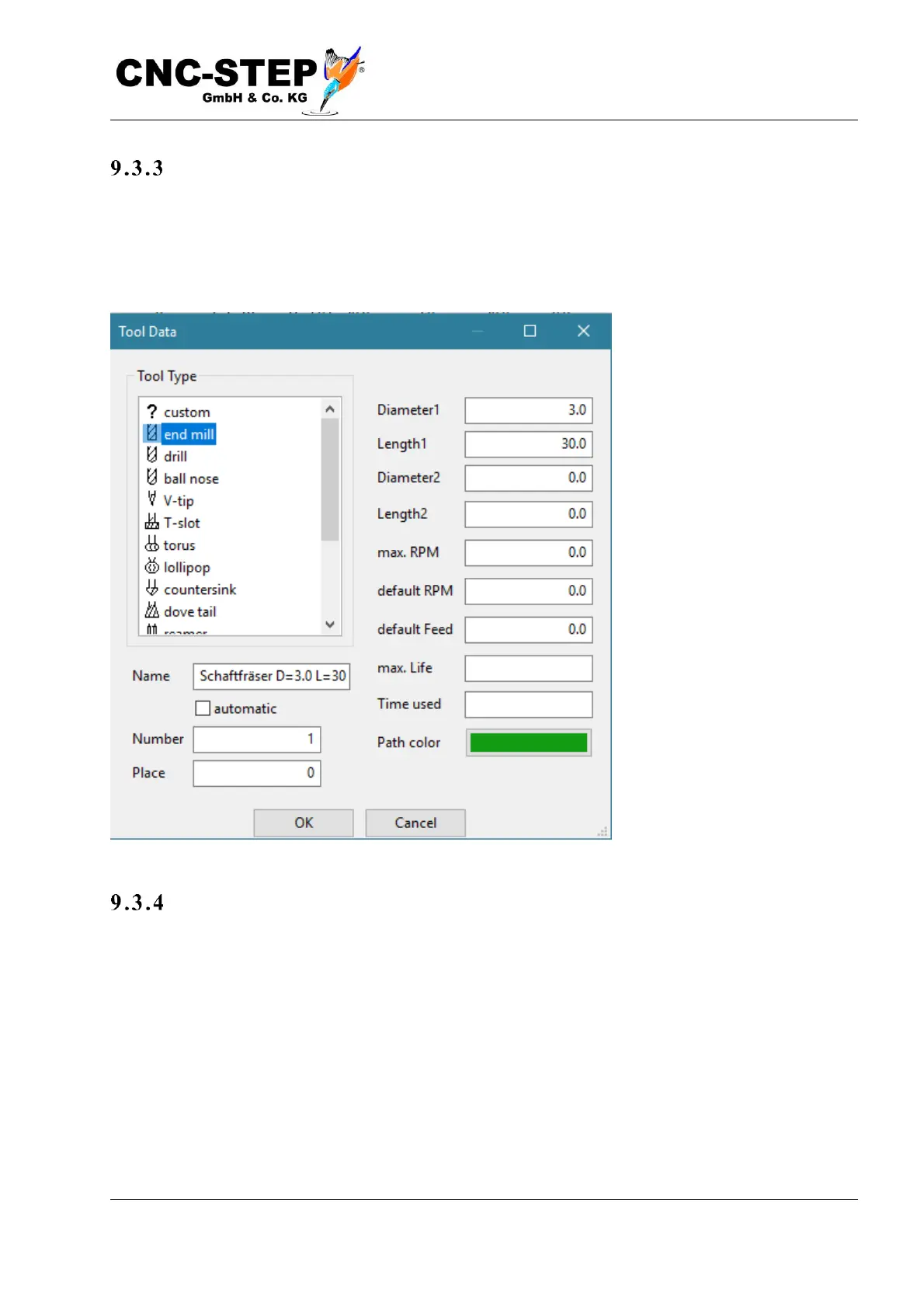
"Change" or "Add" opens the tool dialog (see picture below) with either the currently selected or a
new tool. The type and parameters of the tool can be entered. Standing times and max. Speed is
currently not used. The track color is used for the 3D graphics. If different colors are chosen, the
paths of the tools can be better distinguished.
As s i gn na me s
If "automatic" is activated, a name is automatically generated from the selected settings. You can
also replace the tool name with your own input.



 To Next Page