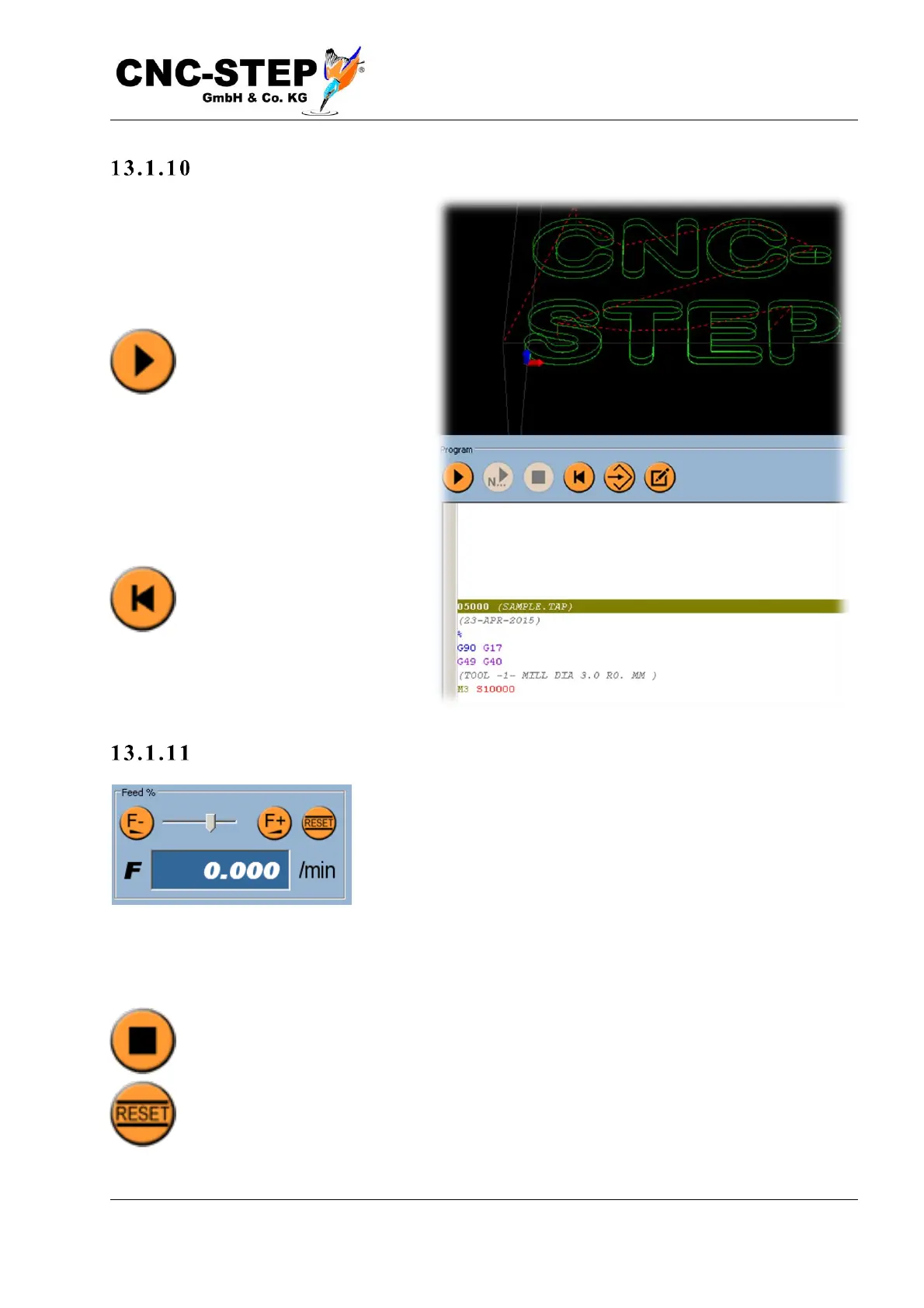
S tart i ng t he pro g ra m
If the zero point is set correctly, the
graphic display shows the tool path as
expected, and no error message appears
in the message window, you can start the
program.
The button for this is located
on the main page ("Program")
on the left below the graphics
window. In the event that an
error message has been displayed or the
text display ("Program" window below
the graphic) is not at the beginning of the
program, the start button may be disabled
(gray). In this case, you can first click on
"Rewind", then the text display
jumps to the beginning of the
program and the start button
becomes active again.
A d jus t fe e d
Before starting a new program for the first time, it is
recommended to set the feed override (slider "Feed%" top right)
to a small value (eg 10-20%) to slow down the machine.
If you have made a mistake while setting the zero point, if the wrong tool is in the spindle, or if the
machine makes an unexpected move to the wrong place, you still have time to react to an imminent
collision.
Pressing the stop button stops the program, or in an emergency, of course, the emergency
stop button on the machine.
If everything works as expected and without any problems, you can reset the Feed%
slider to 100%, which is easiest with the Reset button.



 To Next Page