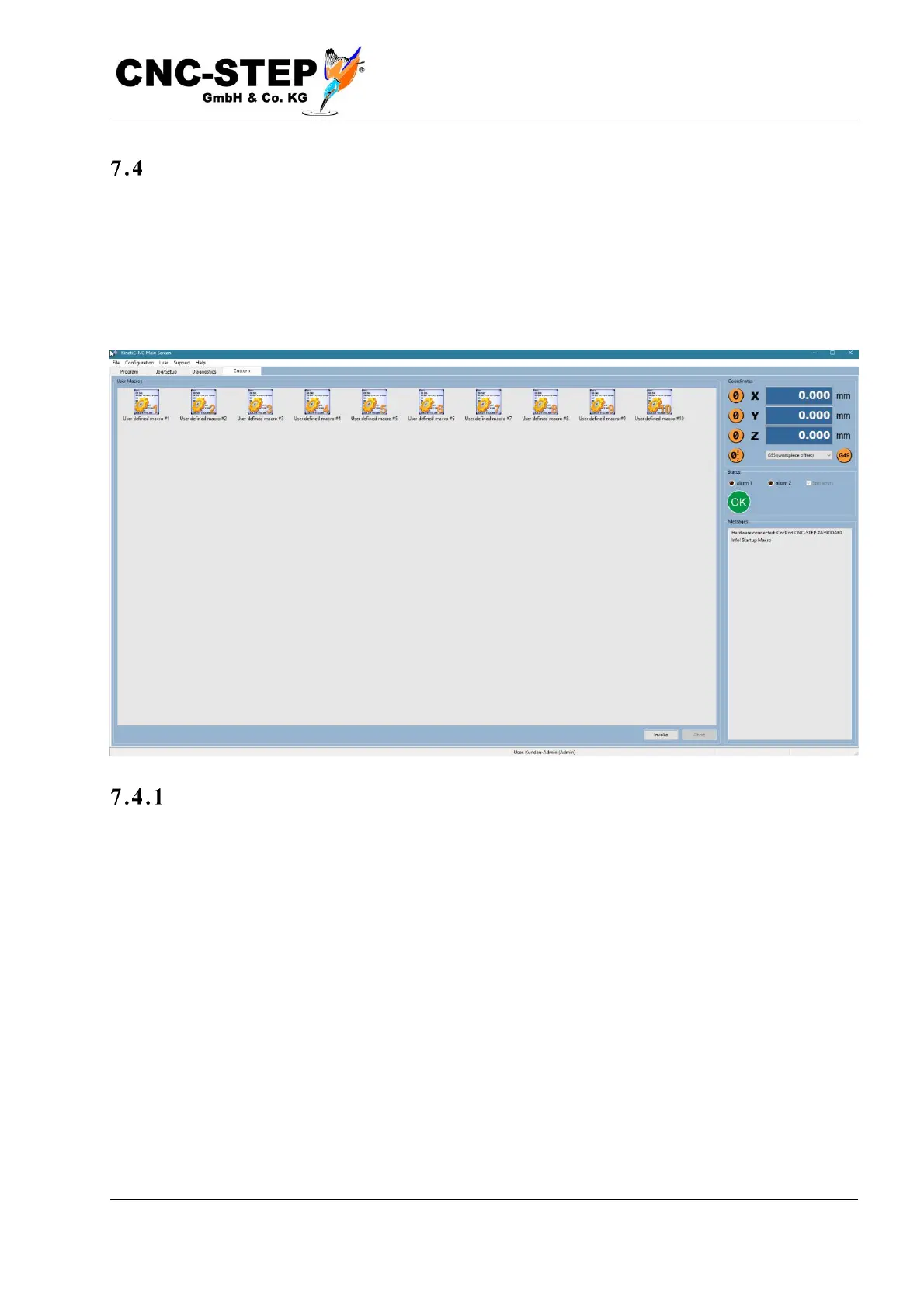
The special screen
Using the so-called user macros own functions can be realized, which are not predetermined by the
software itself. You can either program the macros yourself by selecting the user macros at the
bottom of the list in the Macro dialog (Configuration -> Macros menu).
Or you can install macros using the import function (menu File -> Import Settings) downloaded
from the Internet or supplied with a machine accessory.
Ap p lica tion exa mple s
Typical application examples for user macros are: Spindle warm up, tool length measurement with
mobile probe, borehole center finding and much more. A more detailed description of the Macro-
programming language can be found in the separate reference manual.



 To Next Page