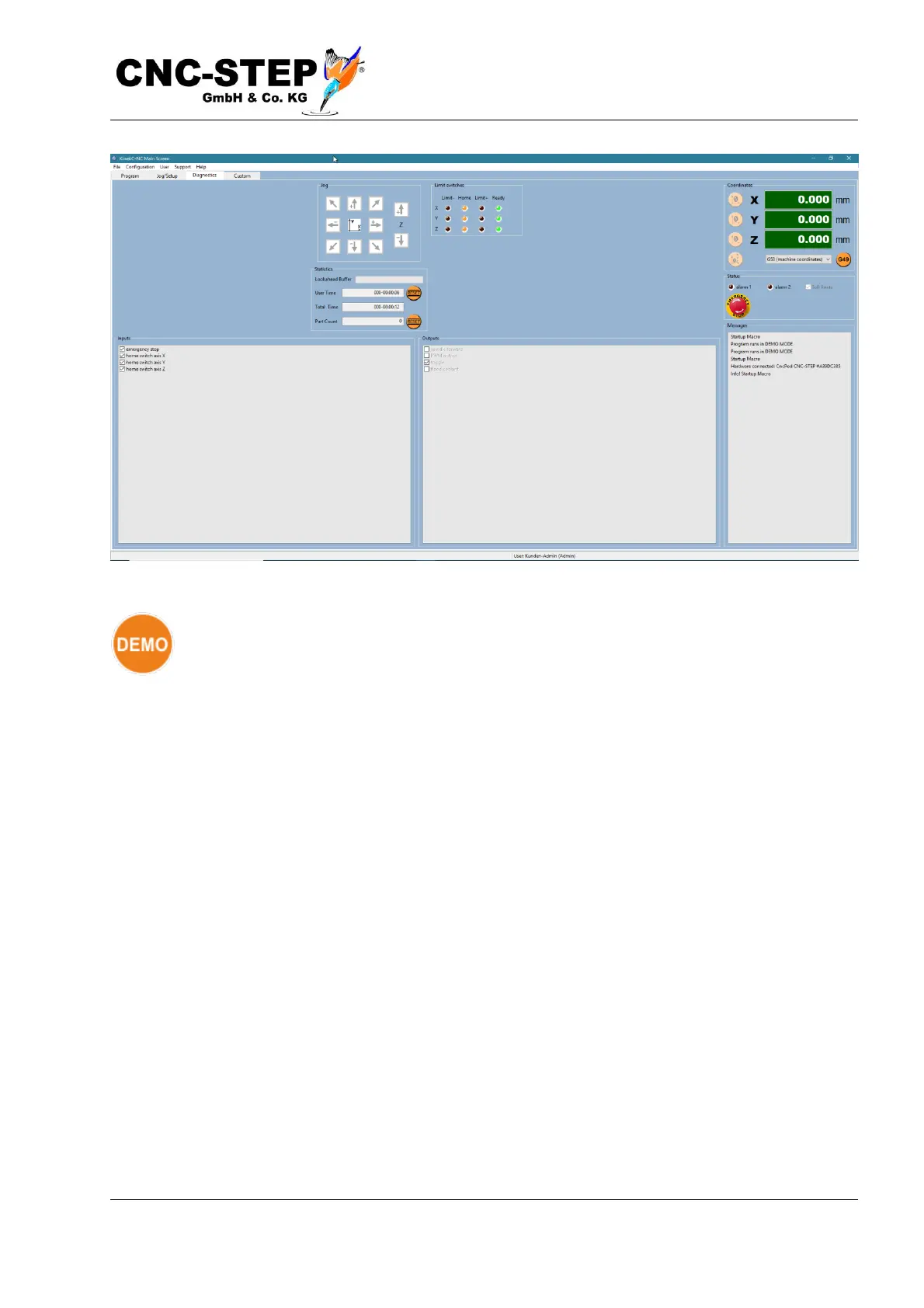
If the DEMO symbol appears instead, there is (still) no connection to the hardware.
Please check this in the menu "Configuration -> Hardware". The symbol with the plug
drawn on the far right indicates that a connection existed but was subsequently
disconnected. This may not only be due to the cable connection itself but also to the operating
system (anti-virus, firewall, energy-saving mode, see also chapter "Installing the CncPOD").
The triangular warning labels indicate a problem with the safety door, the frequency converter or
other external equipment. For information about how to resolve the issues in these cases, refer to
the instructions in the appropriate extension. If the "Emergency Stop" symbol does not disappear,
check whether all emergency stop switches are actually unlocked and whether all connections to the
controller and machine are plugged in correctly.
If the lists of inputs and outputs on the diagnostics page (large picture above) are empty, this can be
remedied by resetting the input / output pin assignment. The default assignment of the inputs and
outputs can be restored with Menu -> File -> Import Settings by selecting the default parameters,
deactivating all check marks except "Inputs / Outputs" and then loading with "Open".



 To Next Page