110
15.2 TEMP setting in parameter area
Users can use the knob to move the cursor onto the TEMP hotkey in the parameter area and press
the knob to enter the TEMP Setting menu.
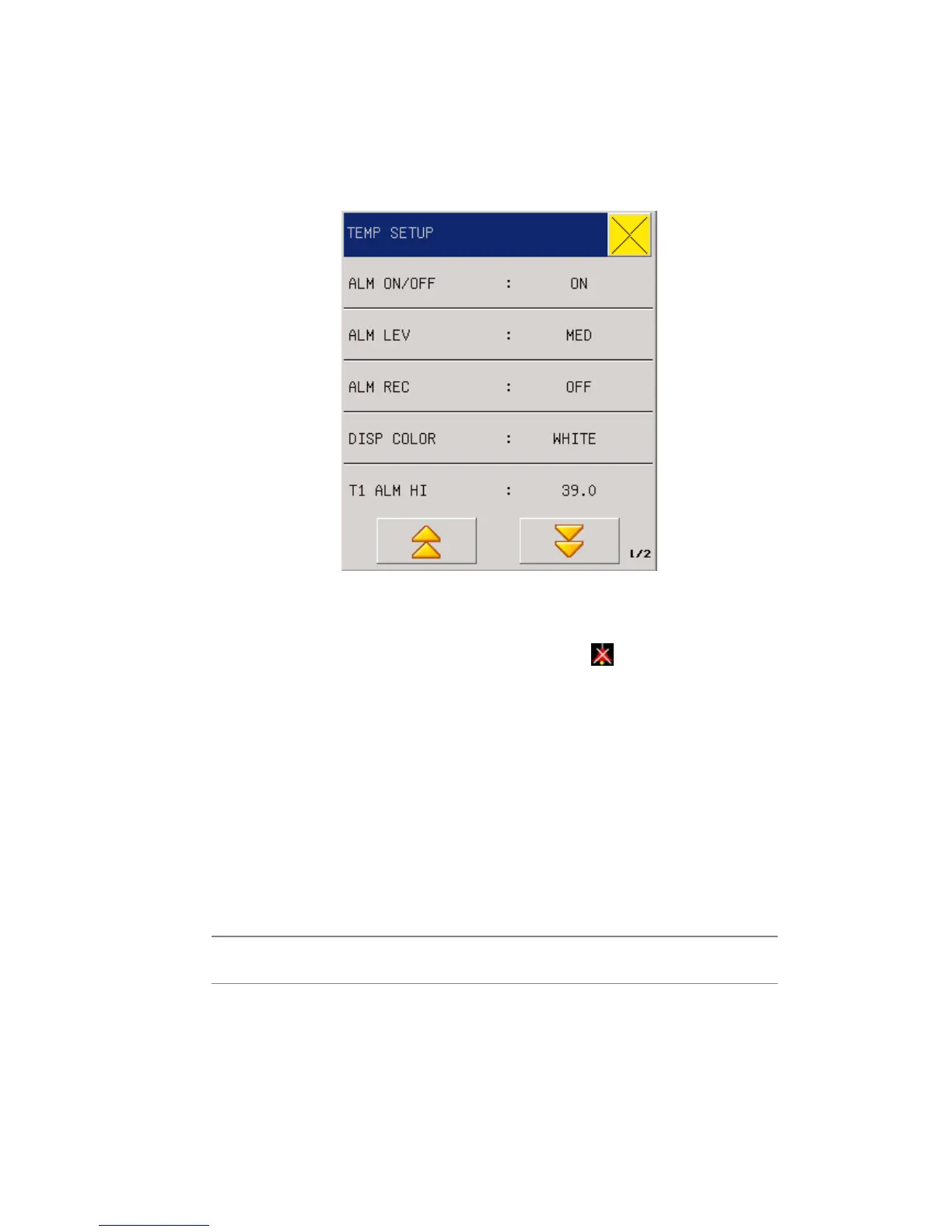
Fig 14-1 TEMP setting
Alarm Switch: Select “ON” and the alarm prompt and saving will proceed when TEMP
is alarmed; select “OFF” and no alarm will happen, but
will be prompted beside
TEMP in the screen parameter area.
Alarming levels: High, Middle or Low to be selected by users to set alarming levels.
Alarm Record: it is mainly used in starting/closing the output function of TEMP alarm
record. If “On” is selected, the present TEMP alarm will be outputted through the recorder.
Disp Color: green, cyan, red, yellow, white, blue, violet.
T1\T2\TD ALM HI/LO: Temperature alarm is set high limit and low limit alarm when
the temperature exceeds the high limit or below the lower limit
Adjustable range of TEMP alarm upper & lower limits:
Parameters Max upper limit Min lower limit Adjusted amount
per time
TEMP 0.1~50℃ 0~49.9℃ 0.1
TEMP unit:
℃
or
℉
Default Setting: Please refer to the “ECGDefault Setting” in the “ECG/TEMPMonitoring”.



 To Next Page