3
The outlet of the recorder is located on the left side of monitor and AC power line sockets are on
the rear panel of the monitor.
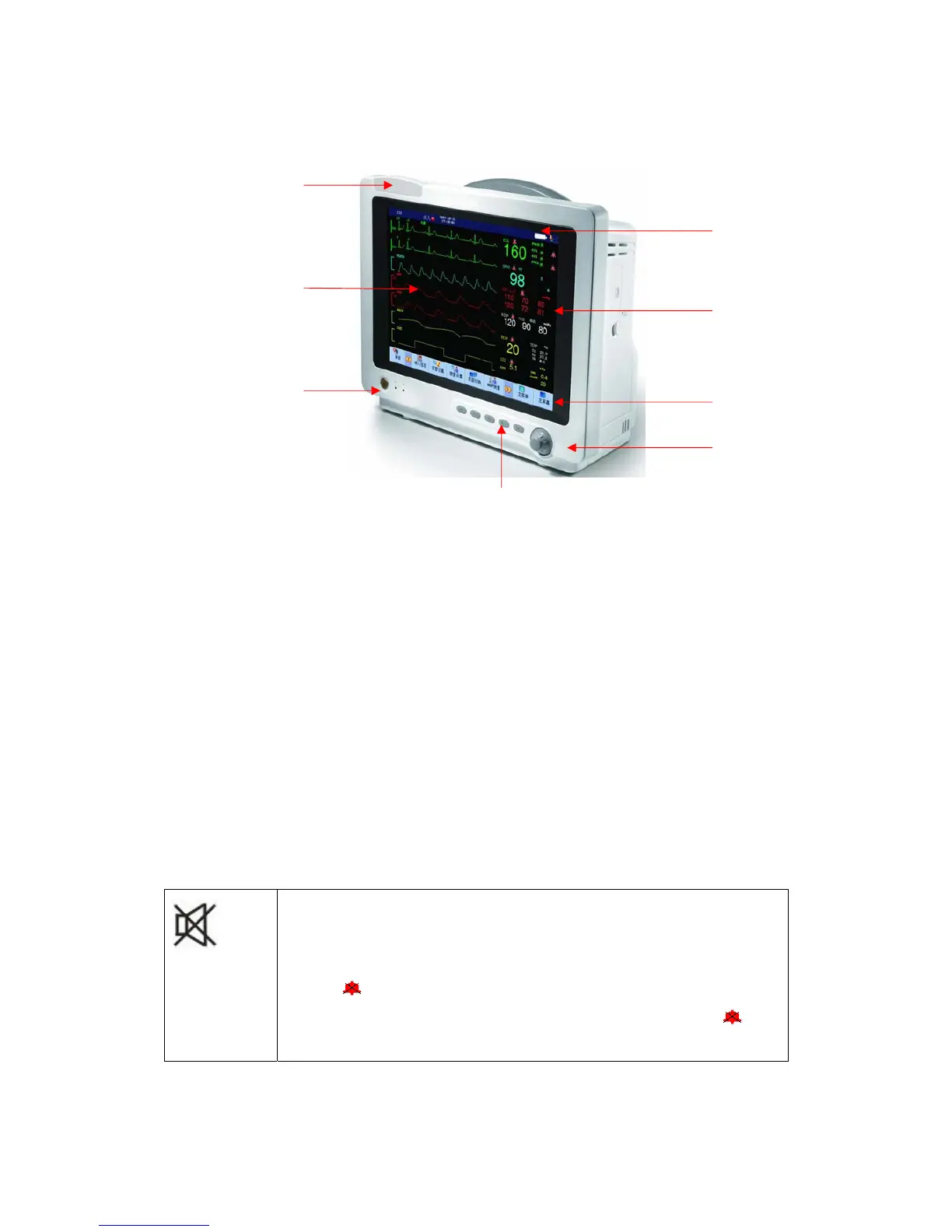
Figure 1-1 Multi-parameter Patient Monitor
This monitor has rich functions, able to provide various functions such as visual/audio alarming,
TREND storage & output, NIBP measurement save and review, medicine calculation, ST analysis,
pulse analysis, heart rate turbulence analysis, etc.
This monitor has a friendly operation interface, able to provide all functions with the keys and
buttons on the front panel, refer to Function Keys part for details.
1.2 Button Functions and Basic Operations
The monitor can be operated through use of the buttons and knobs. Here are the functions of the
buttons as follows:
(SILENCE button): Press this button and the alarm will be silence for 3
minutes (this item can be set in the “Alarm Setting” menu). Press this button
over 1 second and the alarm sound can be shielded. In the information area
appears
sign. Repress this button again to pause alarm, resume heart beat
sound and cancel some technical alarm (ECG off, SPO2 off), and the
sign
disappears.
(1)
(2)
(3)
(4)
(5)
(6)
(7)
(8)



 To Next Page