125
AWRR ALM SETUP: Used for to adjust AWRR the upper and lower limits of the range
of the high limit, middle limit and lower limit alarm . When the alarm limit CO2
measurement value is greater than or less than the alarm limit , the instrument alarm and
prompt
ZERO CAL: zero before monitoring the CO2, in order to obtain a more accurate
measured value.
DEFAULT : override the original settings.
16.6 CO2 Settings in Waveform Area
Rotate the shuttle button to move the cursor on the display interface to the CO2 hotkey in the
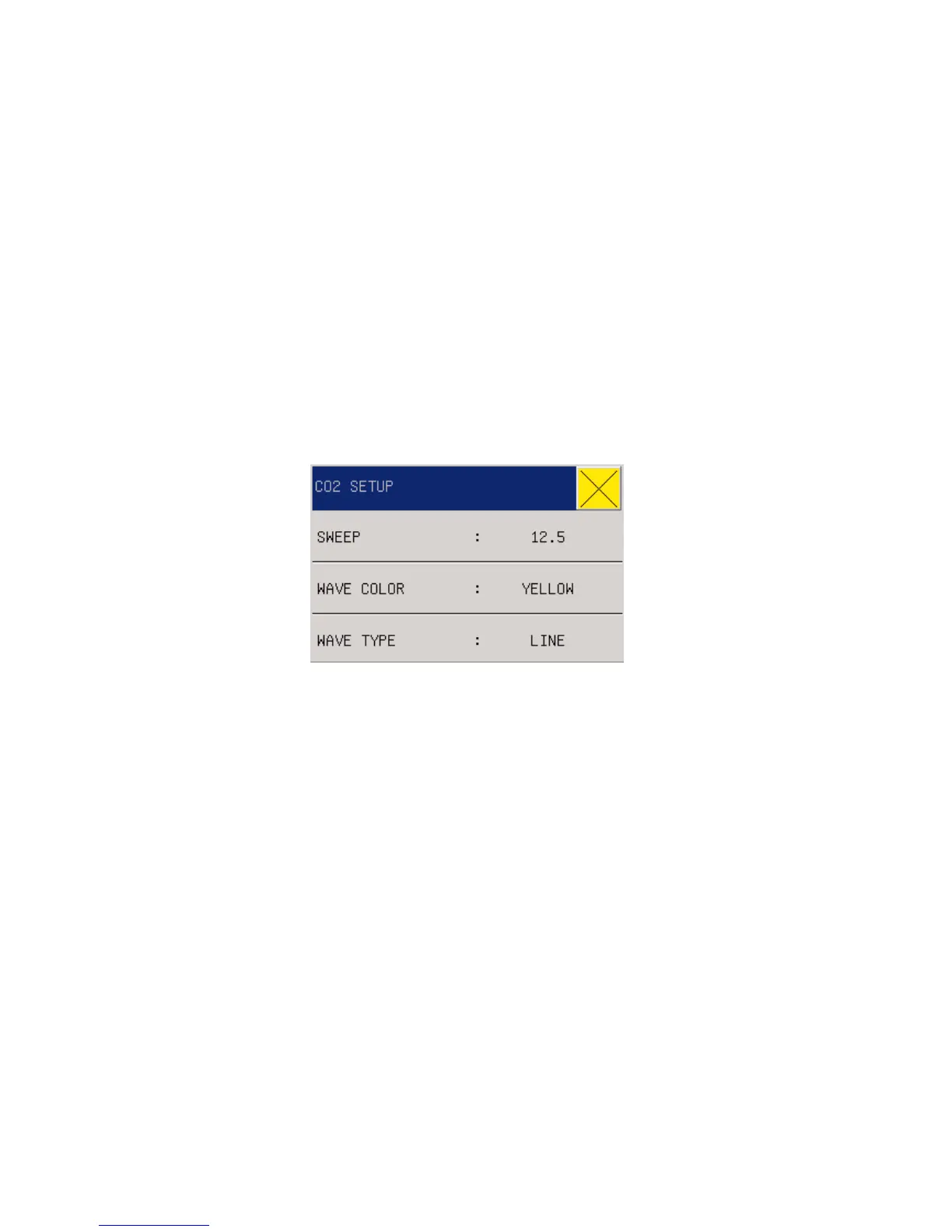
waveform area, and then press the shuttle button to enter the menu “CO2 Settings” as below:
Figure 16-7 CO2 Settings
SWEEP: 12.5mm/s~25.0mm/s.
WAVE COLOR: Green, Cyan, Red, Yellow, White, Blue, or Purple.
WAVE TYPE: Line or Fill.
16.7 CO
2
Settings in Measurement Setup
Select “CO2 SETUP” in the menu “SURVEY SETUP " or rotate the shuttle button to move the
cursor to CO2 hotkey in the parameter area on the main screen, and then press the shuttle button to
enter the menu “CO2 SETUP” as below:



 To Next Page