151
18.6.3 N2O Settings
1. N2O Settings in Parameter Area
In the AG interface, rotate the shuttle button to move the cursor on the display interface to the
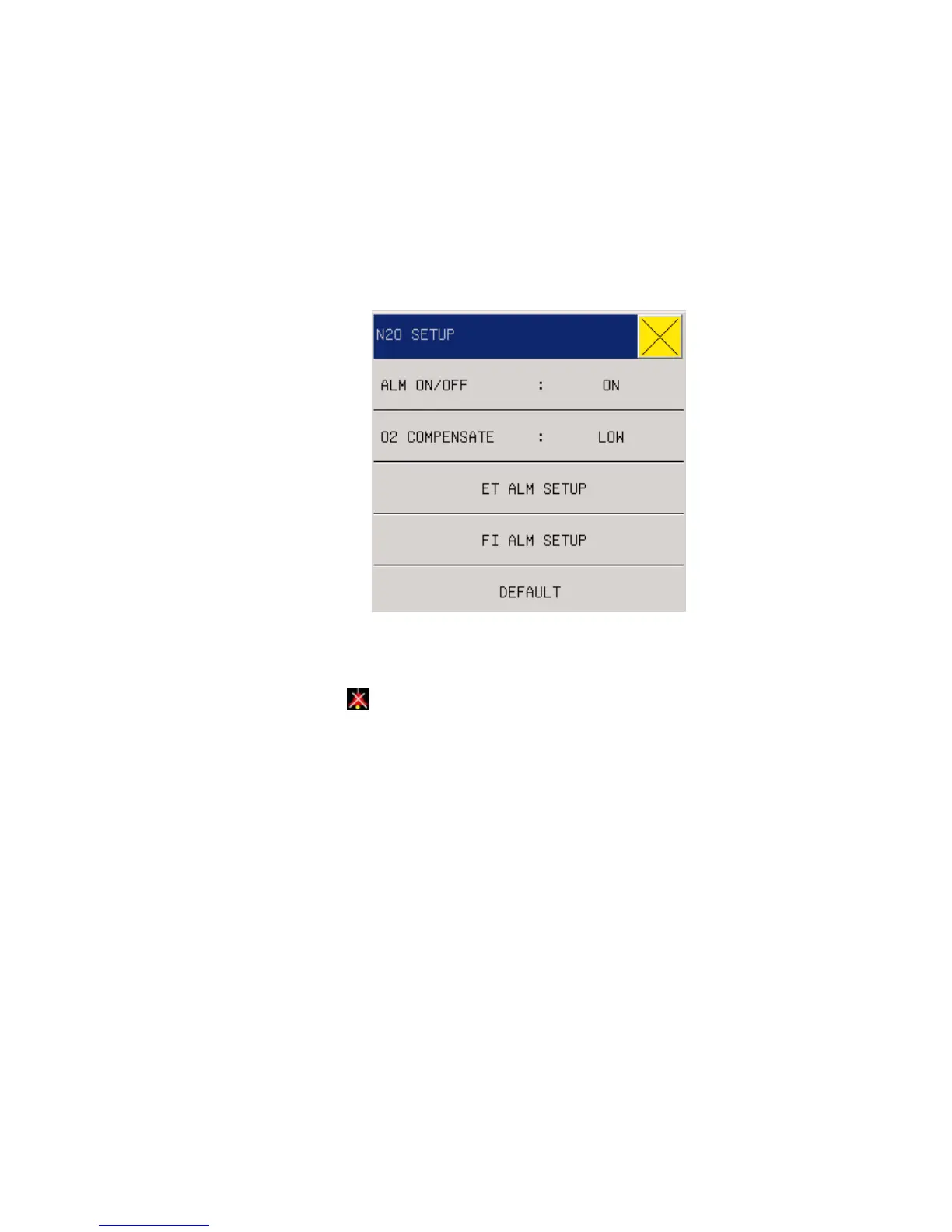
N2O hotkey in the parameter area, and then press the shuttle button to enter the menu “Laughing
Gas Settings”.
Fig. 17-7 Laughing Gas Settings
ALM ON/OFF: select “On" to enable N2O alarms, or select “Off" to disable N2O
alarms with the icon “
” appearing beside “N2O” in the parameter area on the screen.
Oxygen Compensation: HIGH ,MED ,LOW.
ET ALM SETUP :set high alarm limit ,middle alarm limit ,low alarm limit. if the
measured ET value exceeds the limit, there will be an alarm and prompting
FI ALM SETUP : set high alarm limit ,middle alarm limit ,low alarm limit. if the
measured ET value exceeds the limit, there will be an alarm and prompting.
DEFAULT: select “Yes” to enable the default settings to override the original settings.
2. N2O Settings in Waveform Area
In the AG interface, rotate the shuttle button to move the cursor on the display interface to the
N2O hotkey in the waveform area, and then press the shuttle button to enter the menu “AG N2O”
as below:



 To Next Page